Design System
The canonical reference for island.io design tokens, type, and components. The law: RECYCLE existing tokens and classes first, OVERRIDE via tokens, CREATE only when nothing matches — and register the token before using it.
Debt ledger — fix when touching: 1 · 369 raw hex values in CSS (heaviest of the four sites) · 2 · 29 font stacks; legacy Galano/Inter/Haas/Simplerpro/DM Sans migrate to Suisse Int'l · 3 · #343434 written raw 159× instead of --colors--default-font-color · 4 · raw palette vars half-adopted · 5 · legacy numbered classes beside the nav-new generation · 6 · the --puprle-100 typo variable exists — do not copy it forward.
Colors
29 semantic --colors-- tokens power the site: 13 original, 5 registered Oct 2026 from the Figma DS, and 11 Figma role tokens added Oct 23 2026 (below). Components consume this layer only — the raw :root palette vars are legacy.
--colors--primary-green
#0a332c
--colors--50e8a8
#50e8a8
--colors--a1eac9
#a1eac9
--colors--primary-cream-200
#f2ede8
--colors--e4ded8
#e4ded8
--colors--fcf9f7
#fcf9f7
--colors--f8f4f0
#f8f4f0
--colors--f0edea
#f0edea
--colors--ebf2ef
#ebf2ef
--colors--dff4eb
#dff4eb
--colors--cdc4be
#cdc4be
--colors--a39a93
#a39a93
--colors--default-font-color
#343434
--colors--28293d · NEW
#28293d — registered Oct 2026 from Figma DS
--colors--0a4638 · NEW
#0a4638 — registered Oct 2026 from Figma DS
--colors--15715f · NEW
#15715f — registered Oct 2026 from Figma DS
--colors--e4f8f0 · NEW
#e4f8f0 — registered Oct 2026 from Figma DS
--colors--d6cfc9 · NEW
#d6cfc9 — registered Oct 2026 from Figma DS
Figma role tokens — 11 semantic colors from the Figma Marketing DS, registered Oct 23 2026 with their Figma role names. Each one aliases a palette variable (--_colors---*), so the value lives in one place. Use these names in new work.
--colors--surface--button--primary--hover
#aaf1d3 → greenEmphasis-200
--colors--surface--white
#ffffff → White · also content/inverted, button/inverted
--colors--border--subtle
#d2d2d2 → gray-400 · also button/inverted hover, input hover
--colors--border--strong
#bcbcbc → gray-500
--colors--border--on-dark
#105b4c → green-900
--colors--content--secondary
#757575 → gray-800 · also content/primary-hover
--colors--content--field-input
#959595 → gray-700
--colors--surface--neutral
#f6f6f6 → gray-100 · also surface/white-hover
--colors--surface--neutral-hover
#e0e1e3 → gray-300 · also neutral-active, content/tertiary
--colors--surface--neutral-dark
#232323 → gray-1020
--colors--surface--input--default
#ebecee → gray-200 · also border/muted
Typography
Suisse Int'l is primary (headings 500, body 400); PP Editorial New is the serif accent (italic only, --typography--highlights tokens). Legacy stacks (Galano, Inter, Haas, Simplerpro, DM Sans) migrate to Suisse when touched — never in new work.
Island virtual desktops
Island virtual desktops
Island virtual desktops
Island virtual desktops
Island virtual desktops
Island virtual desktops
Island virtual desktops body-1
Island virtual desktops body-2
Island virtual desktops body-3
Island virtual desktops body-l
Live instances (pilot)
Live component instances, not screenshots: Button, Link, Tag, and Badge atoms from the site's 70-component library, placed on the page as real instances. Update the component definition and every instance follows — the component-ization pilot from the Figma Atoms spec.


Icons, logo suite, and navigation renders from the Figma Marketing DS file. Reuse the SVG embeds inside the nav-new / footer components first — these PNGs are reference, not assets to hotlink.
Icons & Logos

Icons & Logos — icons

Icons & Logos — logos
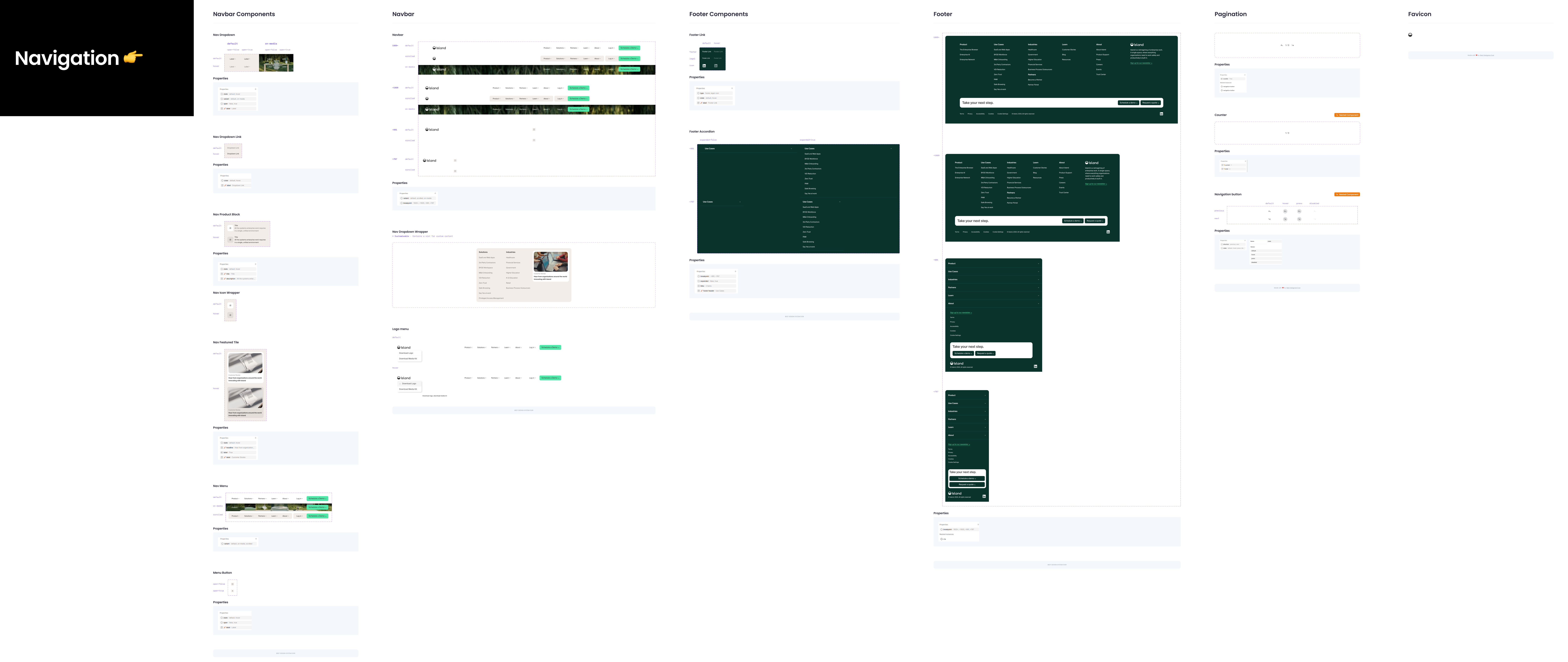
Navigation — group 1
Components
All components from the Figma Marketing DS rendered as stacked reference images: atoms, cards, blog & resources, CTA, tables, patterns. Class families live on the homepage: nav-new · footer · is-sec* · padding-vertical* · maxw* · form · book-demo.

Atoms — accordions

Atoms — buttons · links · tags

Atoms — grab & go
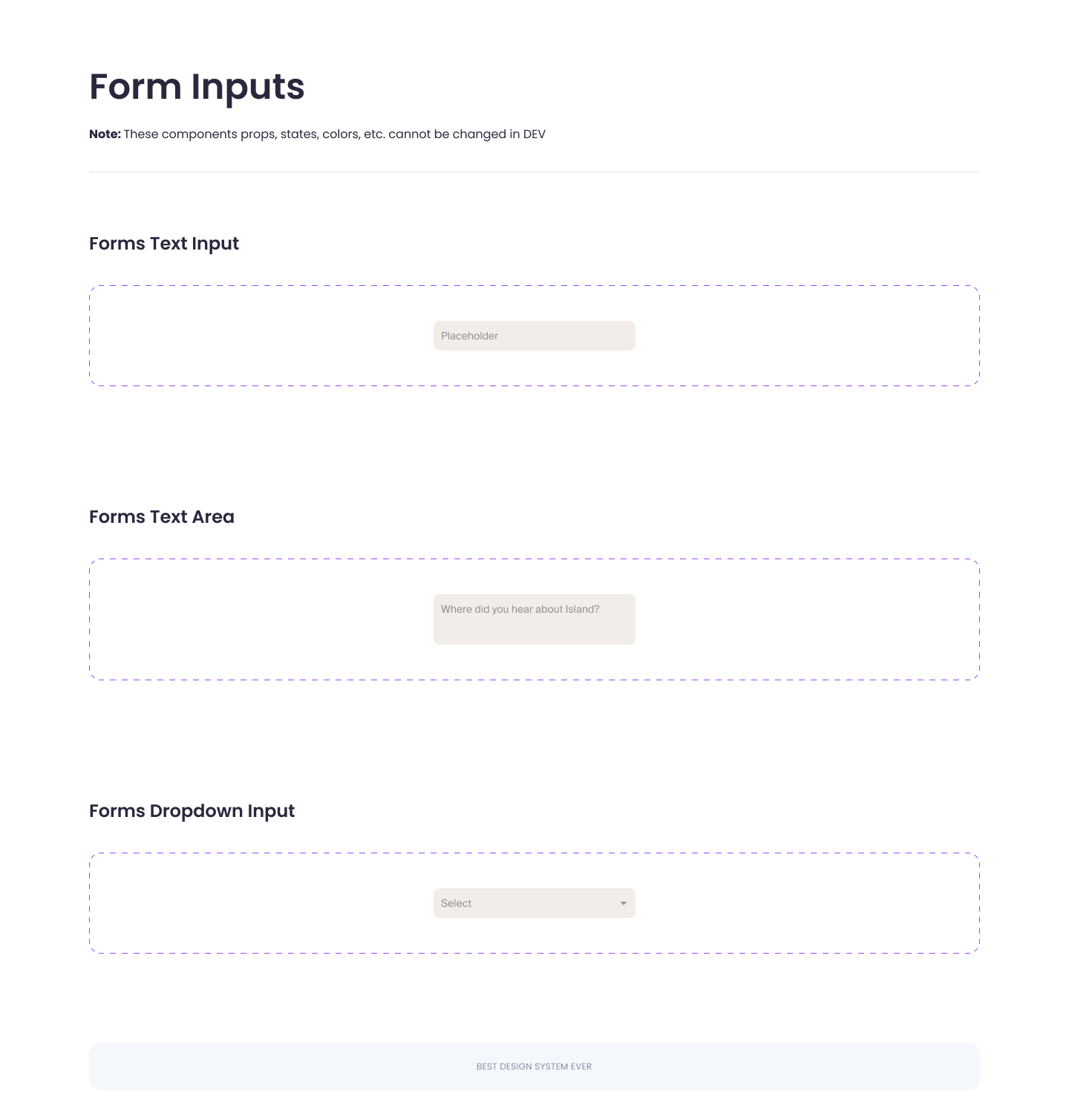
Atoms — inputs (v1)
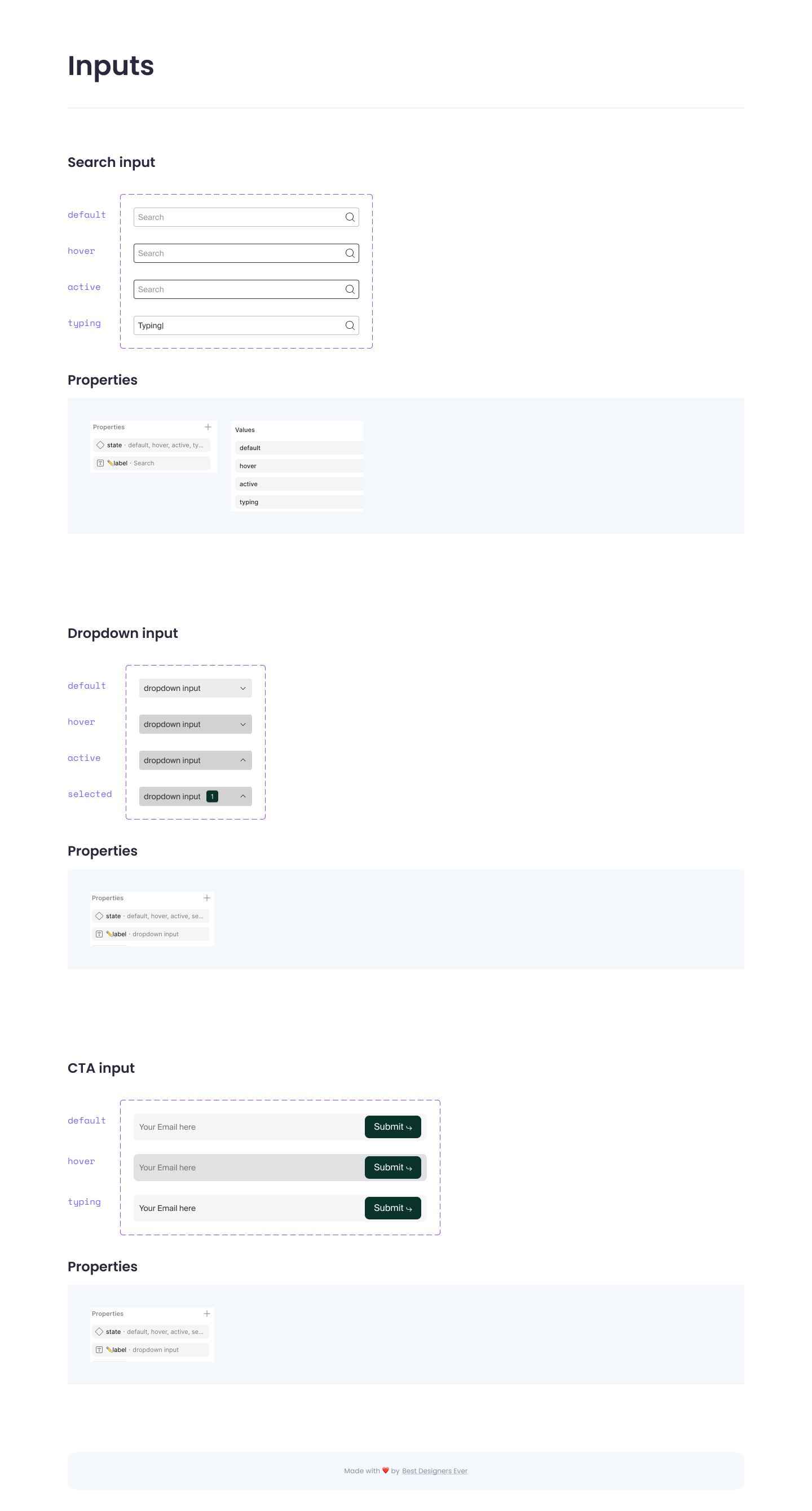
Atoms — inputs (v2)
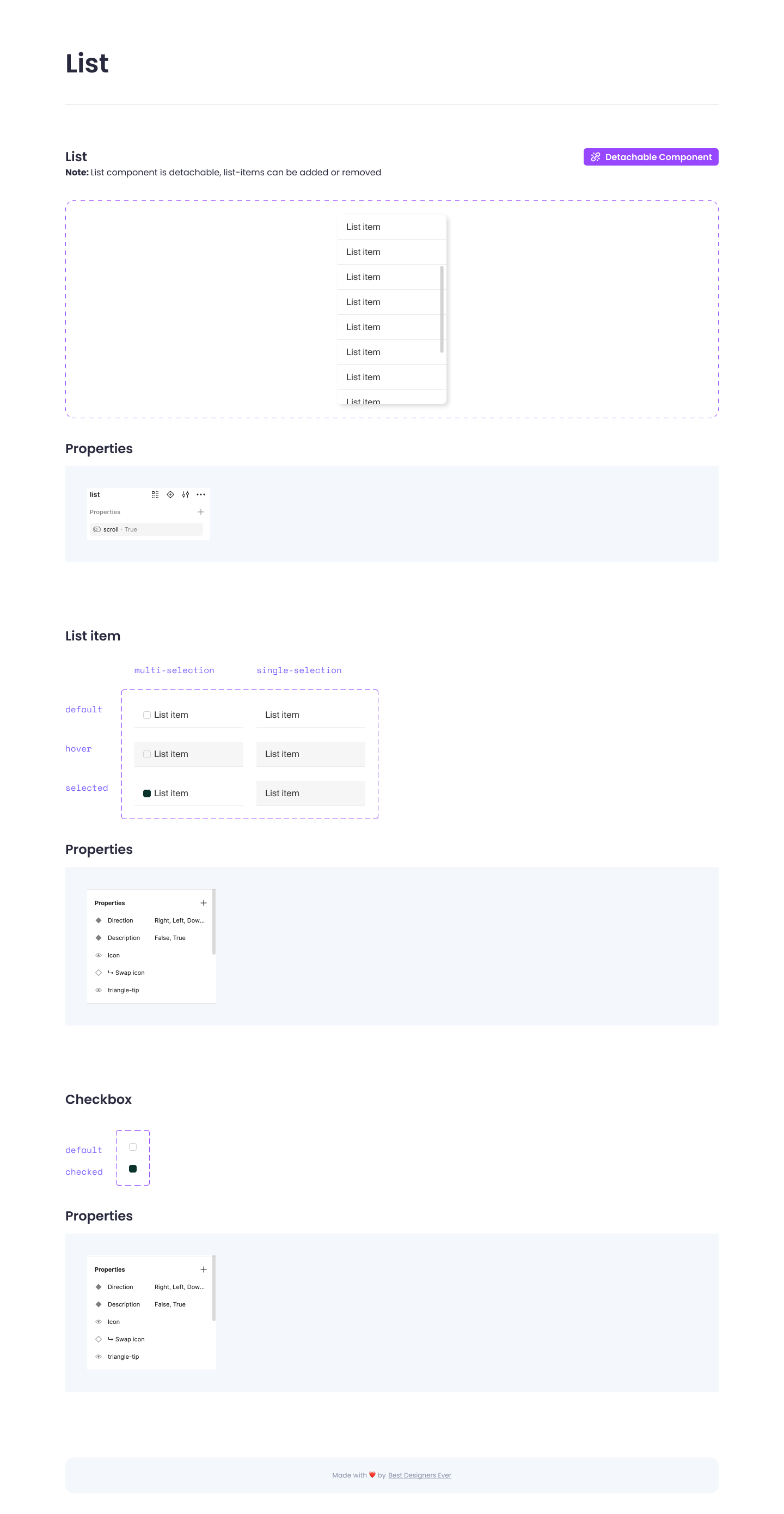
Atoms — list
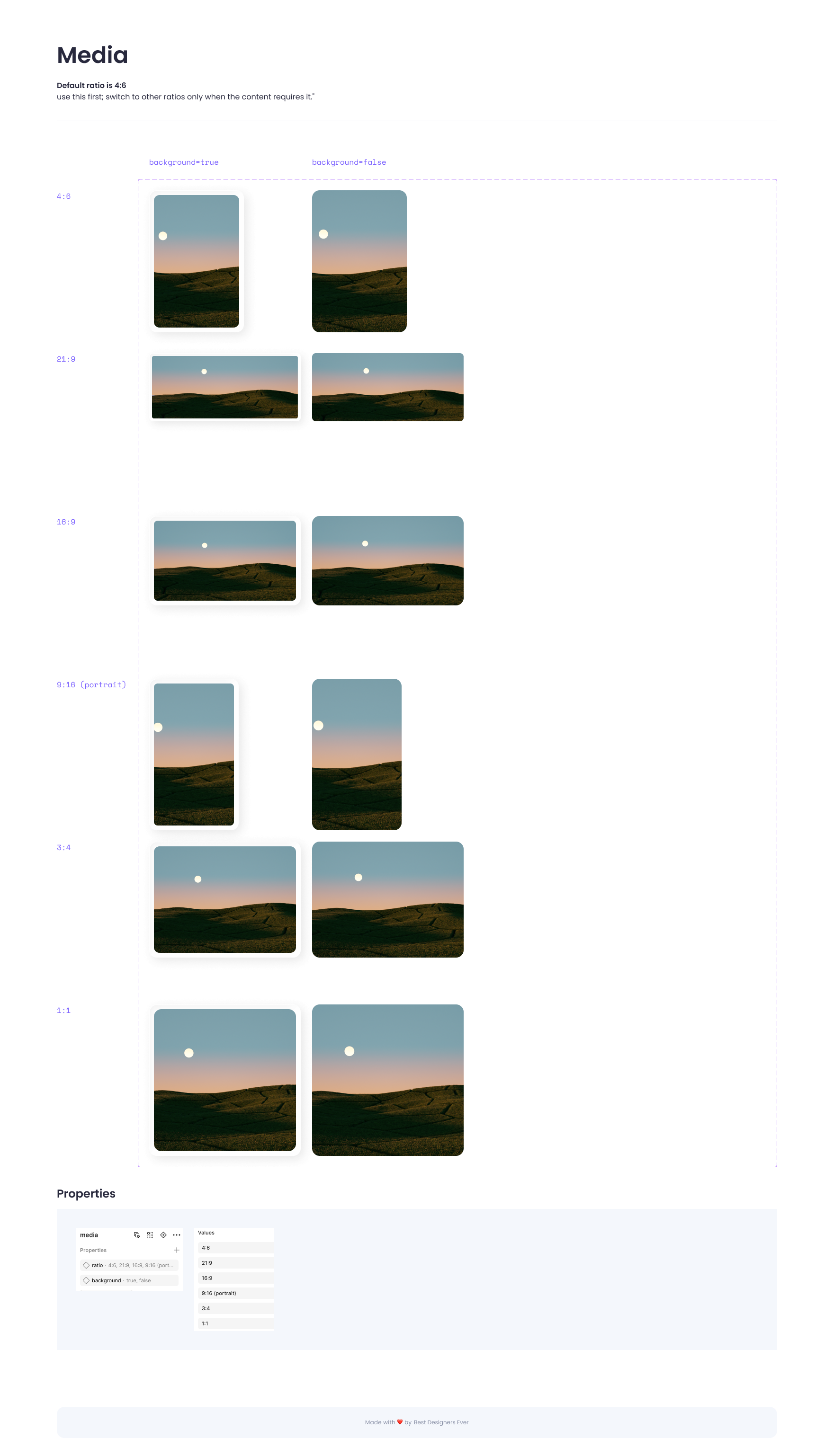
Atoms — media

Blog & Resources — blog card

Blog & Resources — blog horizontal card
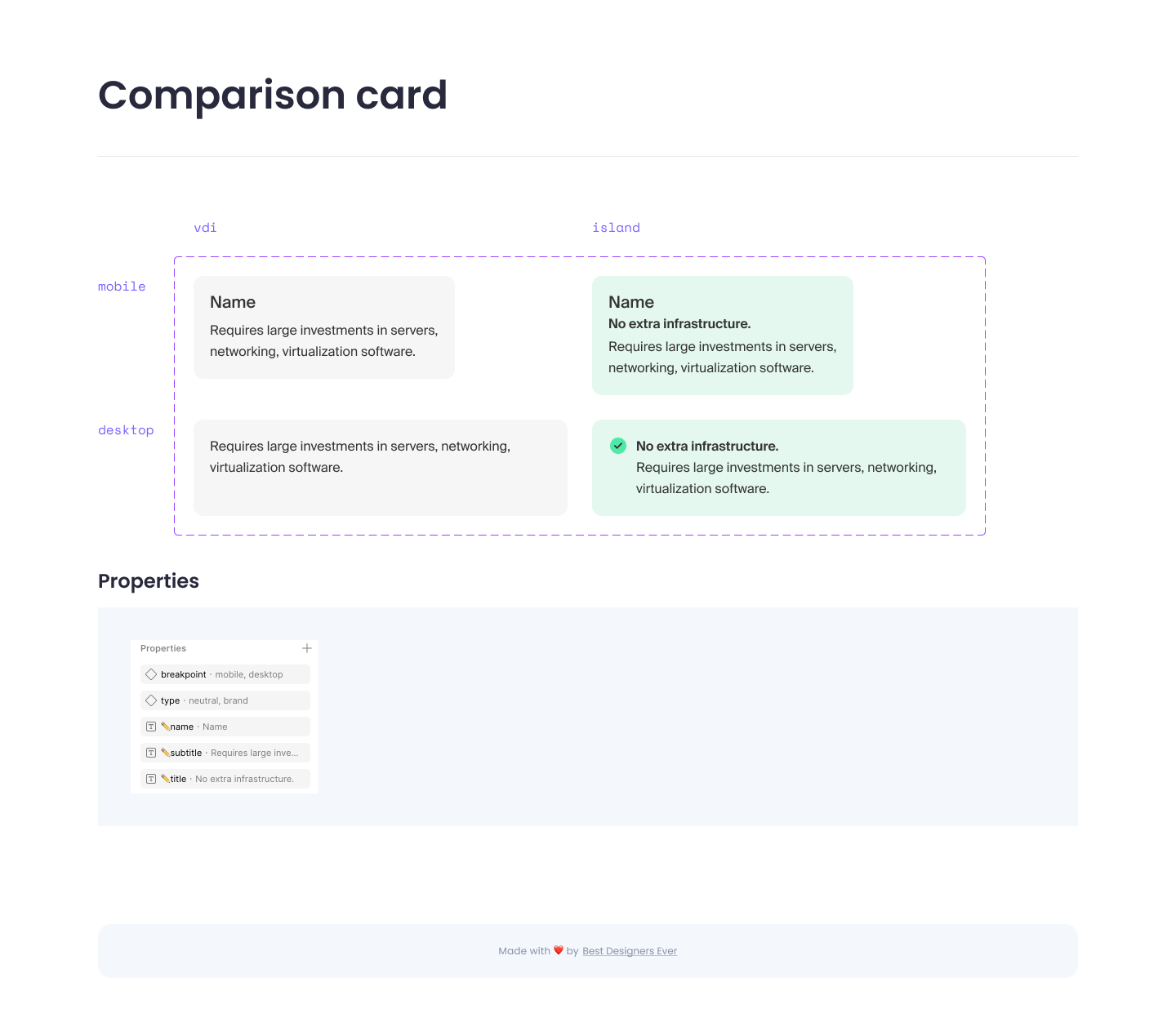
Blog & Resources — comparison card

Blog & Resources — newsletter card

Blog & Resources — people card

Blog & Resources — table of contents

Blog & Resources — newsletter reference

Cards — cap card
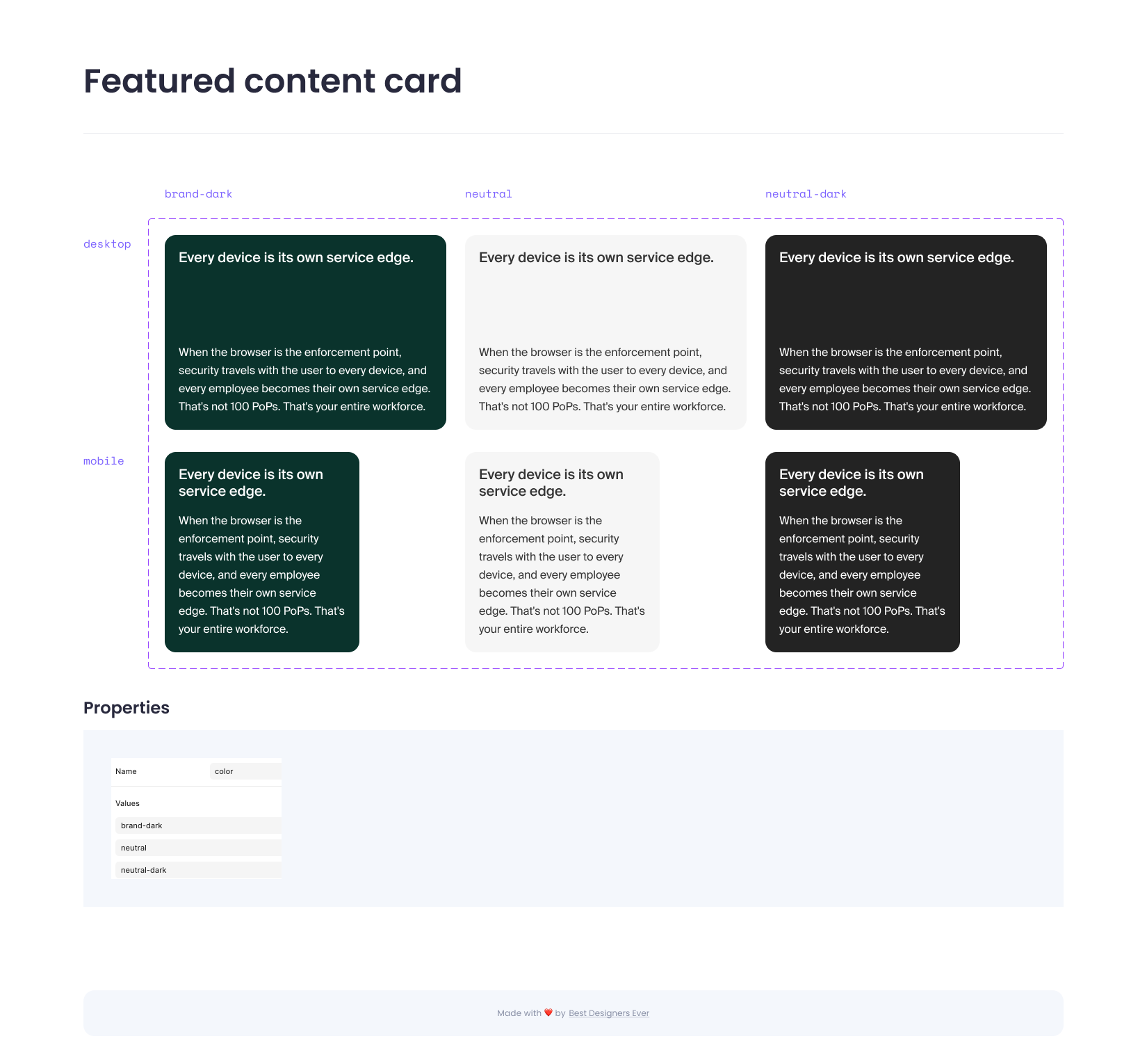
Cards — featured content card
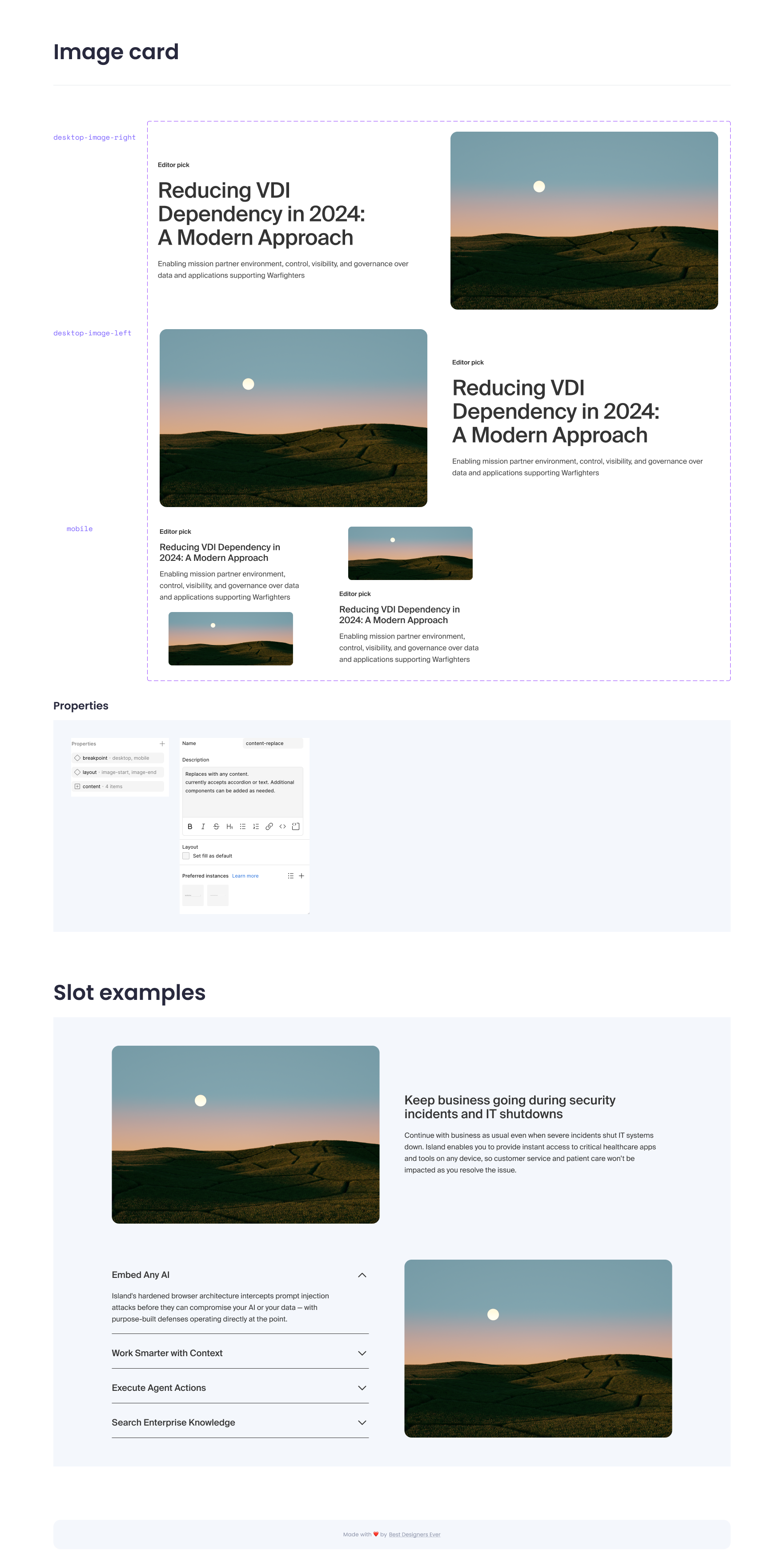
Cards — image card

Cards — media card

Cards — metric card

Cards — review card

Cards — transparent card

Cards — product card

Cards — CTA card

Cards — info card

Cards — video card
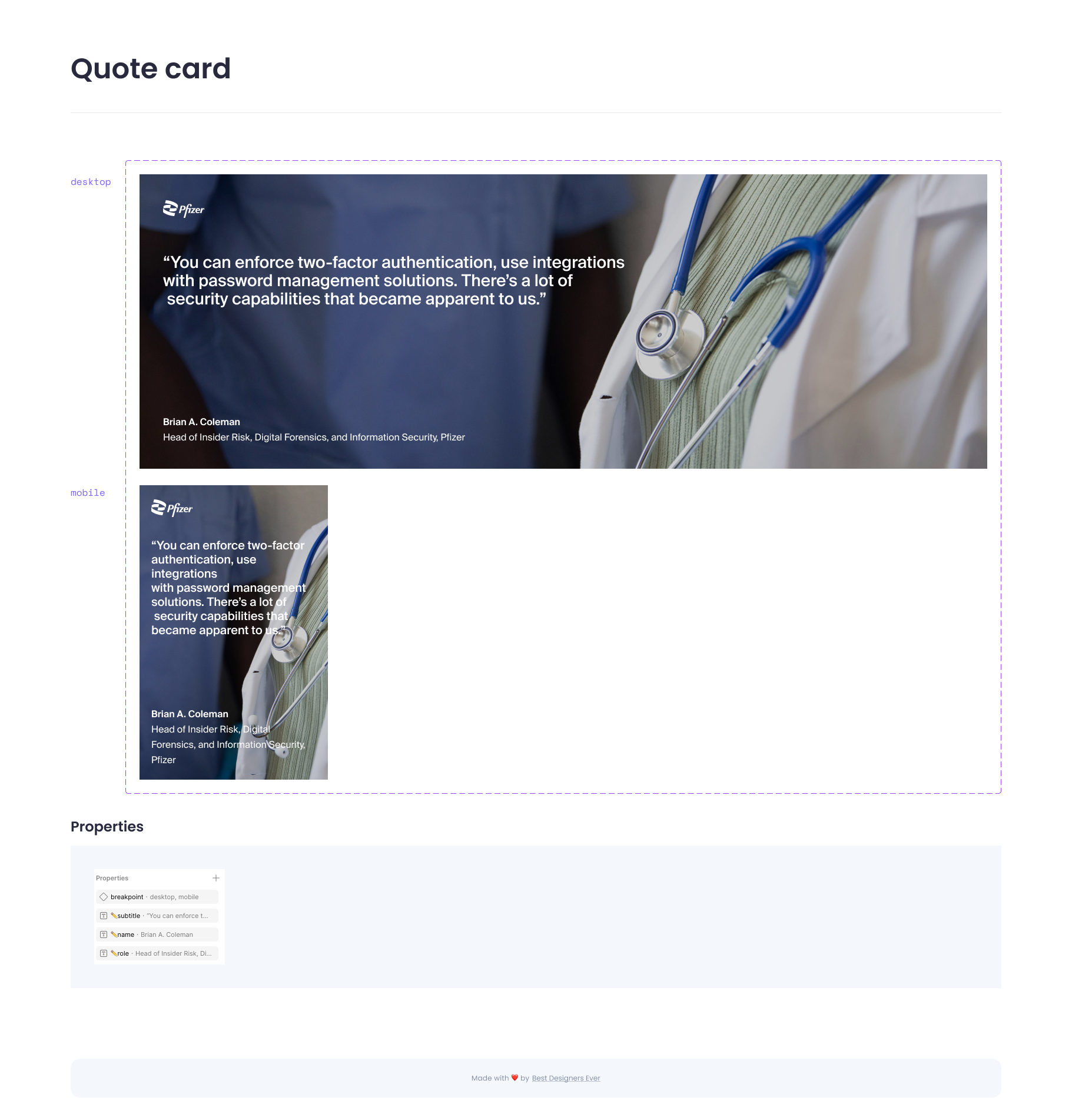
Cards — quote card
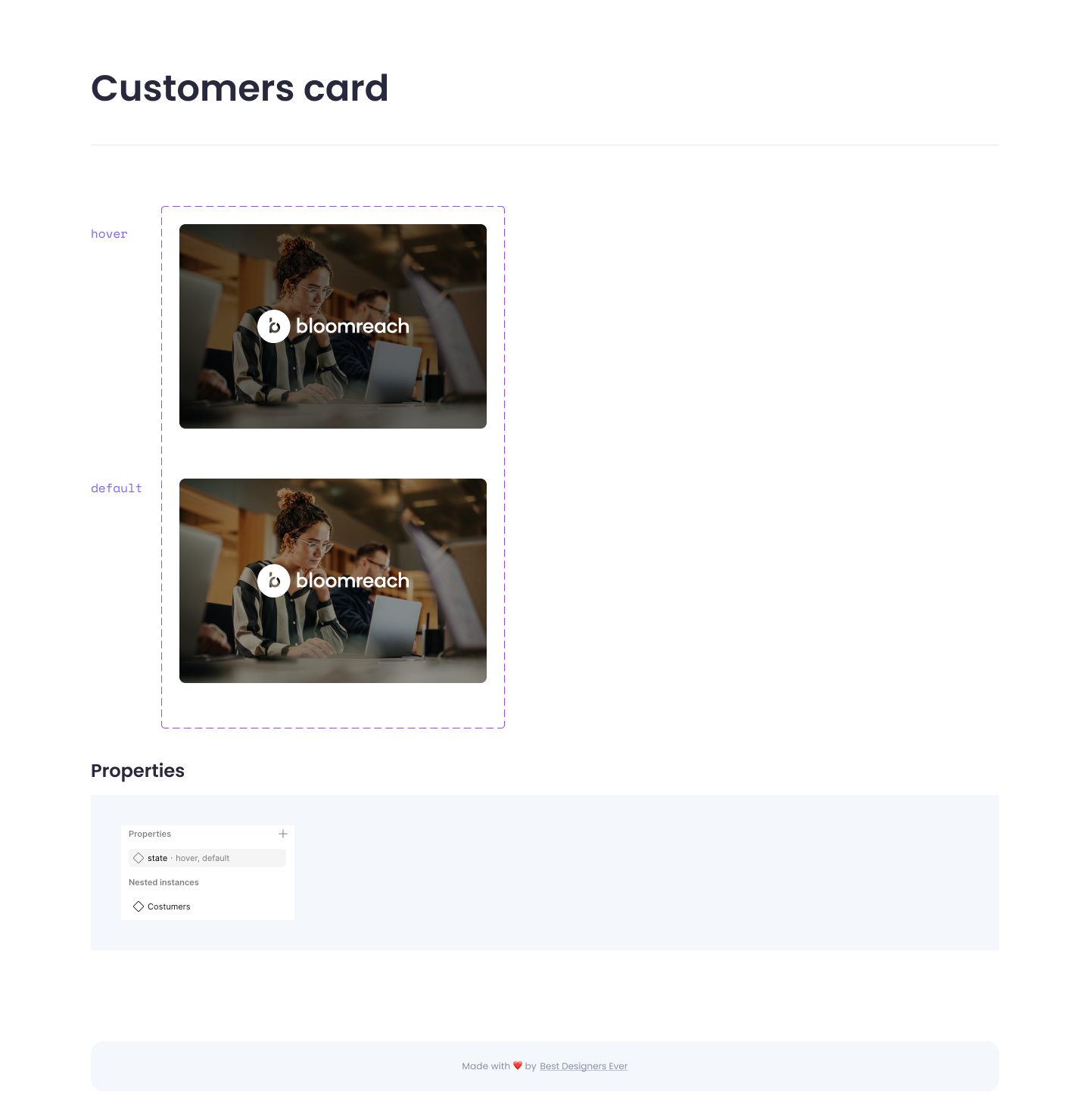
Cards — logo card

Cards — resources card

Cards — card
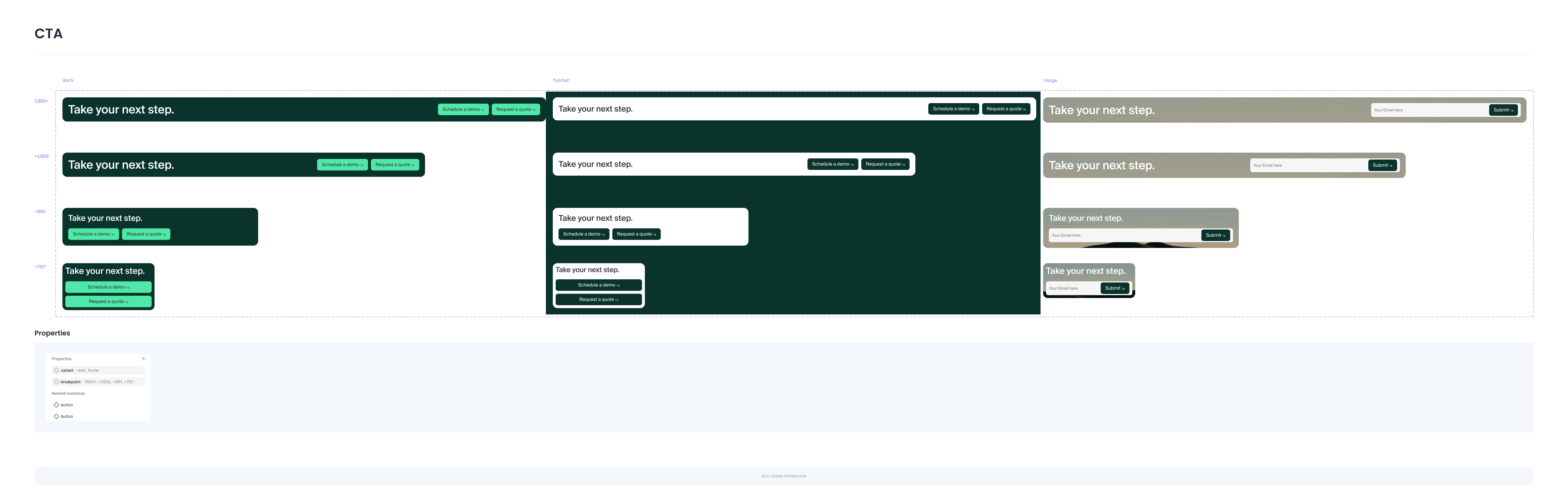
CTA — cta

CTA — banner
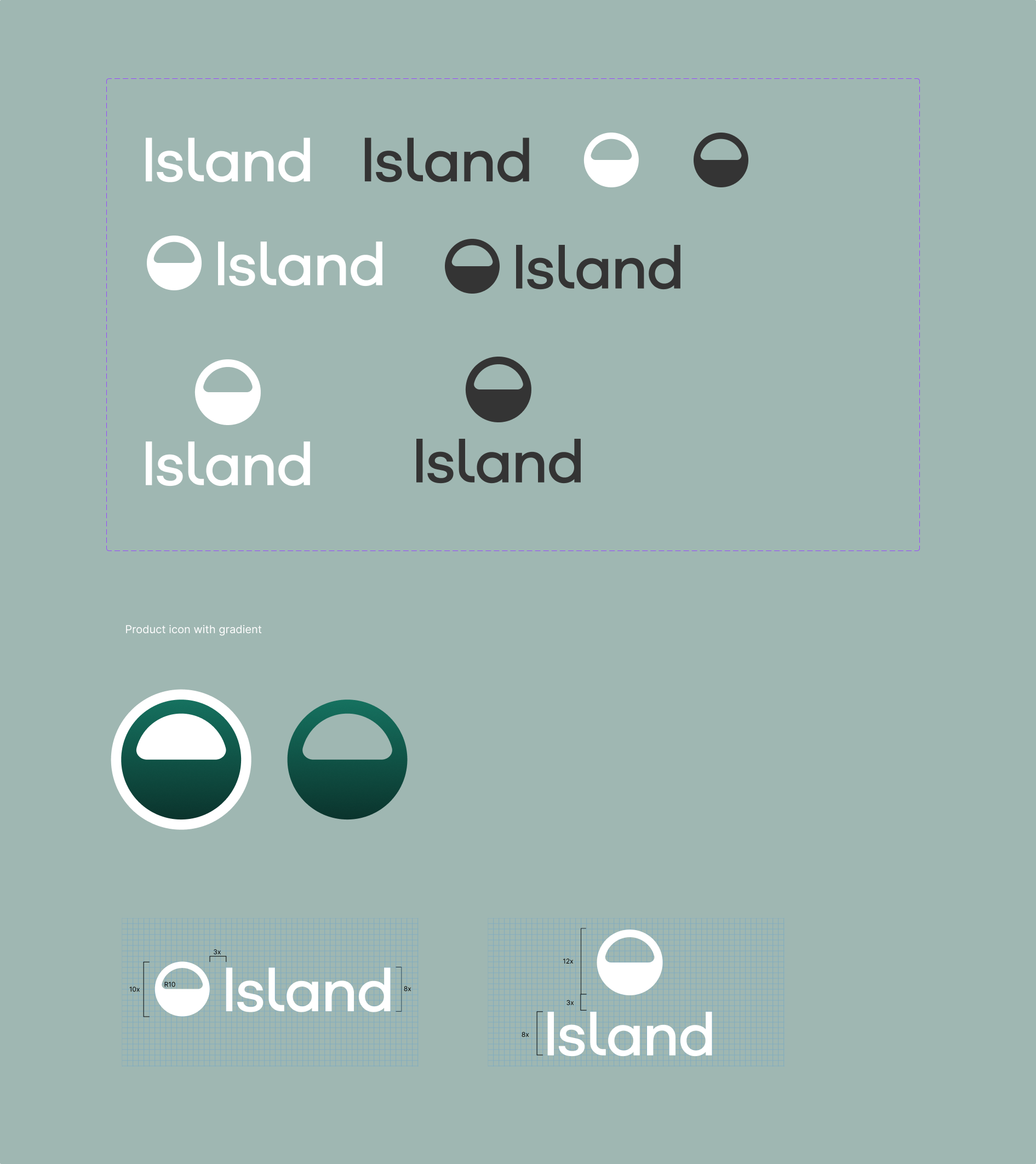
Logo — primary

Logo — industries

Logo — other logos
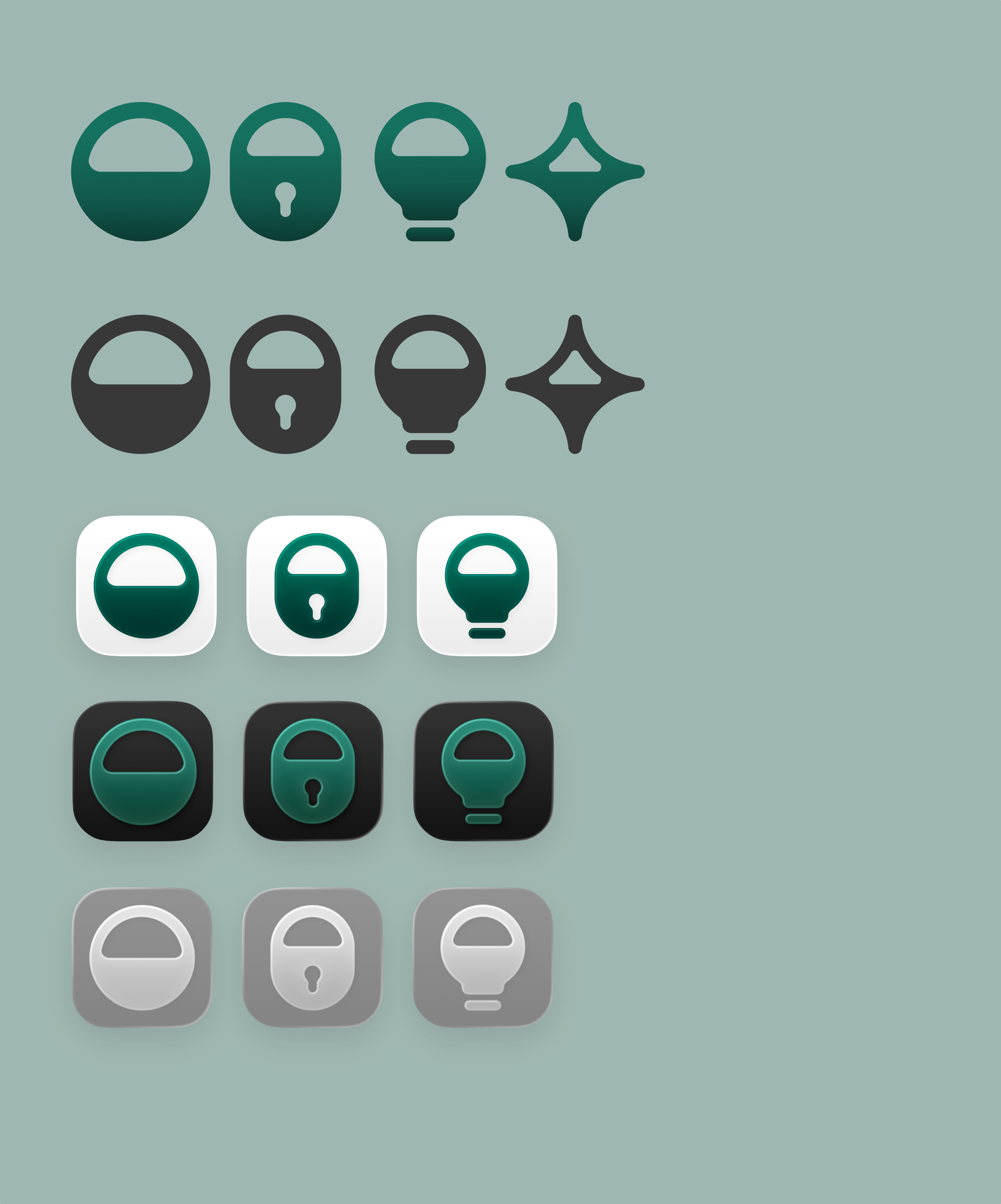
Logo — other products
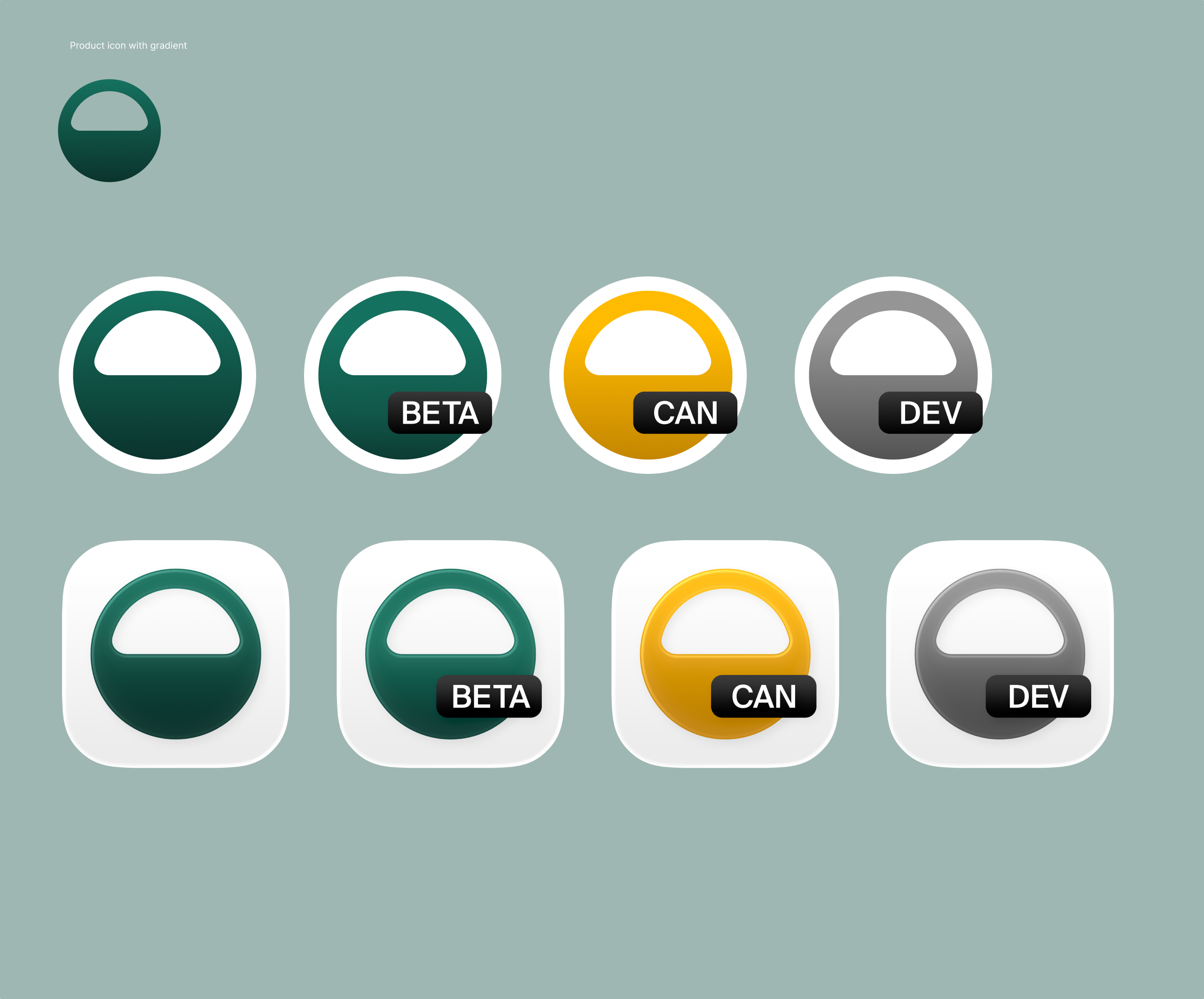
Logo — product with gradient

Logo — homepage icons

Logo — group
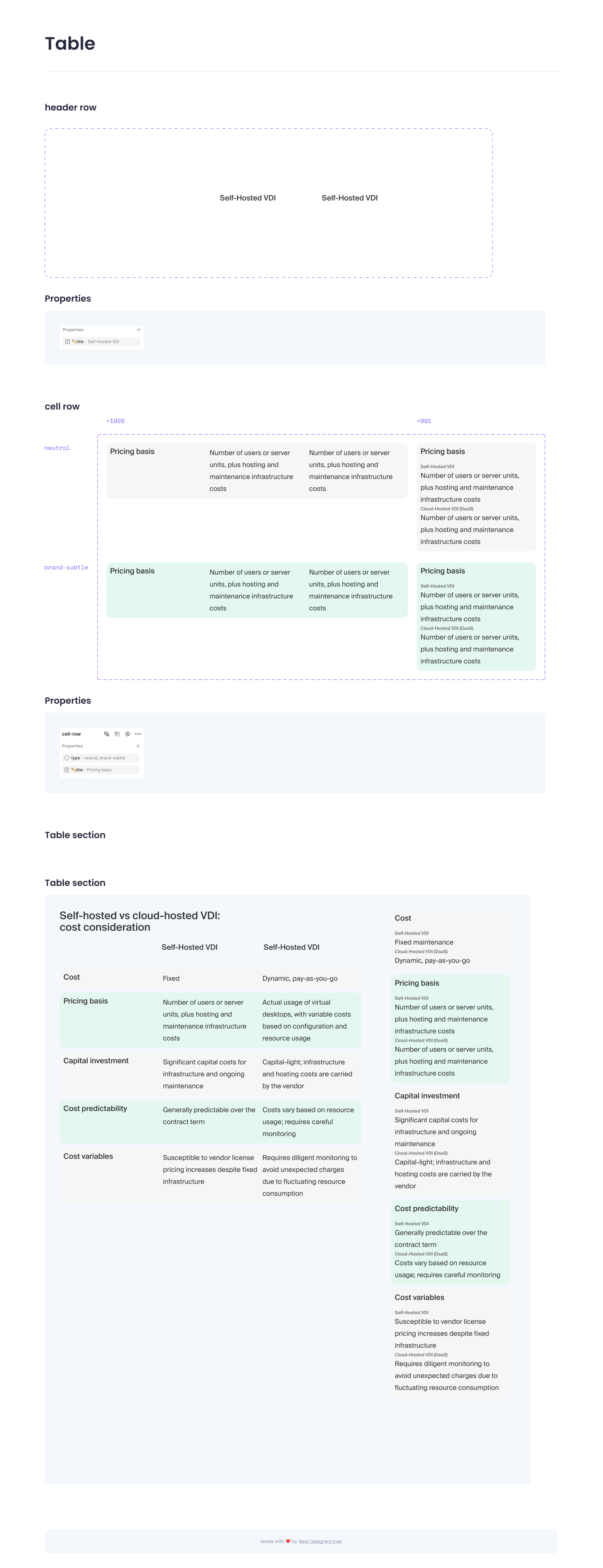
Tables — table
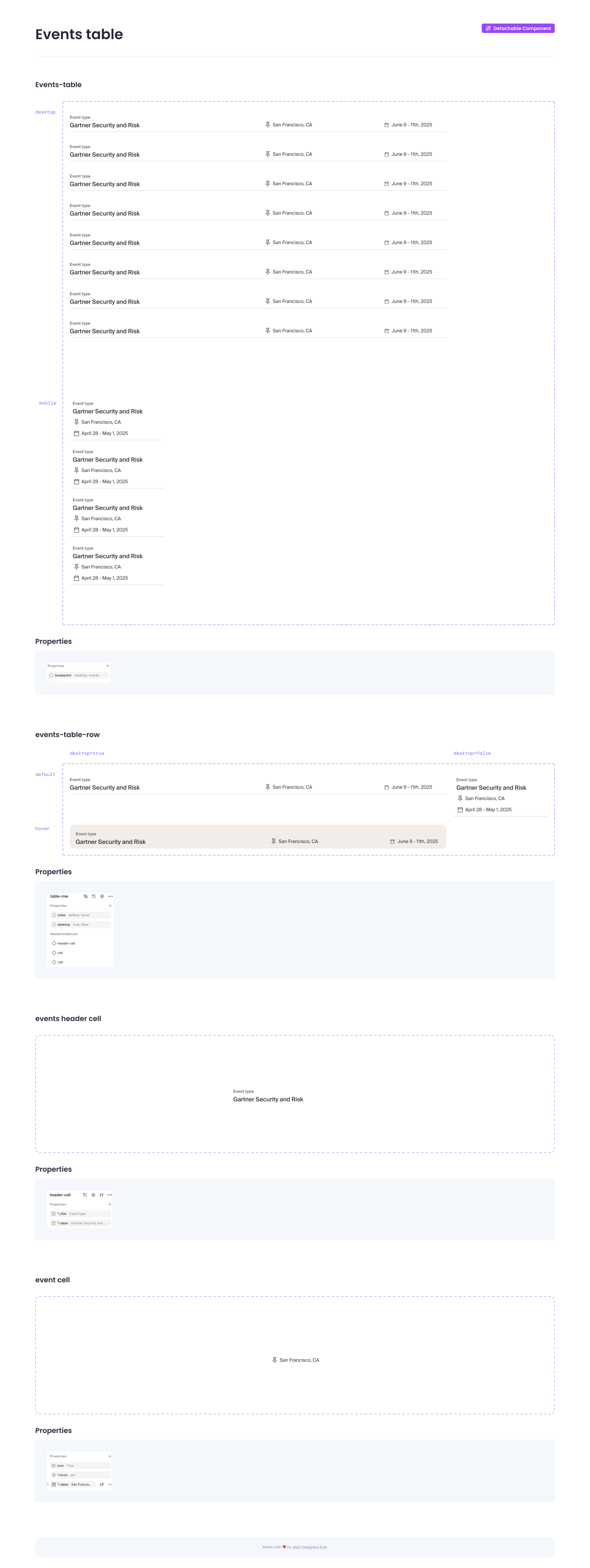
Tables — events table
Patterns
Full section patterns — customers, FAQ, logos, solutions — plus layout ground rules: breakpoints 991/767/479 desktop-first; no spacing token namespace, reuse padding-vertical* / maxw* classes.
Homepage hero storyboard

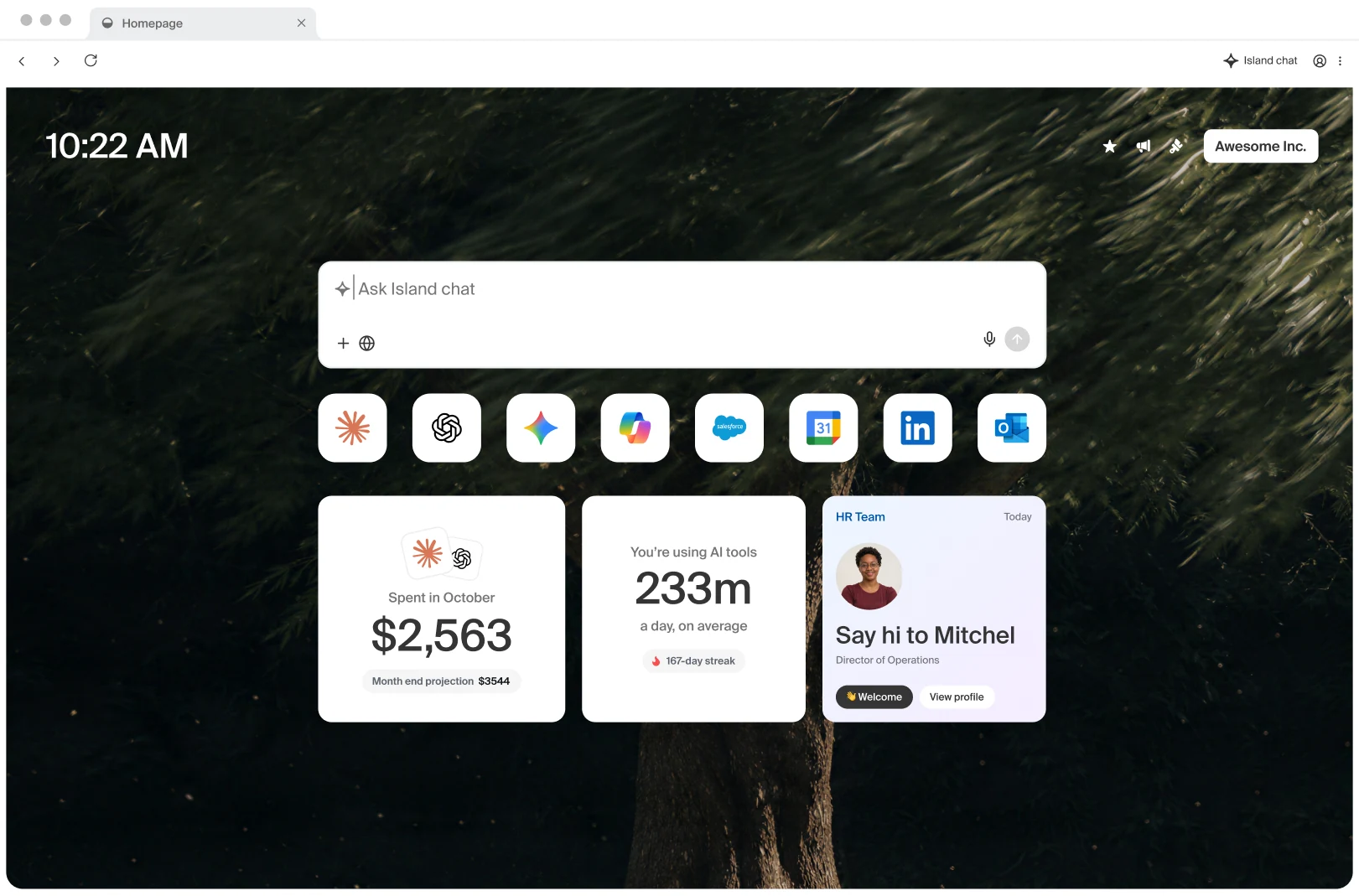
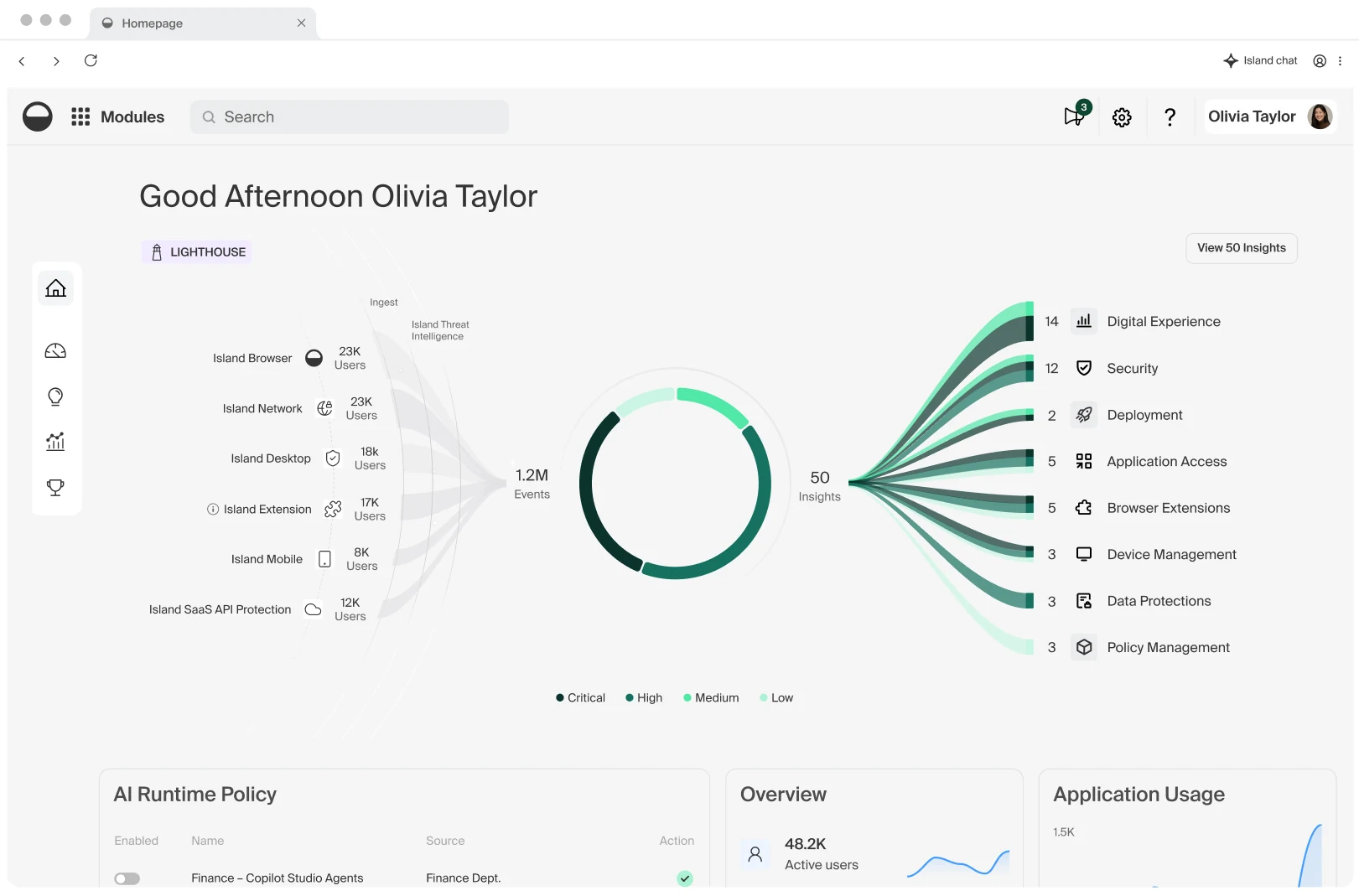
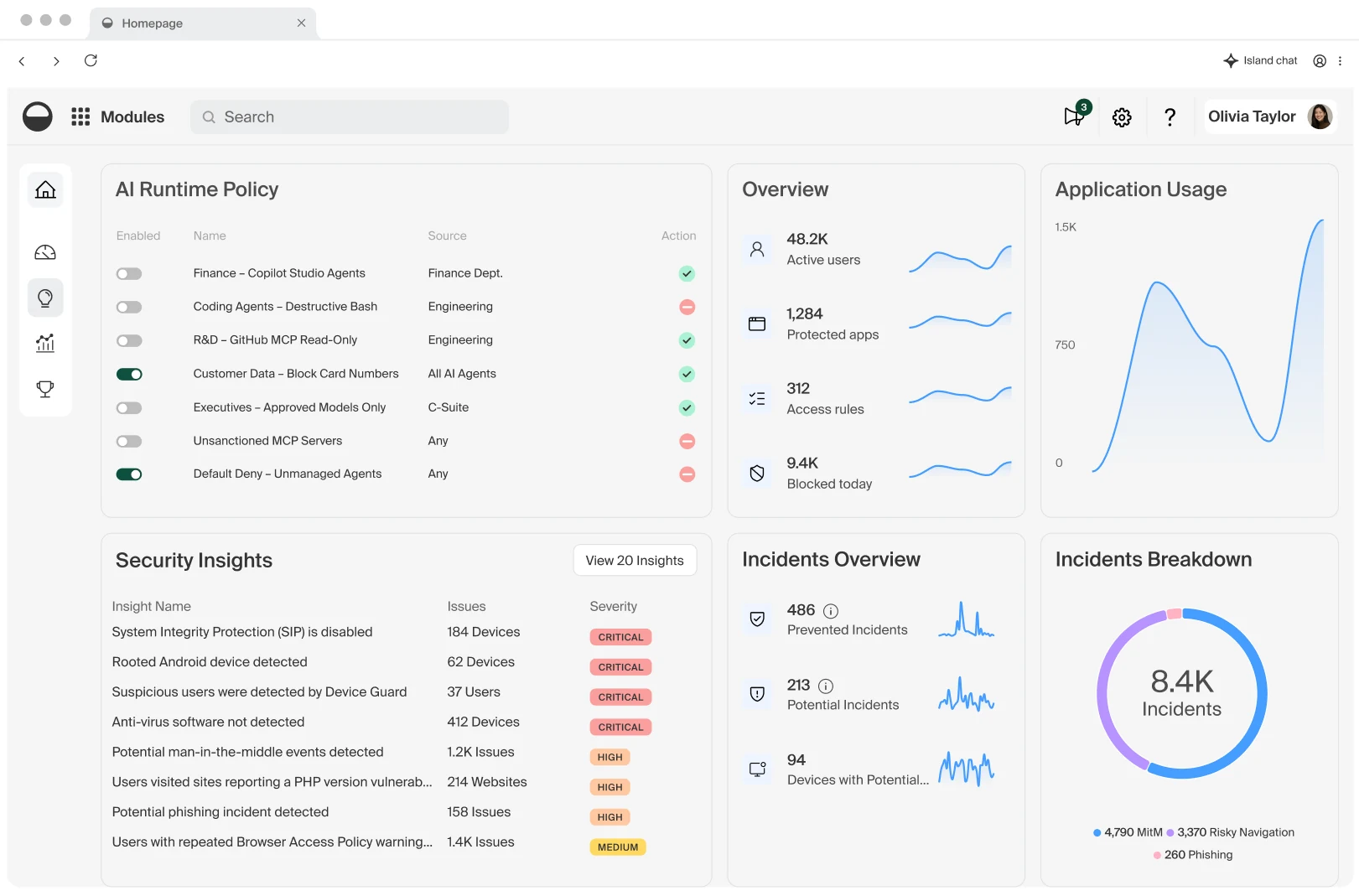

 Salesforce · Contact


01Meet the cast
02Admin opens the Management Console
03Admin turns on a policy
04Agent opens Salesforce
05Agent tries to copy. Island masks the data.
06James builds an app in Island chat
07James publishes the app
08Island reviews and approves
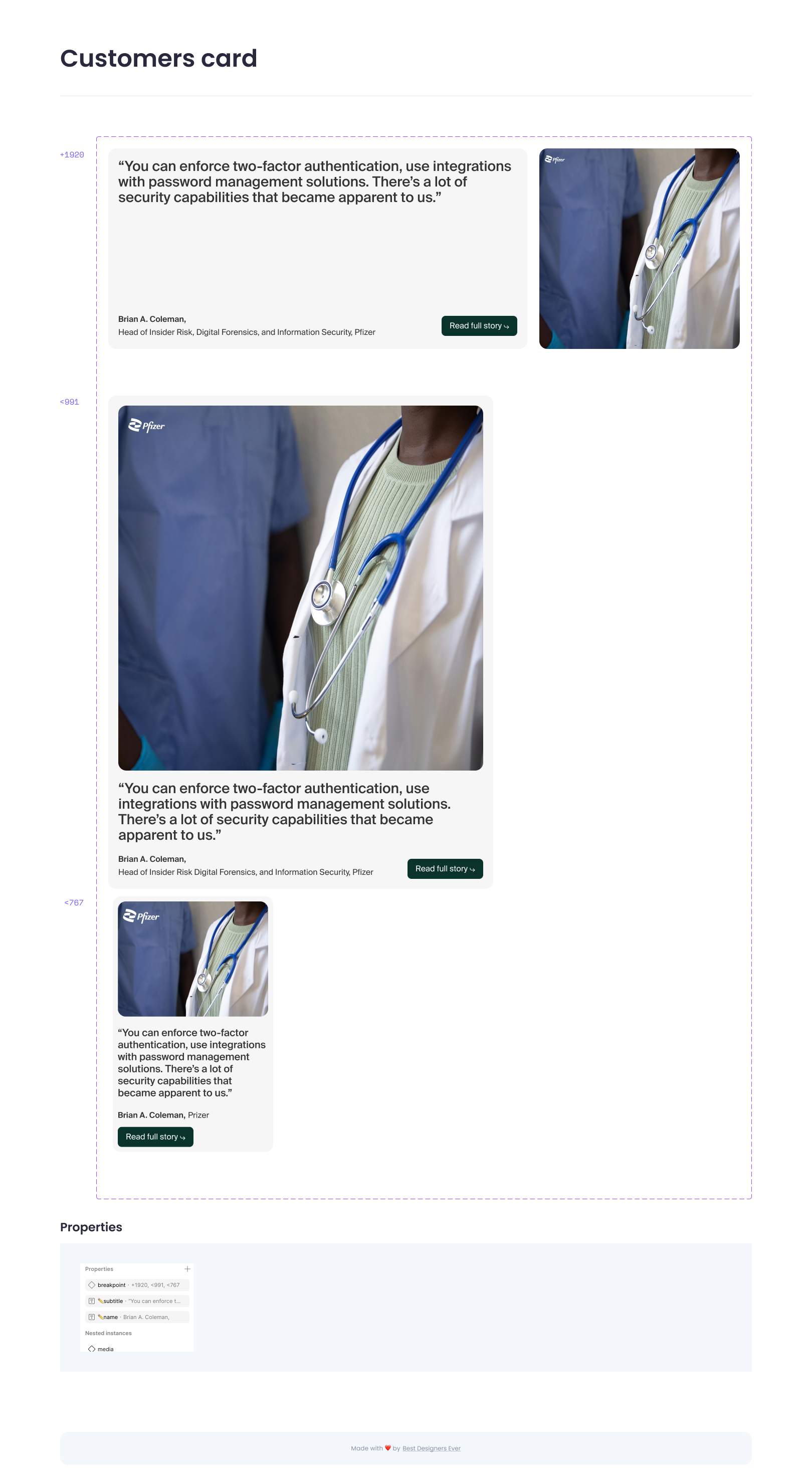
Pattern — customers card
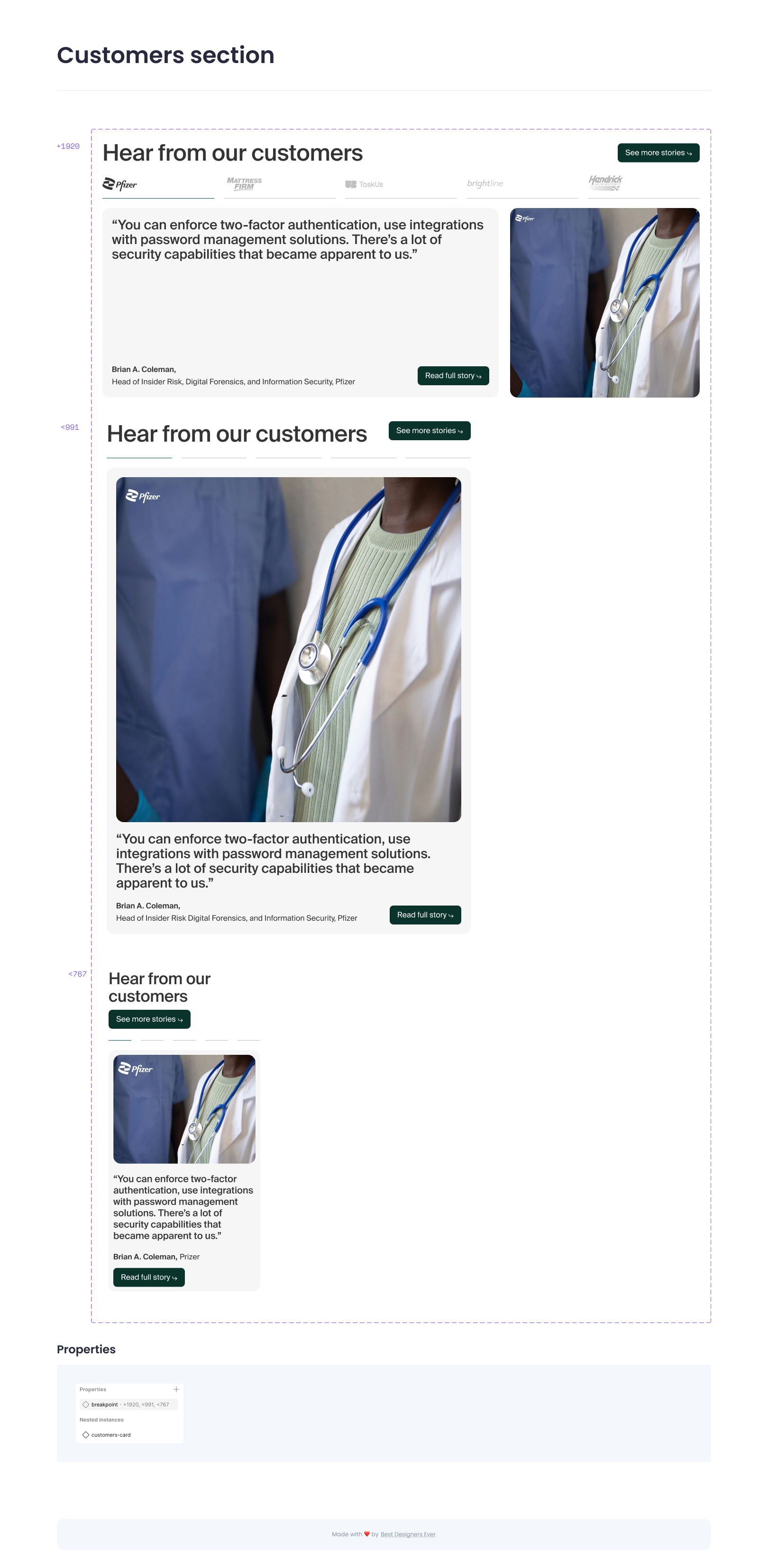
Pattern — customers section
Pattern — quote card
Live instances (sections)
The same section patterns as real Webflow components on their default content: CTA: Next Step, FAQ, Logo Parade, and Common Solutions. Update the component definition and every instance follows. Select one in Designer to flip its props.
Live — CTA: Next Step
Live — FAQ
FAQ
Unlike standard AI that requires constant tab-switching and manual copy-pasting, Island embeds AI directly into your workflow. It works side-by-side with your applications to summarize content, draft responses, and proactively suggest actions, like scheduling meetings or analyzing CRM data, based on what you are currently viewing.
Yes. Island is model-agnostic, allowing organizations to embed the AI providers they prefer, including ChatGPT, Copilot, Claude, and Gemini, into a single interface. This gives users the flexibility to use the best tool for the job while preventing vendor lock-in for the enterprise.
Island is "Secure AI by Design," providing built-in defenses that standard browsers lack. It can automatically sanitize prompts by masking PII (Personally Identifiable Information) and enforcing security policies that control what AI providers can see, access, or remember, ensuring company data isn't used for unauthorized model training.
An Enterprise AI Browser knows the user's role, how they work, the application they're using, and company information. This allows the AI to provide highly relevant, accurate results in prompts immediately and surfaces relevant key-actions directly in the browser.
Island provides actionable intelligence through a centralized dashboard. You can identify power users, know which teams are behind, and measure the specific amount of time saved by AI agents. This allows leadership to turn AI investments into measurable business outcomes rather than just experimental tools.
Live — Logo Parade
The world’s leading enterprises run on Island.
















Live — Common Solutions
Built for how your organization works

BYOD Workforce
BYOD is a user dream but a security nightmare. The Enterprise Browser delivers both flexibility and total protection.
M&A Onboarding
Give newly acquired teams secure access on day one.
VDI Reduction
Stop backhauling traffic to secure it. Get native safety built directly into your browser.
3rd Party Onboarding
Get total visibility, data security, and simple contractor access with the Enterprise Browser.
SaaS and Web Apps
Flexibility shouldn't cost you control. Get both with the Enterprise Browser.
Privileged User Access
Stop insider threats and errors by layering control over admin interactions; no source code required.
Zero Trust
Imagine your zero trust architecture powered by the browser itself.
Safe Browsing
Naturally protect organizations from the full scope of web threats.
Enable AI at Work
Give users the freedom to innovate, without opening the door to risk.
Templates
Full page templates from the Figma DS — blank page, blog, cards grid, customers, filters, hero, product page, registration, and tables.

Template — blank page
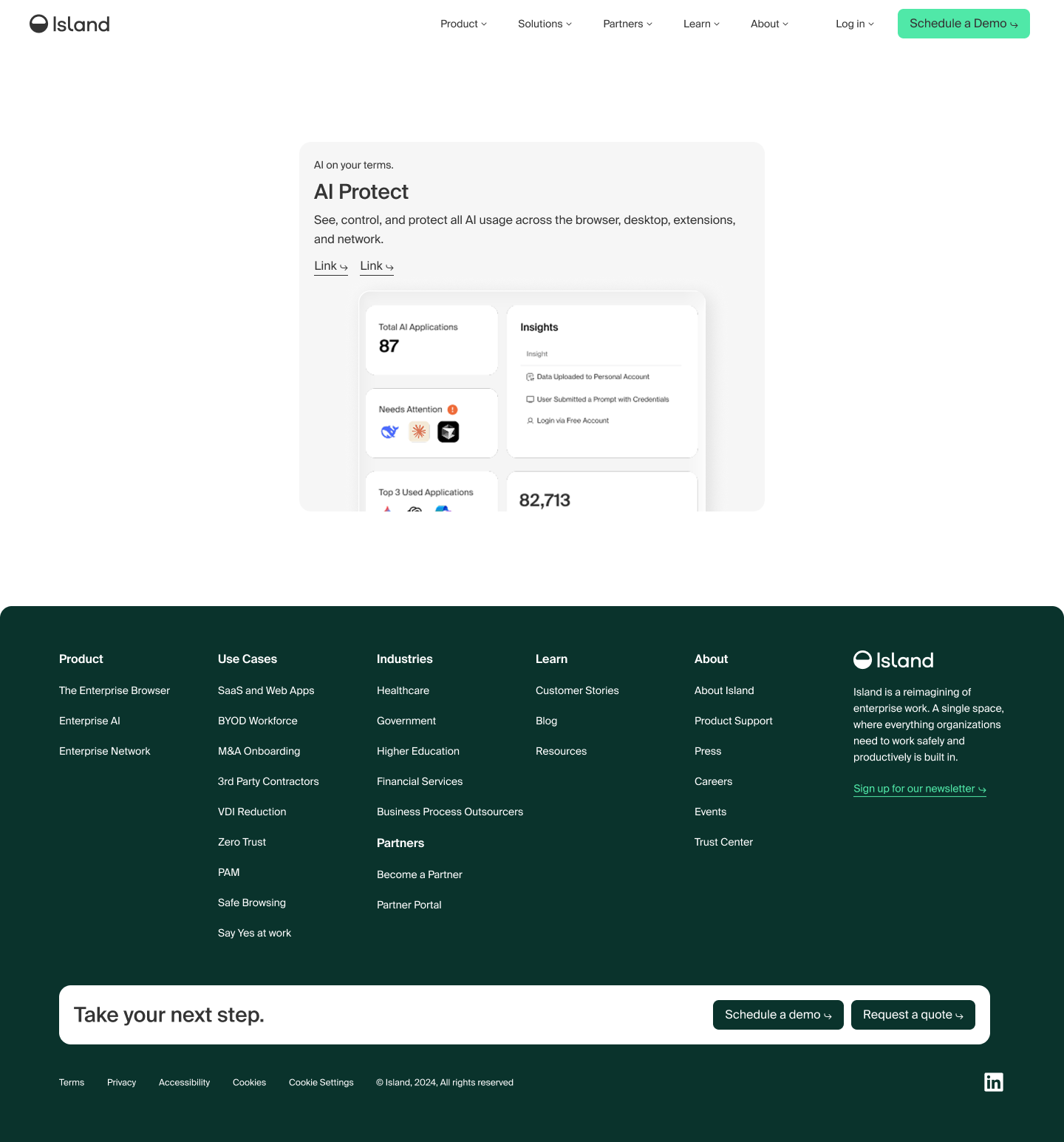
Template — blank page (1924)

Template — blog pages

Template — blog pages (2)

Template — blog pages, blog section

Template — blog pages (1921)

Template — blog pages (1922)

Template — blog pages (767)

Template — blog pages (320)

Template — cards grid

Template — cards grid (2)

Template — customers section

Template — customers section, customer detail

Template — filters

Template — filters (2)

Template — filters (3)

Template — filters, mobile

Template — hero
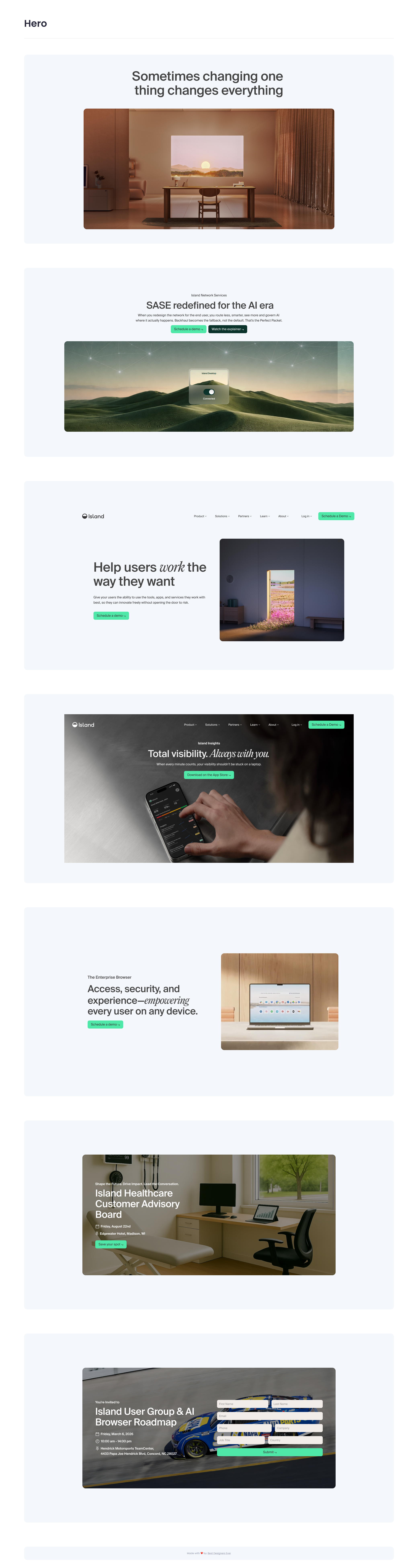
Template — hero, full page

Template — product page

Template — product page (2)

Template — product page (3)
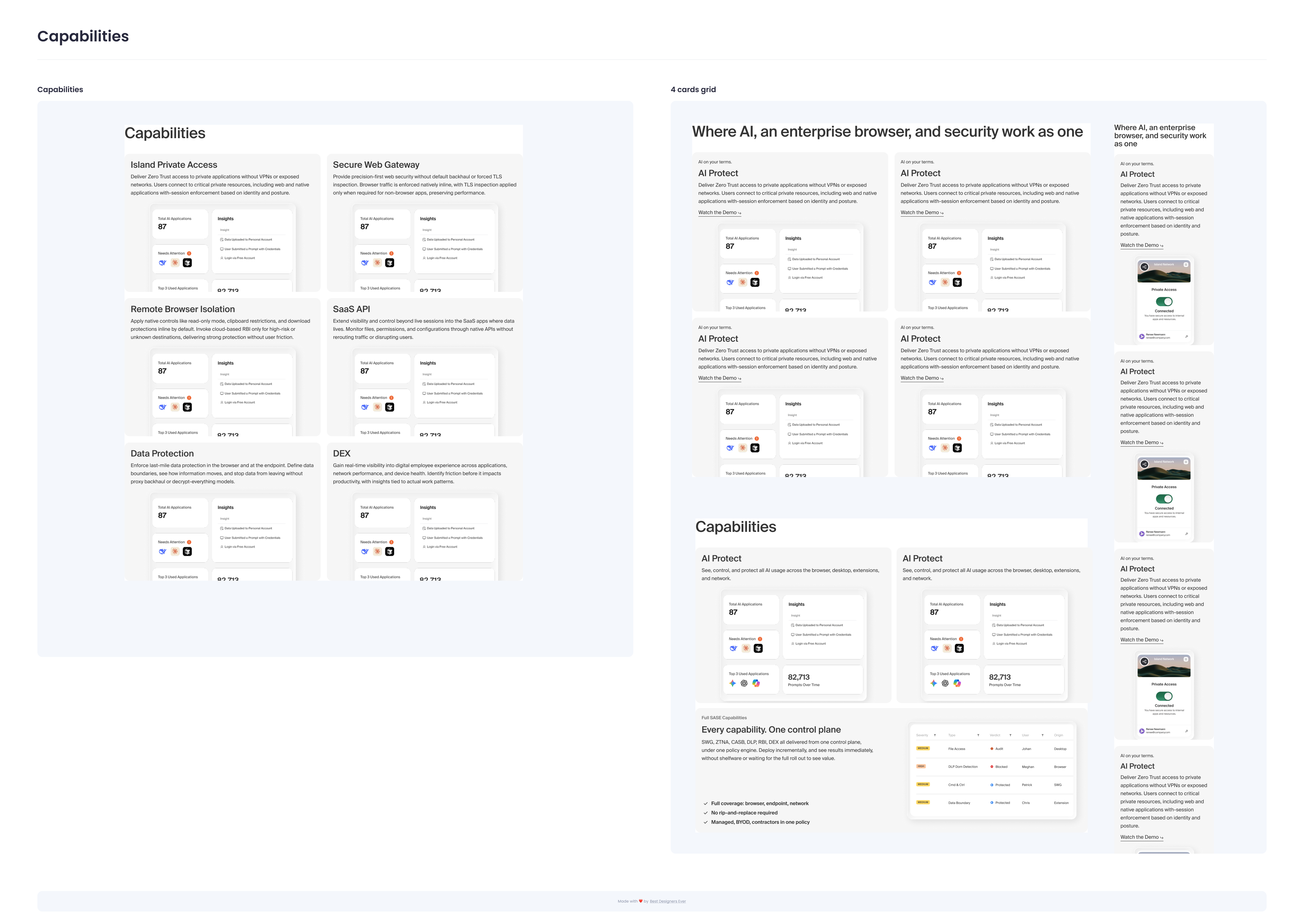
Template — product page, capabilities

Template — product page, 6 cards

Template — product page (4)

Template — product page, product card

Template — product page (1924)

Template — product page, variant

Template — registration (1440)

Template — registration (1440, 2)

Template — registration

Template — registration (2)

Template — registration, CTA
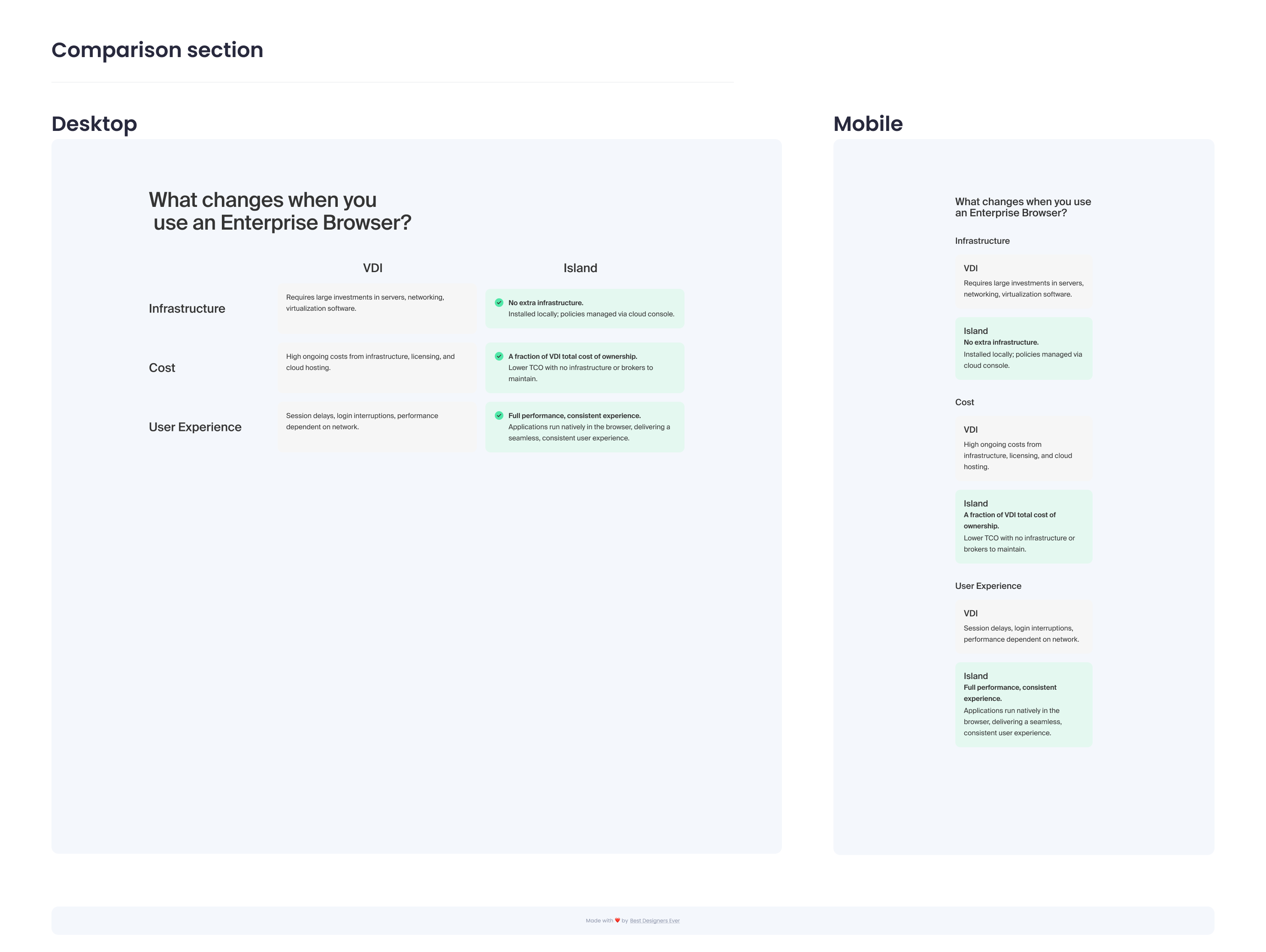
Template — tables, solutions section

Template — tables, solutions section (2)


