Productivity Services
A modern workspace requires communications, productivity tools, and a good end-user experience.
Work is Complex
From email to support platforms, modern work is spread across numerous applications. Users are stuck searching for the right tool. They miss company emails and other communications. And performance problems lead to lost productivity and user frustration.
Island Drives Productivity
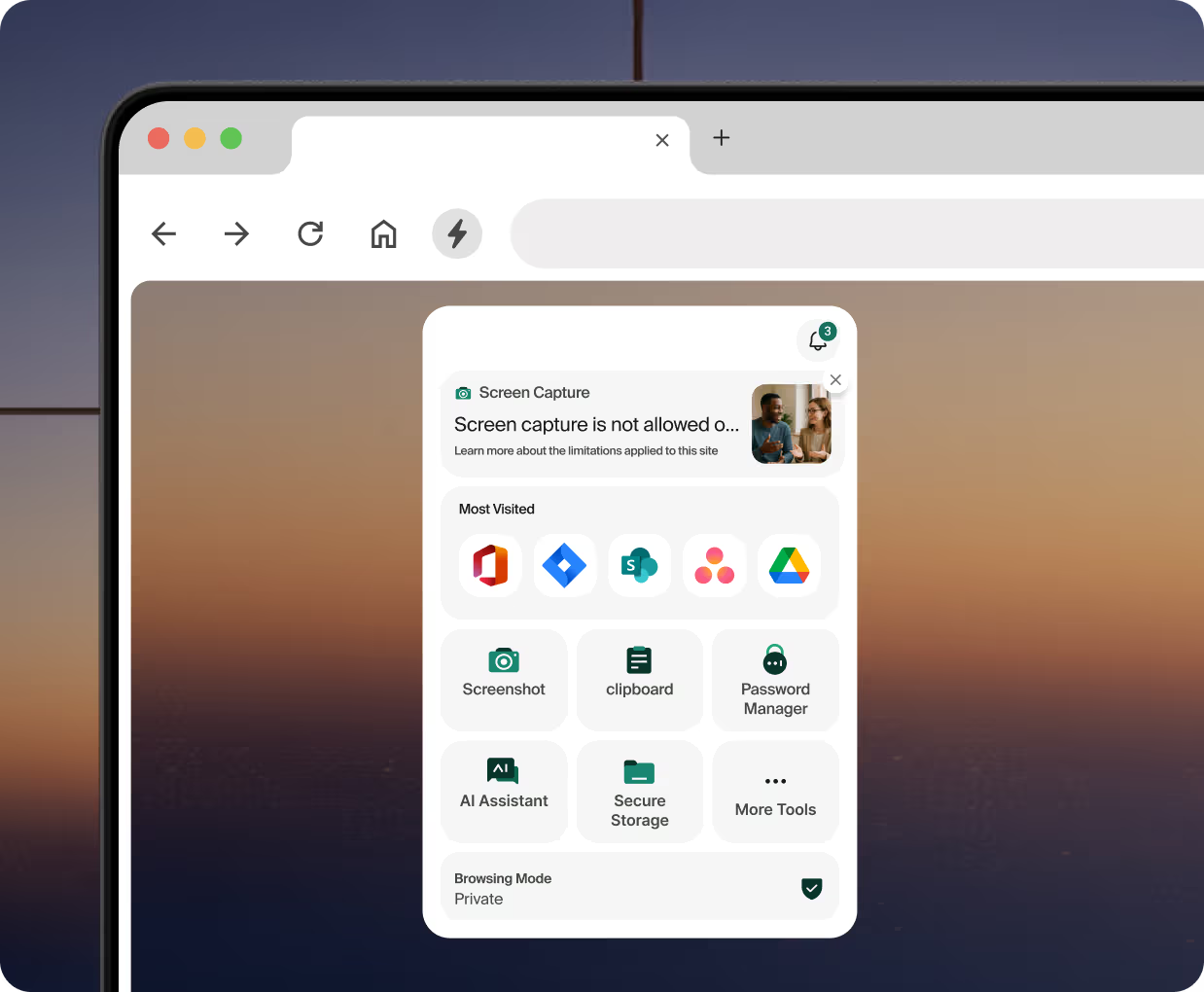
Island creates a centralized workspace for employees. Every user gets a managed homepage with company communications and links to every tool they need. A host of productivity tools are built directly into the browser. And Island helps identify and solve performance problems and network slowdowns with digital employee experience (DEX) monitoring.
From email to support platforms, modern work is spread across numerous applications. Users are stuck searching for the right tool. They miss company emails and other communications. And performance problems lead to lost productivity and user frustration.
Island creates a centralized workspace for employees. Every user gets a managed homepage with company communications and links to every tool they need. A host of productivity tools are built directly into the browser. And Island helps identify and solve performance problems and network slowdowns with digital employee experience (DEX) monitoring.
Communicate where users work

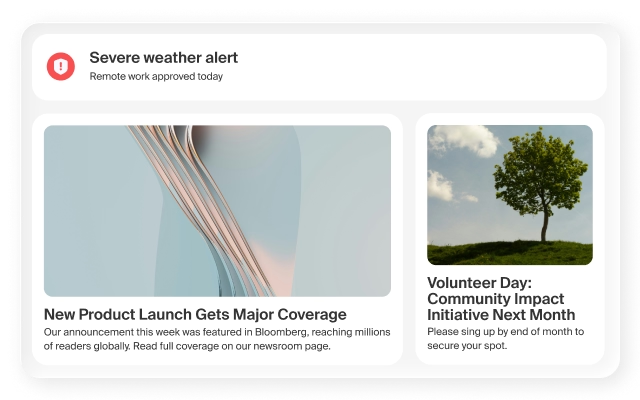
Share important information, critical alerts, and conduct polls directly on the user's homepage.
Provide everything employees need

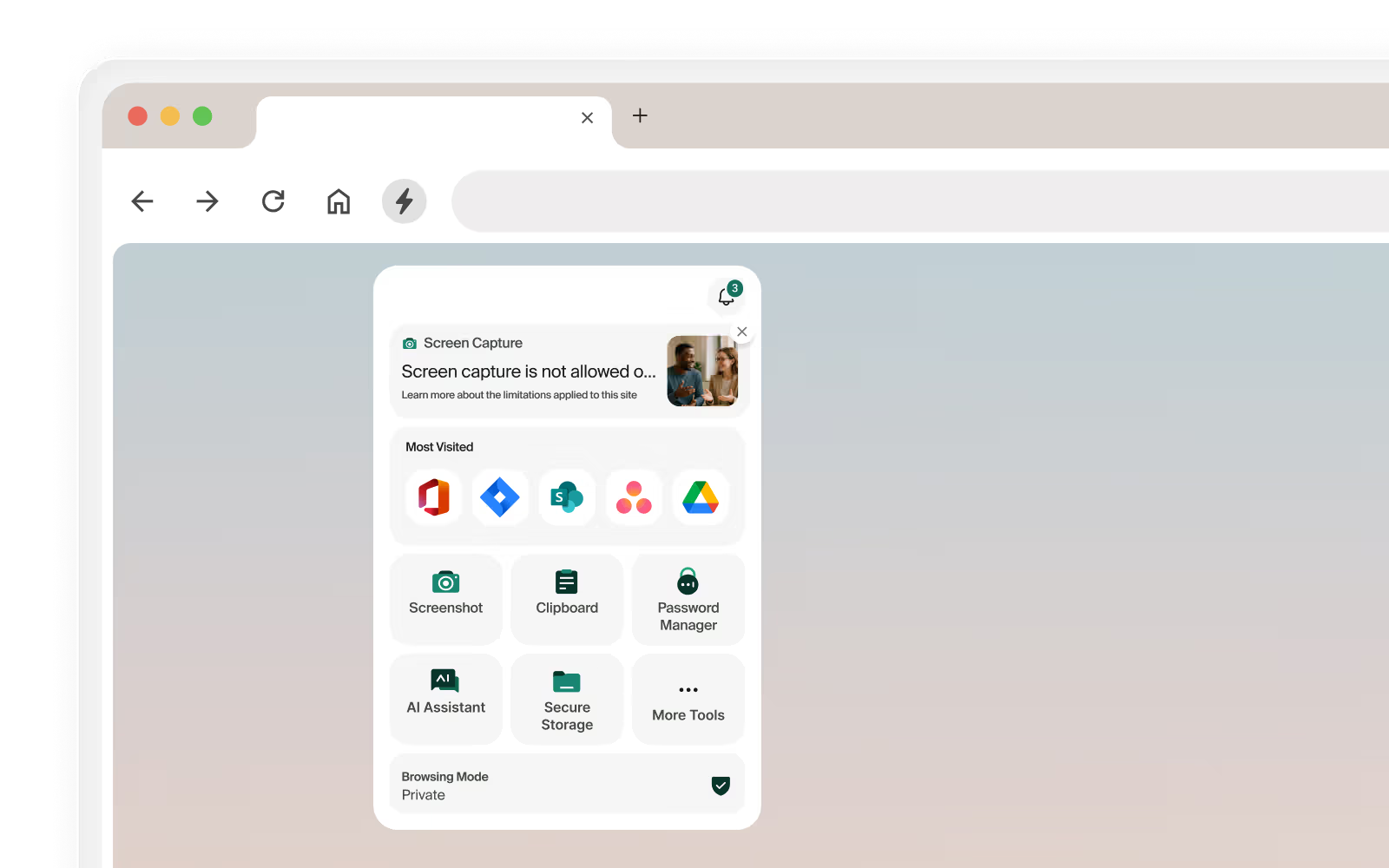
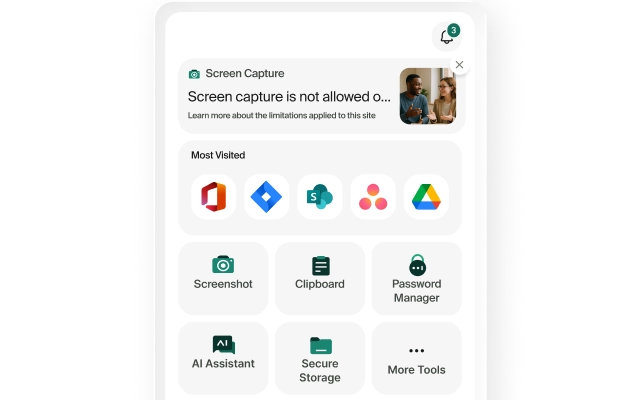
Deliver links to every application and provide easy access to productivity tools, such as a screen recording tool, smart clipboard manager, PDF editor, and more.
Ensure a positive, performant user experience

Monitor the real end-user experience for performance problems and network slowdowns, including key metrics such as loading times, responsiveness, stability, web vitals, and more.
Capabilities
Digital Experience Monitoring
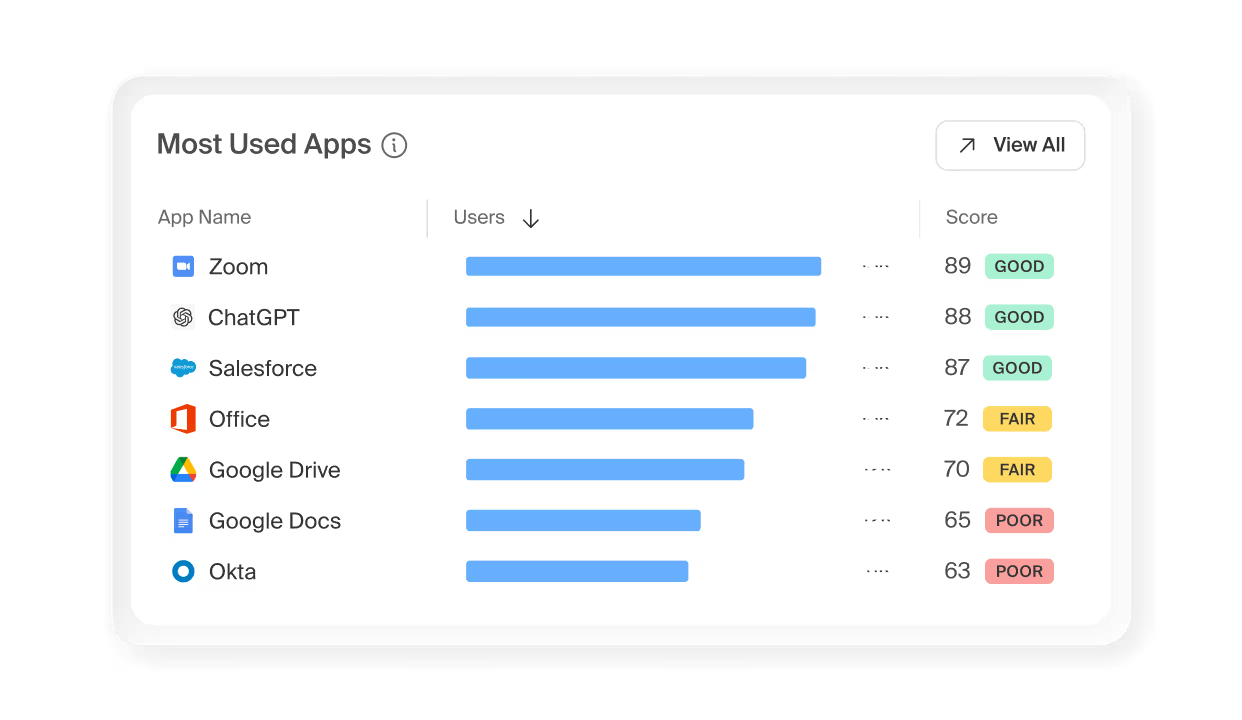
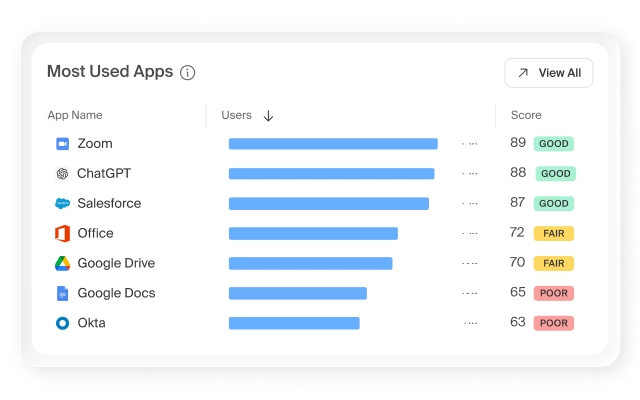
DEX provides IT teams with real-time visibility into user experience across distributed workforces and infrastructures by monitoring device and application performance metrics—including loading times, responsiveness, stability, and web vitals—enabling them to quickly identify root causes of disruptions and make informed technology decisions to maximize productivity.
Enterprise Communications
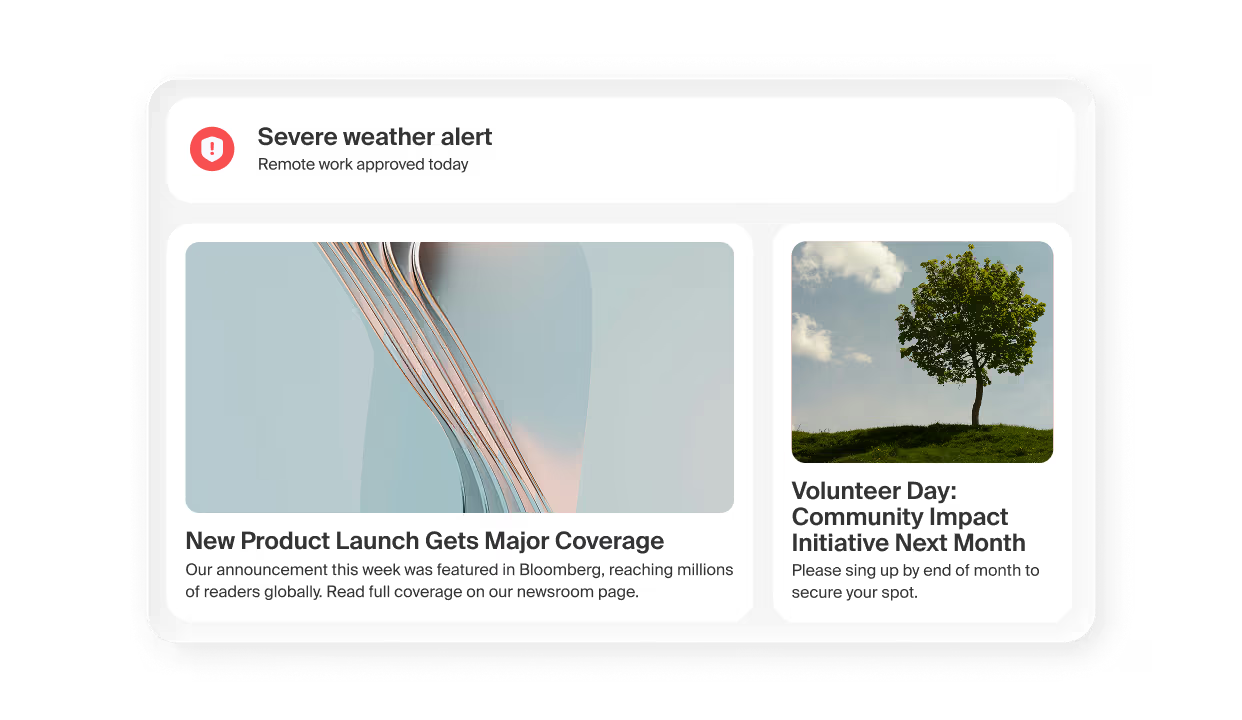
Island delivers company communications, critical alerts, polls, and direct links to resources directly on the user’s homepage.
Productivity Tools
Enhance employee workflows with integrated productivity tools, such as a secure clipboard manager, PDF editor, screenshot capture with markup, and screen recording capabilities.
Why productivity services matter

FAQ
Island is the company behind the Enterprise Agentic Control Plane, the delivery platform that works however your organization works, from enterprise browser to browser extensions to desktop apps to computing services. This is the ideal enterprise workspace, natively building the core IT, security, and productivity needs of the organization into a dramatically simpler, more efficient, and cost-effective workspace.
Island unifies access, security, AI, and more into a single, enterprise-grade solution that makes work easier at every turn, for both end users and your IT teams. Just download, log in, and start working.
The Island Enterprise Platform covers all use cases necessary to provide a modern, productive workspace, including digital employee experience (DEX) monitoring. With Island DEX, organizations can monitor every aspect of the end-user experience in real time, identifying connectivity disruptions, outages, network slowdowns, and hardware performance problems as soon as they happen. Administrators can then use Island to quickly diagnose and respond to the problem before users even report it.
Yes. Island builds productivity tools directly into the browser itself, so employees get a secure clipboard manager, PDF editor, screenshot and markup capture, and screen recording capabilities without downloading anything or adding third-party extensions. This matters beyond convenience — every unvetted browser extension is a potential security and data exposure risk. By delivering these tools natively through Island, IT maintains full control over what's running in the browser environment while employees still get the functionality they need. It's one less reason for employees to go looking for outside tools that haven't been reviewed or approved.
Yes. Island supports all major desktops (Microsoft Windows, Apple MacOS, and Linux), mobile platforms (iOS and Android), thin clients such as IGEL, and managed and unmanaged devices. In addition, the Island extension supports all major browsers, including Google Chrome, Microsoft Edge, Apple Safari, and Mozilla Firefox.
A remote employee on a home network, a hybrid worker moving between office and coffee shop, and a contractor on an unmanaged device all get the same consistent, governed experience. For IT teams, this means communications actually reach employees and productivity tools are always available, without requiring VPN connections, device enrollment, or any special configuration on the user's end.
The Island Enterprise Platform is built on three foundational technologies that together cover the full user workspace. The Island Enterprise Browser is a Chromium-based workspace where employees simply log in and get to work — every application they need is at their fingertips, with security woven invisibly into the experience. For organizations that wish to cover existing third-party browsers, the Island Extension brings the same capabilities to Google Chrome, Microsoft Edge, Apple Safari, and Mozilla Firefox with virtually no disruption to existing workflows. And Island Desktop extends coverage beyond the browser desktop applications like Microsoft Office.
There’s lots more to learn
Forrester: Total Economic Impact of the Island Enterprise Browser

.png)
Maximizing ROI with Speed, Security, and Flexibility: The TaskUs Transformation
.svg)
.svg)

