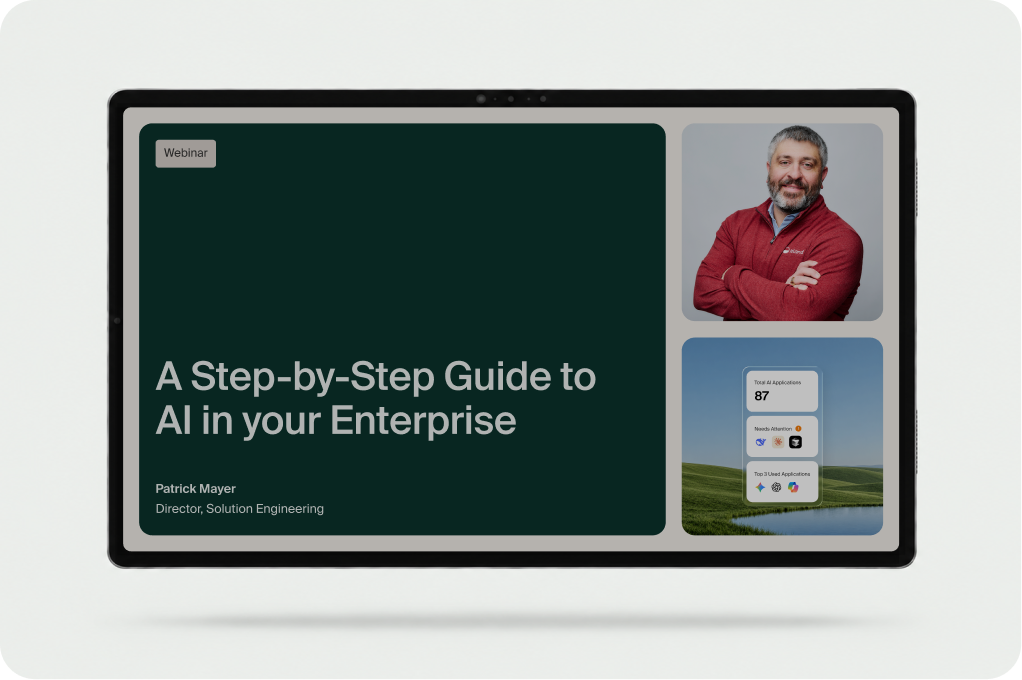
Demo Video
Watch How to Give Every Team the Right AI Models in Minutes
Your organization may already have contracts with Anthropic, OpenAI, and other providers, but that doesn’t mean every user needs every model.
This demo shows how to connect your AI vendors in the Island Management Console and then build policies that give each user group the right providers. You’ll also see how to pick specific models for chat and for image creation.
In this demo, let’s take a look at Island’s AI browser.
To set it up, I’ll start in the Island Management Console. Part of the AI browser configuration is the ability to find the integrations for vendors you already have a relationship with. Maybe you already have an Anthropic contract. You get an API key from Claude, you test it, and you now have access to the 11 models inside Claude. Those can be served up to your users.
Just because multiple AI platforms are in scope and under contract doesn’t mean every user should get all of them. Under the model section, I can build discrete policies, name the policy, then define who should receive it. In this case, the testing users. Then, of all the vendors integrated a moment ago, I’ll choose which ones users in the test group can leverage. Here, Anthropic and OpenAI. Those are the providers.
We can go one step further. For chat and image creation separately, choose which models from each of those providers users in the test group should have access to. That’s a steering model. Anyone logging in who belongs to the test group has access to these four models from Anthropic for chat creation, and the same can be done for image creation. That’s how straightforward it is to build steering models.
For more ways to integrate AI into your browser experience, visit island.io.
Take your next step.