The Enterprise AI Browser
The browser that turns AI access into enterprise adoption
Stop rolling out AI. Embed it where work happens.
The world’s leading enterprises run on Island.
.png)
.png)
.png)
.png)

.png)










The Ideal AI Experience
Deliver the AI experience users want and the context-aware features that make every interaction smarter.
Embed any AI
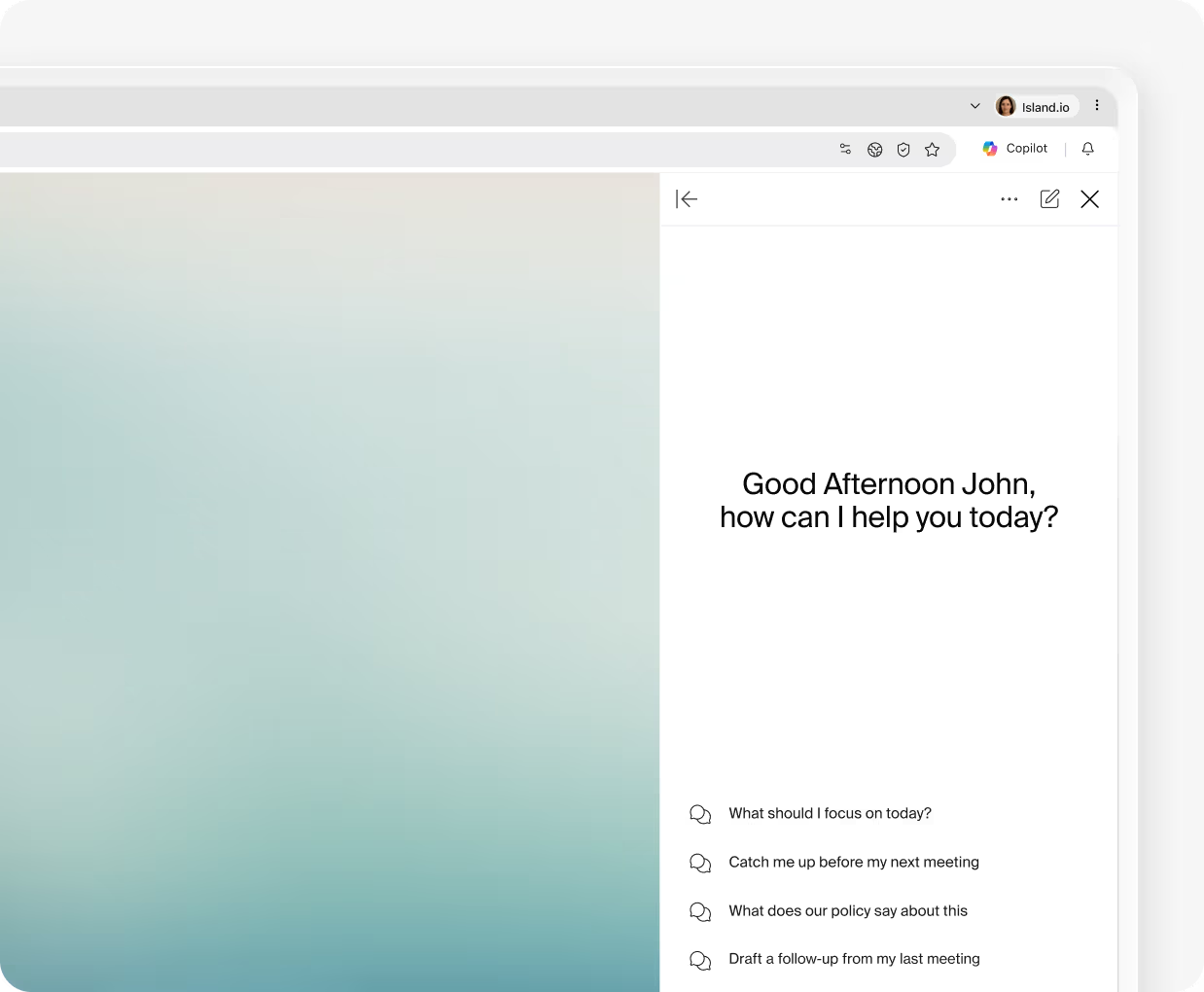
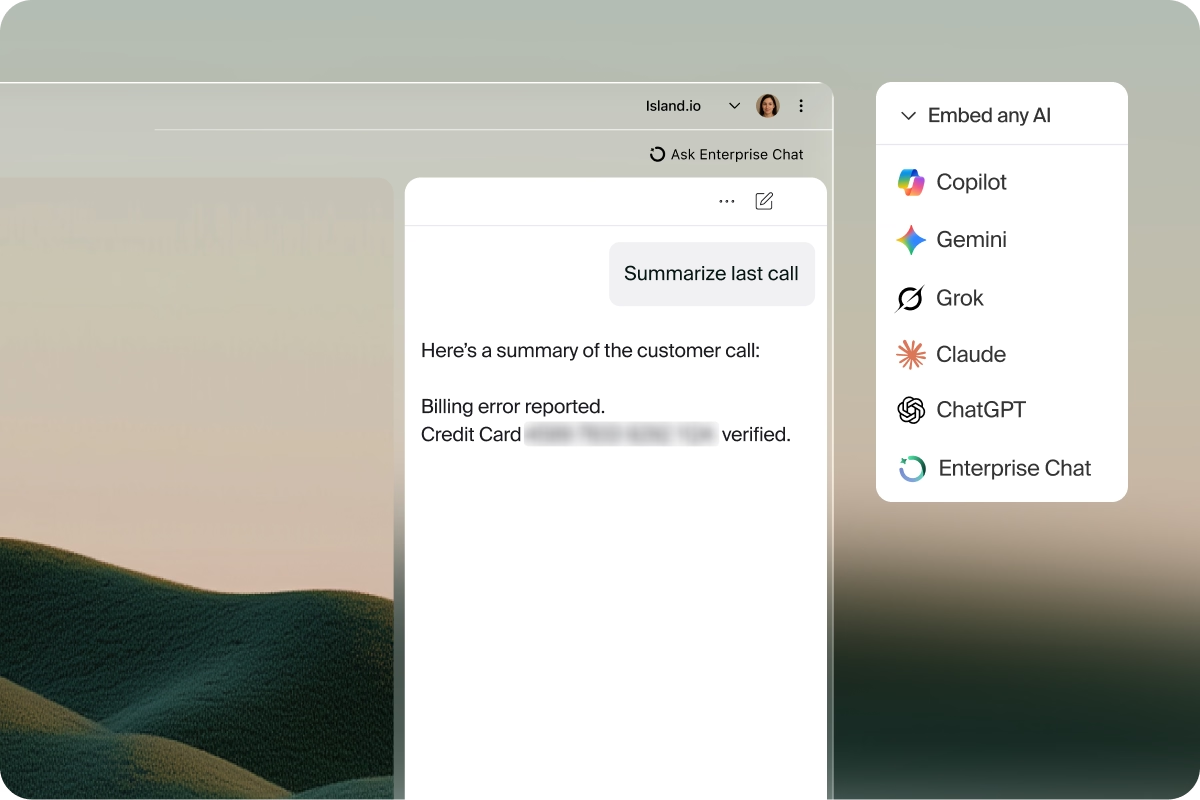
Put any AI chatbot (ChatGPT, Copilot, Gemini, Grok, Claude, or your own) directly into the browser sidebar with real-time page context. Users get smarter, faster answers without ever leaving their workflow.
.png)
Work smarter with context
Enterprise context, such as identity, page content, behavioral patterns, and company knowledge, automatically enriches every AI interaction. Users explain less, get more done, and let AI anticipate what they need next.
.png)
Execute agent actions
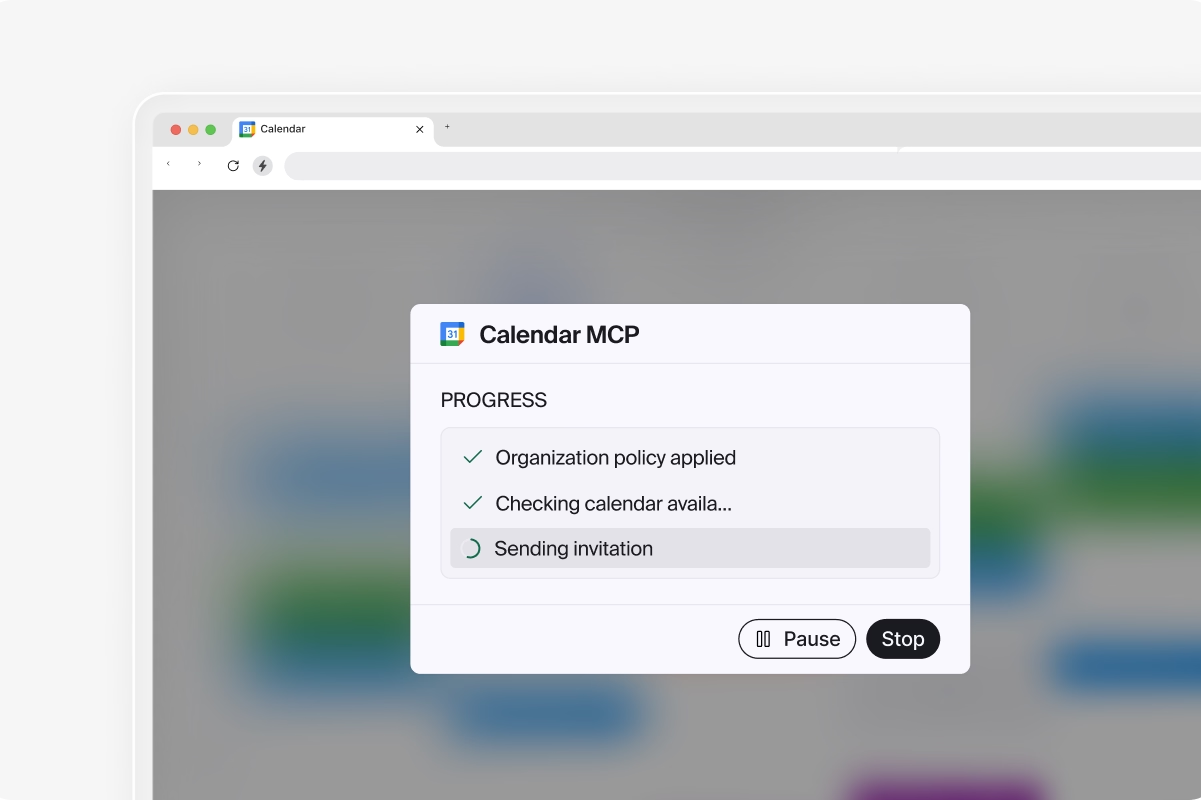
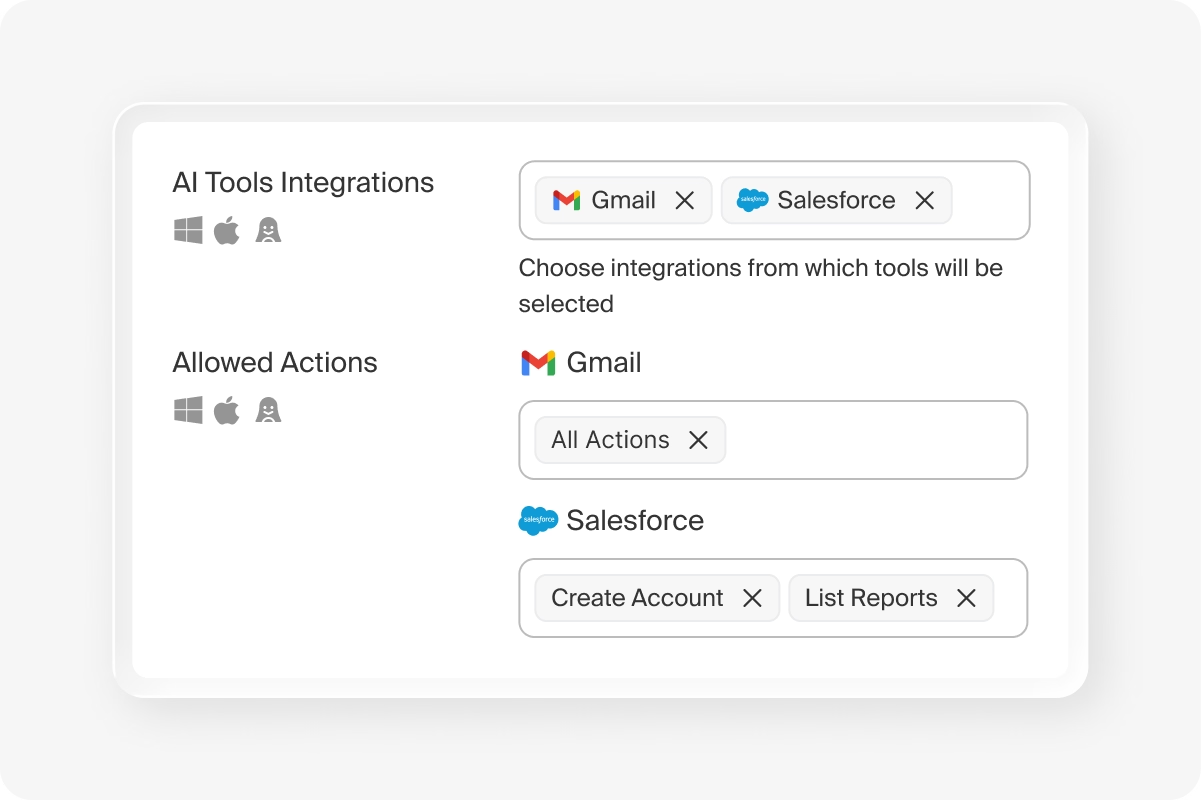
Arm AI agents to take governed actions via Island-hosted MCP servers or locally in the browser. Agents operate within defined permissions with full auditability and optional human oversight at every step.
.png)
Search enterprise knowledge
Connect AI to company-approved knowledge sources through RAG and MCP integrations. Users get accurate, grounded answers from internal data without ever exposing sensitive documents to unauthorized models or personal accounts.
.png)
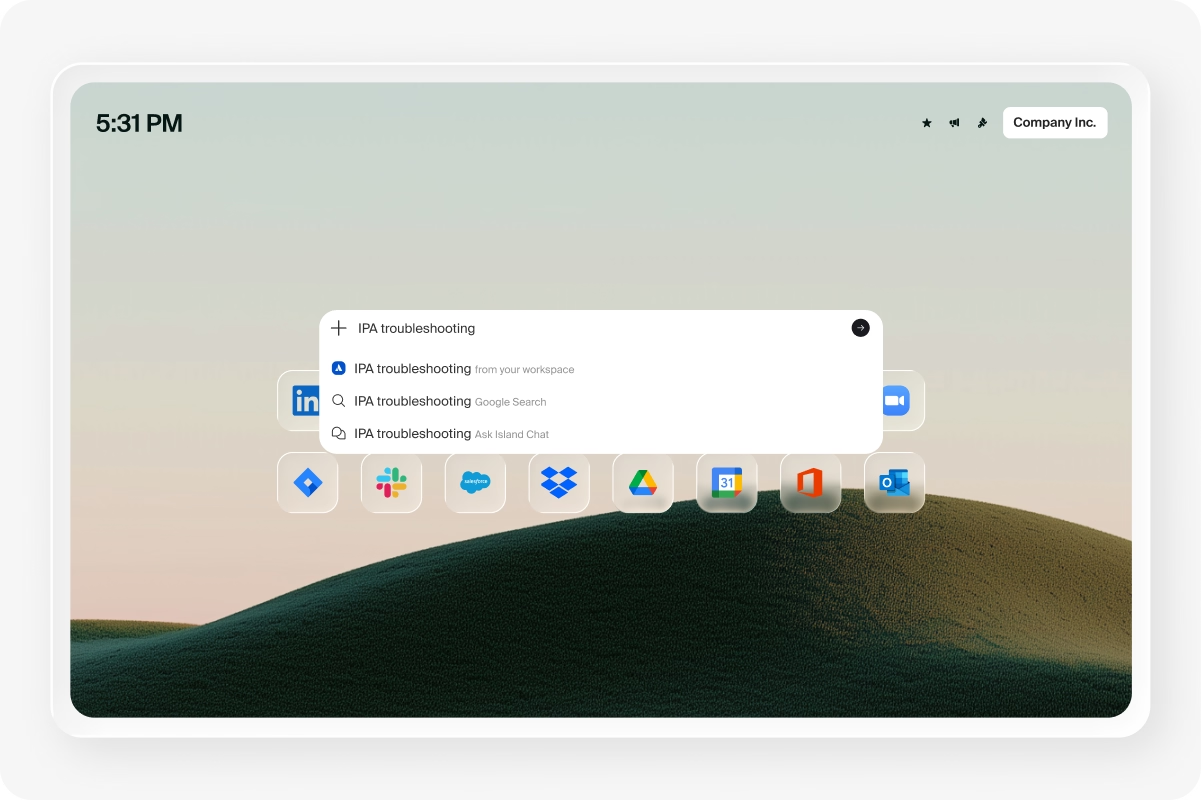
Responsible AI, Built In
Govern any AI across every entry point, automate work with agents, and see everything AI is doing at work.
Control what AI knows
Give AI the full picture with automatic capture of user identity, role, page content, and behavioral patterns. Decide what AI remembers; which context carries forward, which conversations persist, and how that intelligence builds over time.
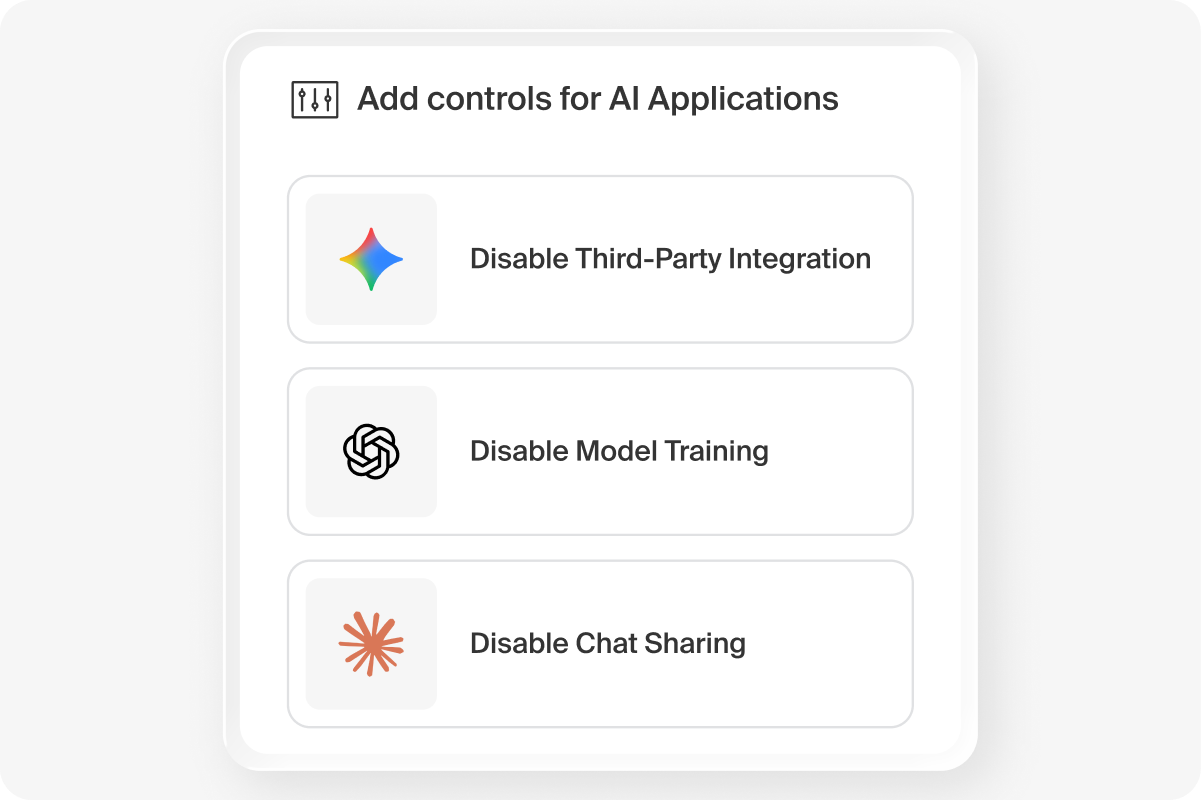
Control AI access
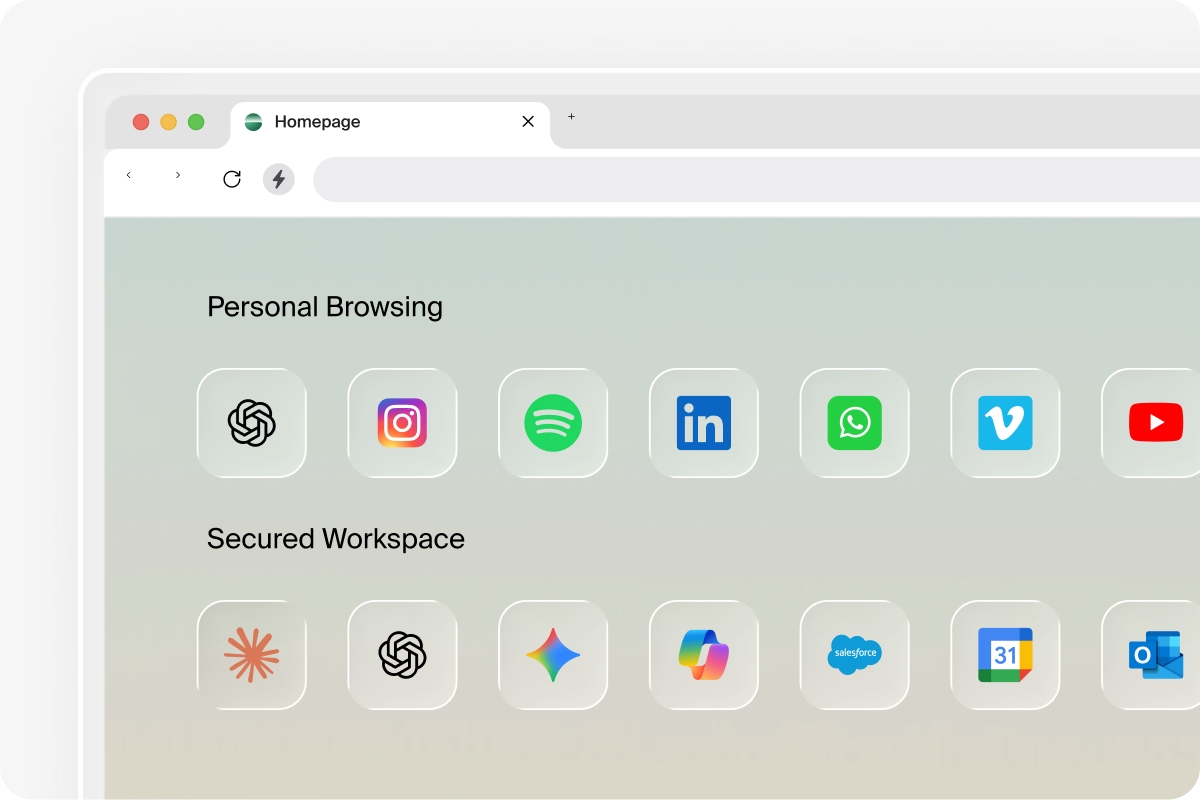
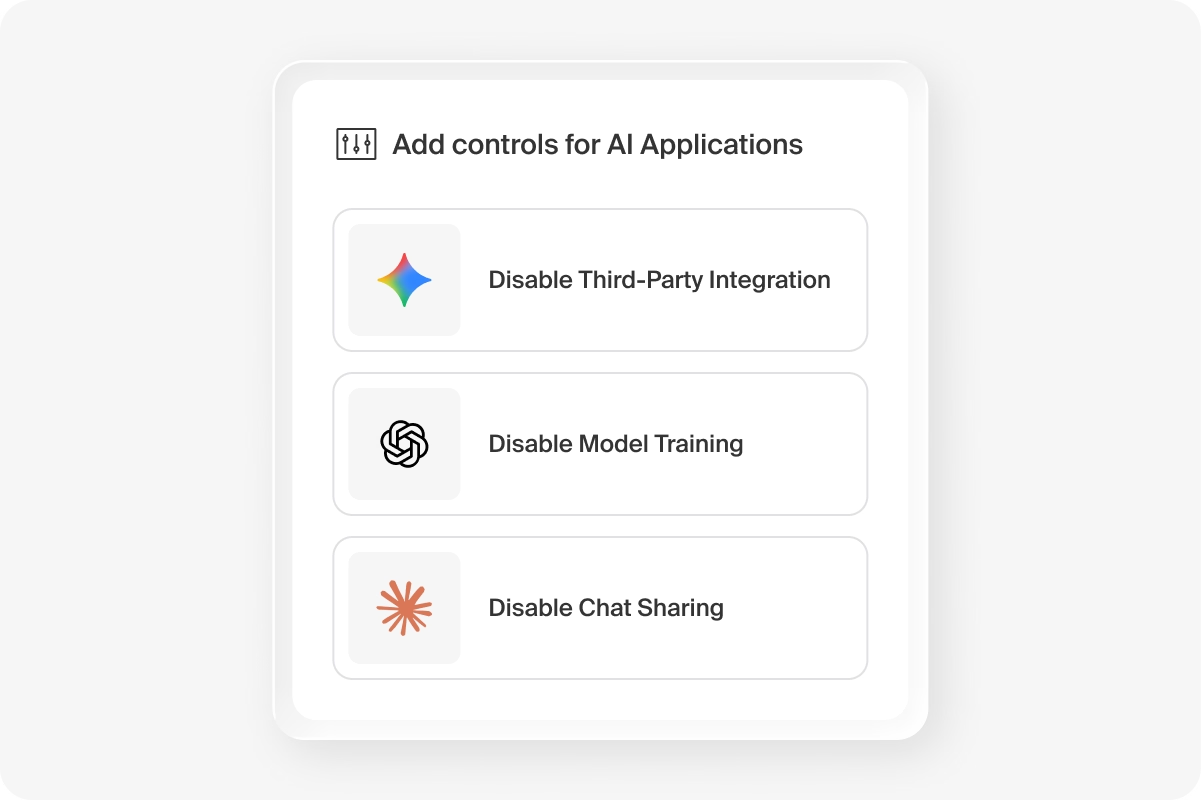
Define which AI tools, models, and tenants each employee can access and configure exactly how AI is delivered to them based on identity, role, and location. Enforce policy across web, extensions, desktop, and network from a single, unified platform.
.png)
Track AI across the org
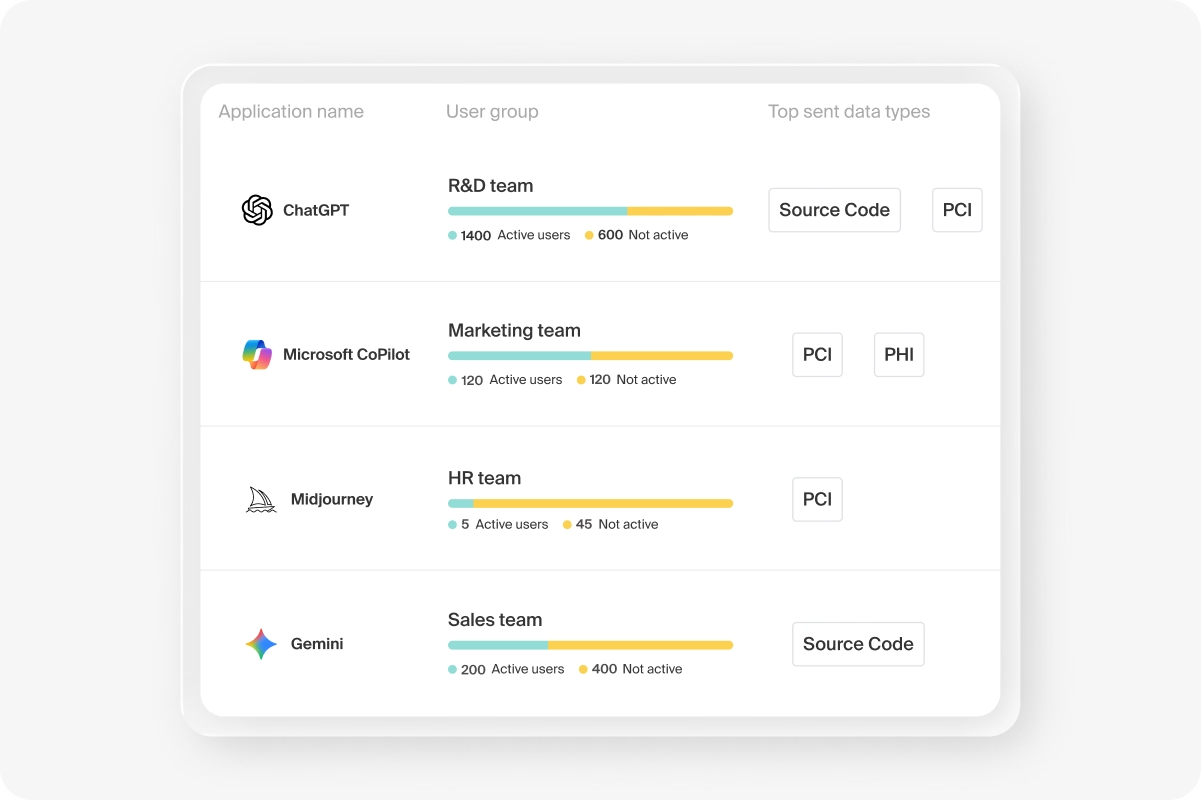
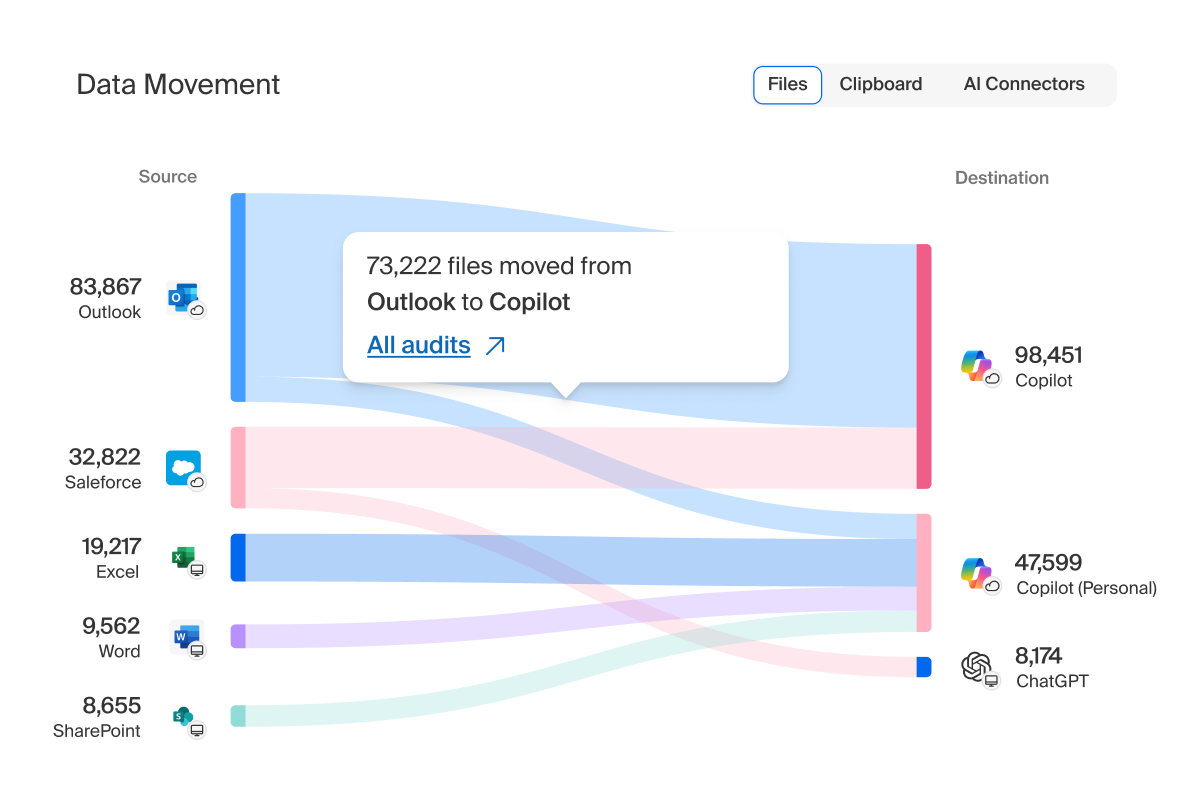
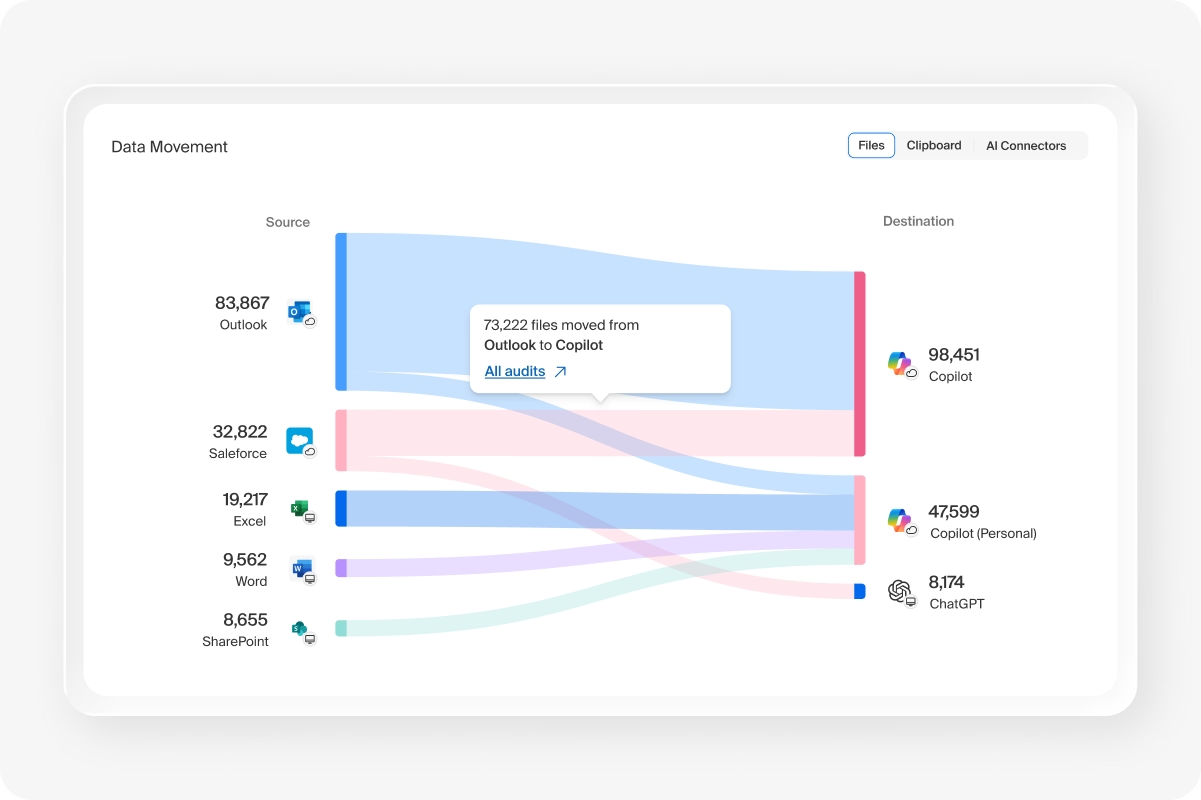
Get full visibility into AI tool adoption across the organization, including which apps are being used, by whom, and at what rate. Surface the patterns that tell leaders what's working, what's spreading, and what's ready to scale.
.png)
Provide end-user guidance
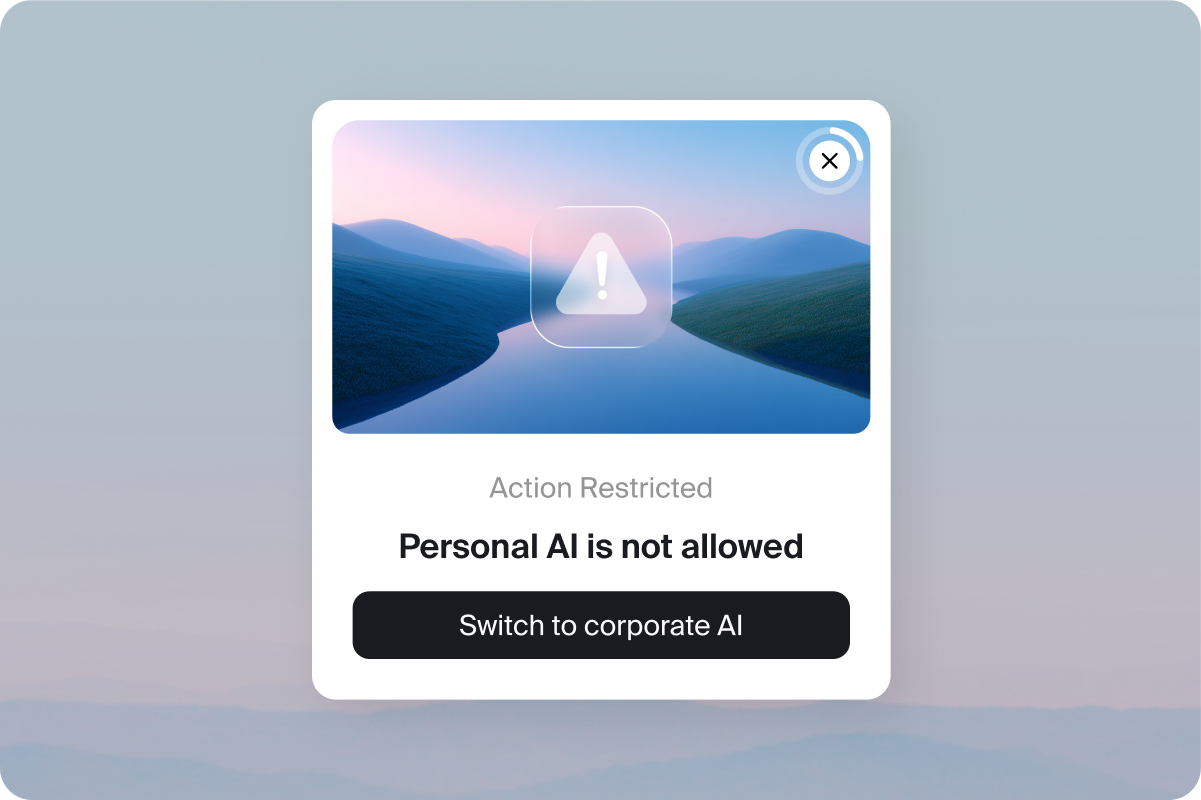
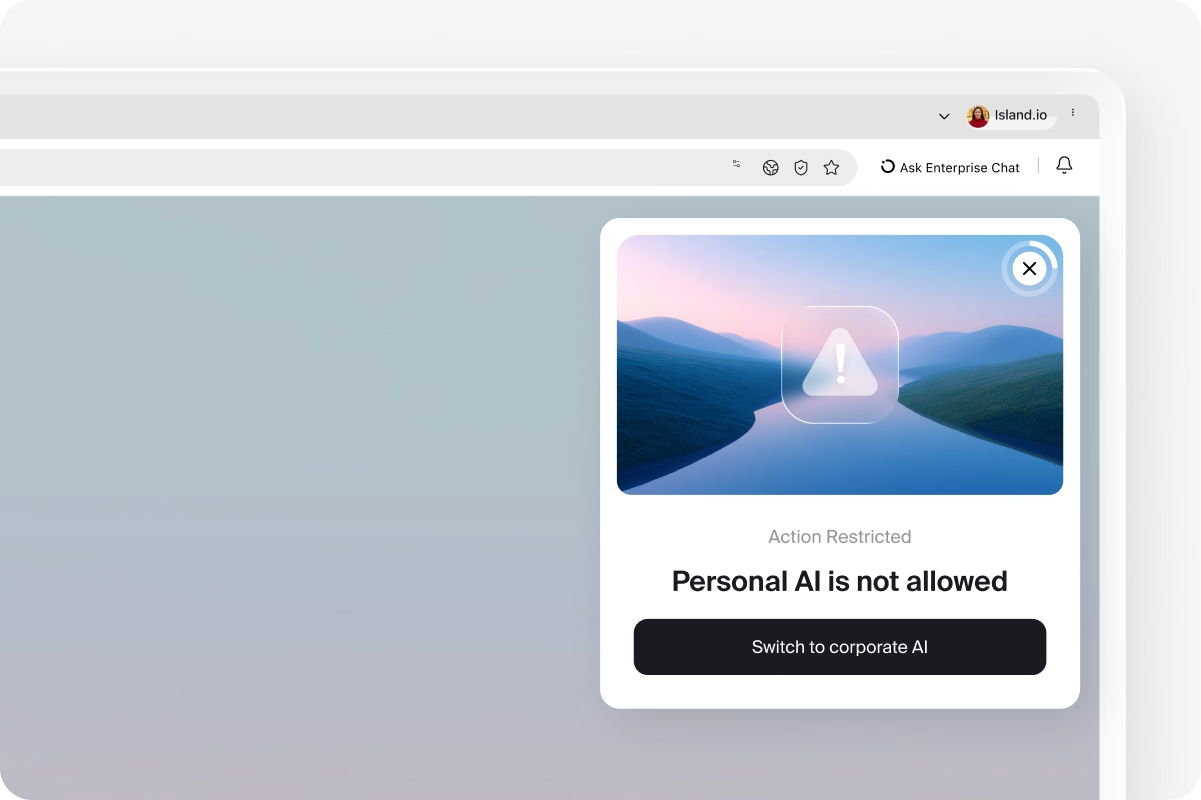
Guide employees to approved AI tools in the moment with in-browser notifications, policy explanations, and redirects that steer behavior without blocking productivity.
Secure by Design
Protect your data and users from AI risk with security that's built in to the browser, not bolted on.
Defend against prompt injections
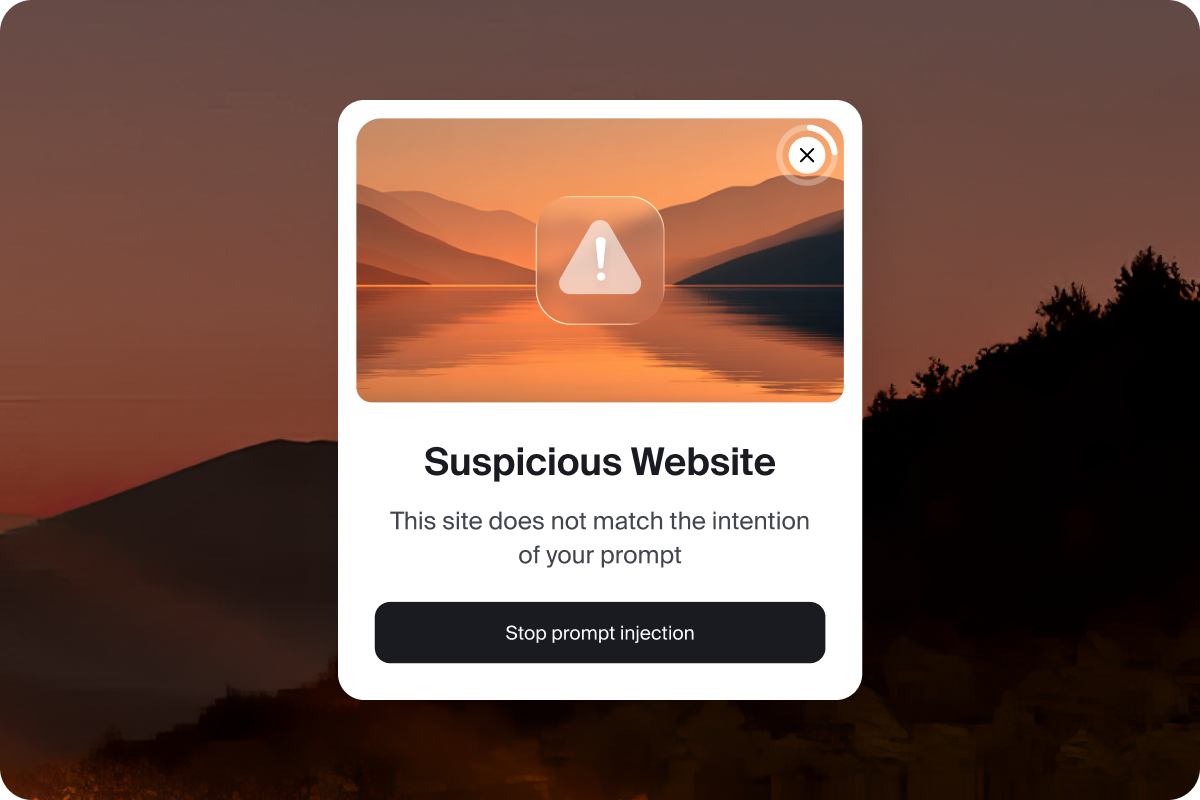
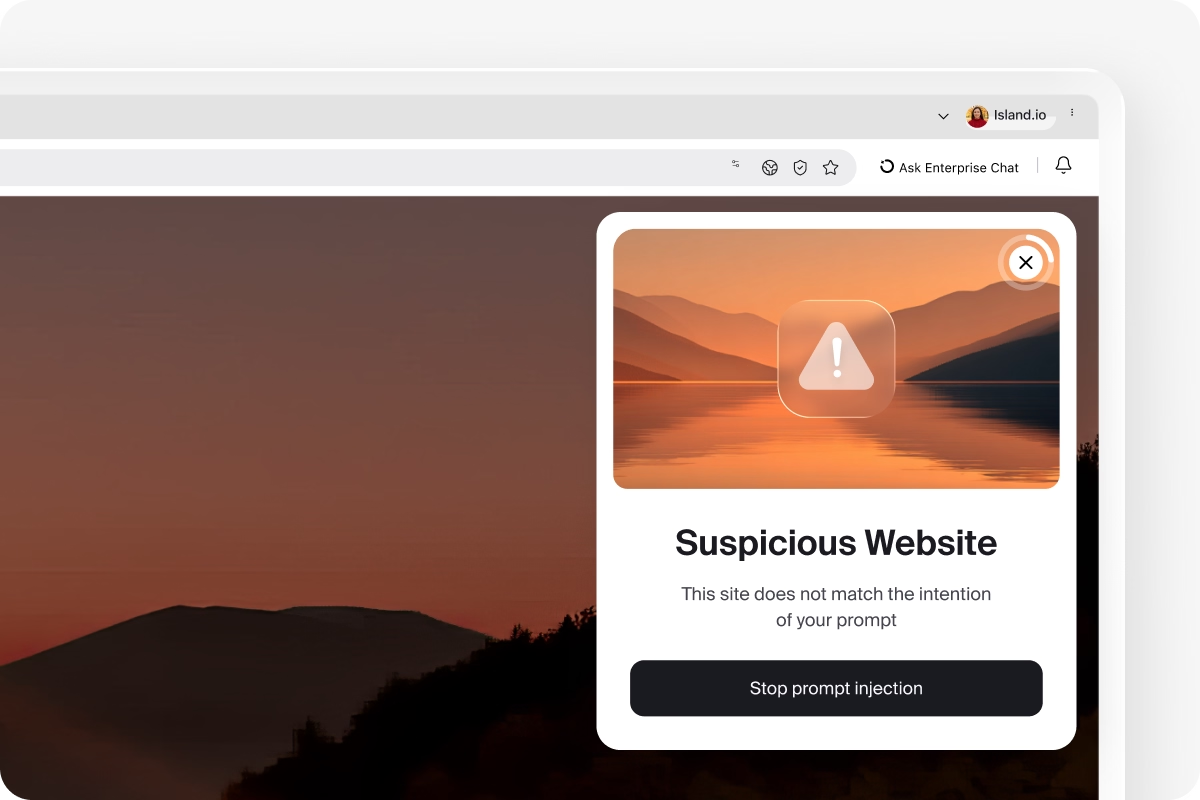
Island's hardened browser architecture intercepts prompt injection attacks before they can compromise your AI or your data, using purpose-built defenses operating directly at the point where AI and users interact.
Govern what AI sees
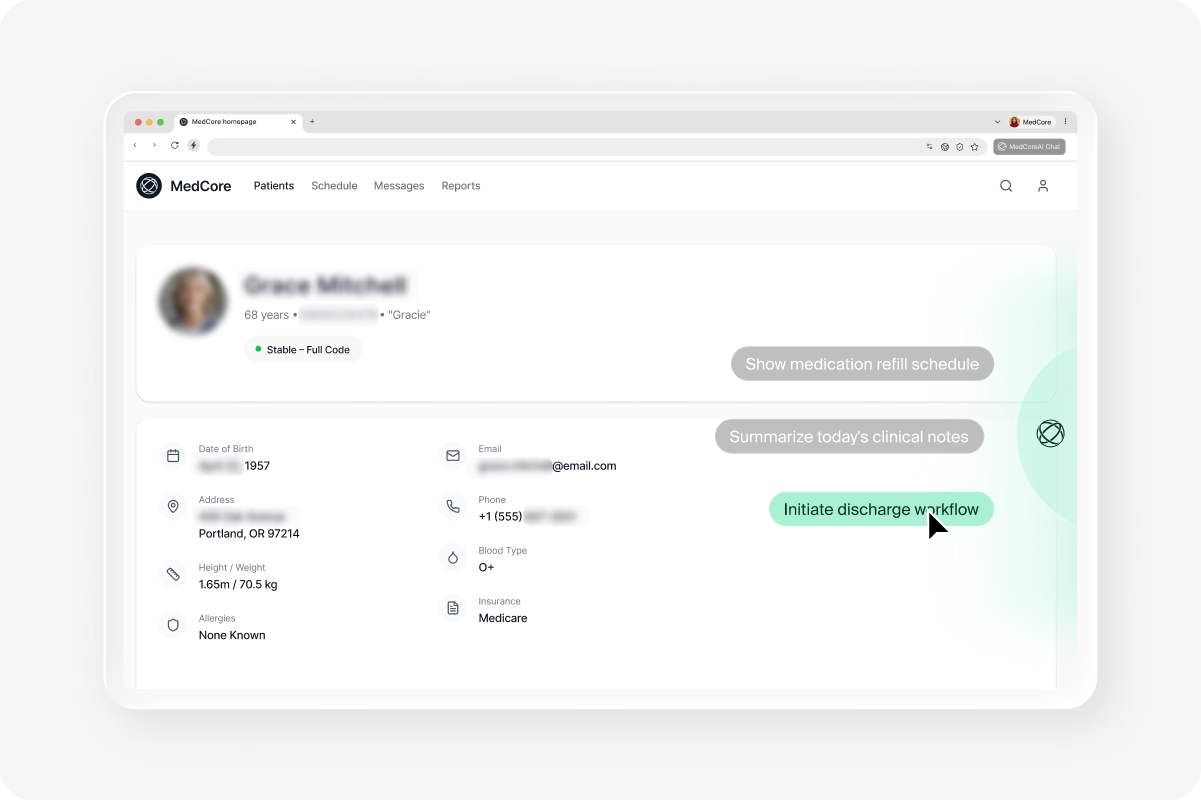
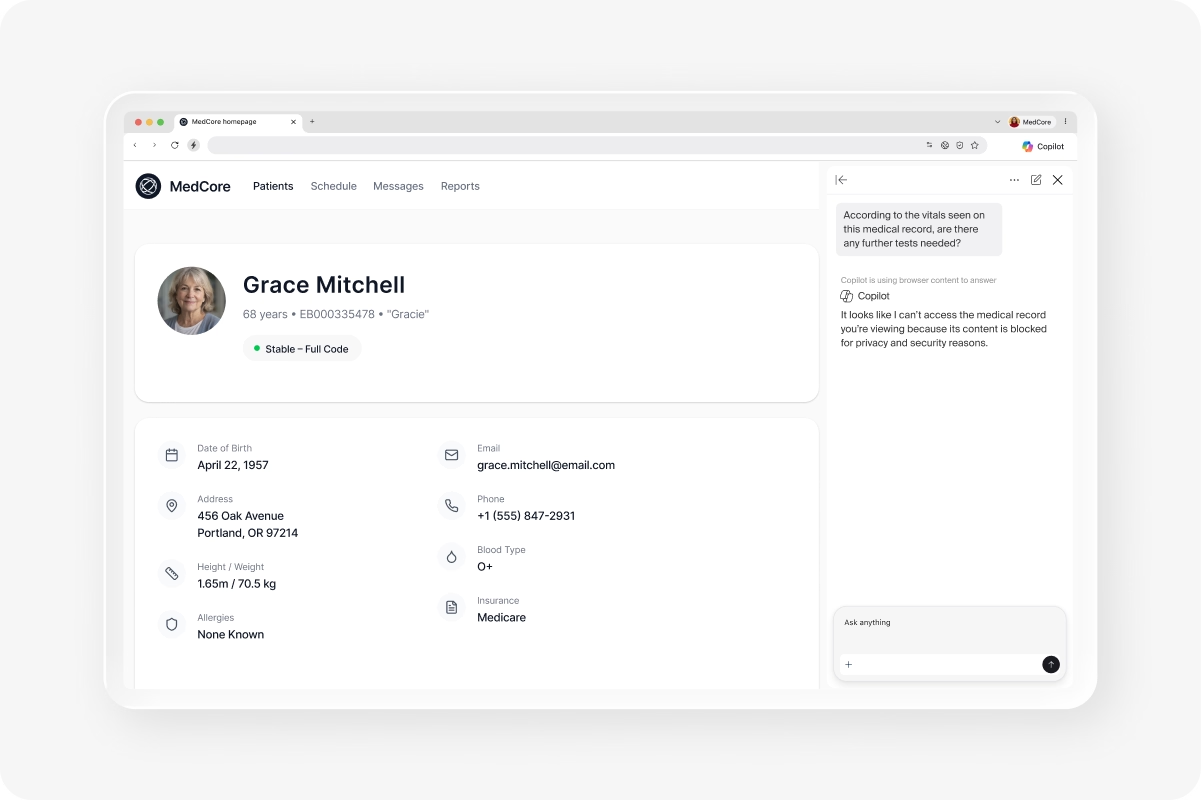
Redact sensitive data before it reaches any AI provider and intercept AI responses before they render to the user. Data protection operates at the last mile, inside the browser, precisely where it needs to be.
.png)
See and audit AI interactions
Capture deep, detailed logs of every AI conversation, prompt, and agent action across web and desktop. Give compliance and security teams the complete audit trail they need without disrupting how people work.
Enforce agent policy
Define permissions for every AI agent, such as what they can access, what they can execute, and when human approval is required. Enforce least-privilege agent behavior with full auditability into every action taken on behalf of your users.
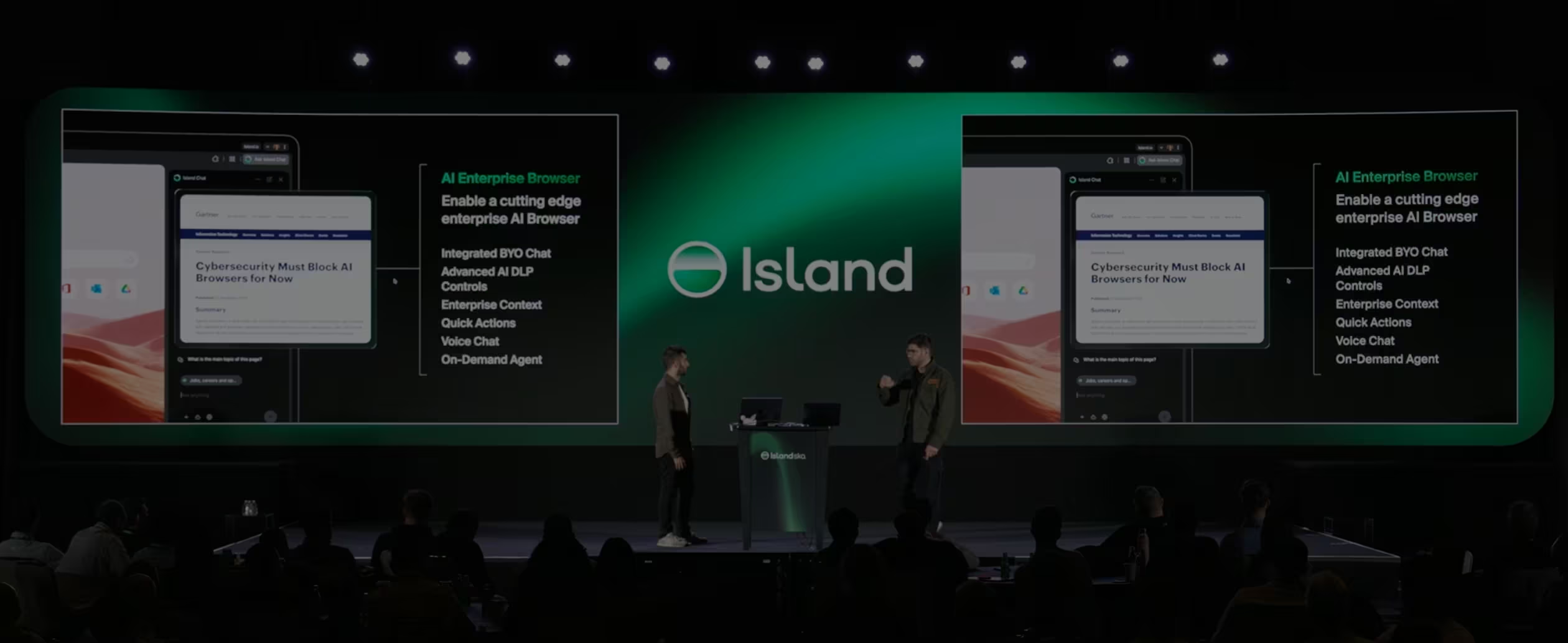
Island AI Browser Launch Event
FAQ
Unlike standard AI that requires constant tab-switching and manual copy-pasting, Island embeds AI directly into your workflow. It works side-by-side with your applications to summarize content, draft responses, and proactively suggest actions, like scheduling meetings or analyzing CRM data, based on what you are currently viewing.
Yes. Island is model-agnostic, allowing organizations to embed the AI providers they prefer, including ChatGPT, Copilot, Claude, and Gemini, into a single interface. This gives users the flexibility to use the best tool for the job while preventing vendor lock-in for the enterprise.
Island is "Secure AI by Design," providing built-in defenses that standard browsers lack. It can automatically sanitize prompts by masking PII (Personally Identifiable Information) and enforcing security policies that control what AI providers can see, access, or remember, ensuring company data isn't used for unauthorized model training.
An Enterprise AI Browser knows the user's role, how they work, the application they're using, and company information. This allows the AI to provide highly relevant, accurate results in prompts immediately and surfaces relevant key-actions directly in the browser.
Island provides actionable intelligence through a centralized dashboard. You can identify power users, know which teams are behind, and measure the specific amount of time saved by AI agents. This allows leadership to turn AI investments into measurable business outcomes rather than just experimental tools.
Built for how your organization works

BYOD Workforce
BYOD is a user dream but a security nightmare. The Enterprise Browser delivers both flexibility and total protection.
M&A Onboarding
Give newly acquired teams secure access on day one.
VDI Reduction
Stop backhauling traffic to secure it. Get native safety built directly into your browser.
3rd Party Onboarding
Get total visibility, data security, and simple contractor access with the Enterprise Browser.
SaaS and Web Apps
Flexibility shouldn't cost you control. Get both with the Enterprise Browser.
Privileged User Access
Stop insider threats and errors by layering control over admin interactions; no source code required.
Zero Trust
Imagine your zero trust architecture powered by the browser itself.
Safe Browsing
Naturally protect organizations from the full scope of web threats.
Enable AI at Work
Give users the freedom to innovate, without opening the door to risk.
.svg)
.svg)

