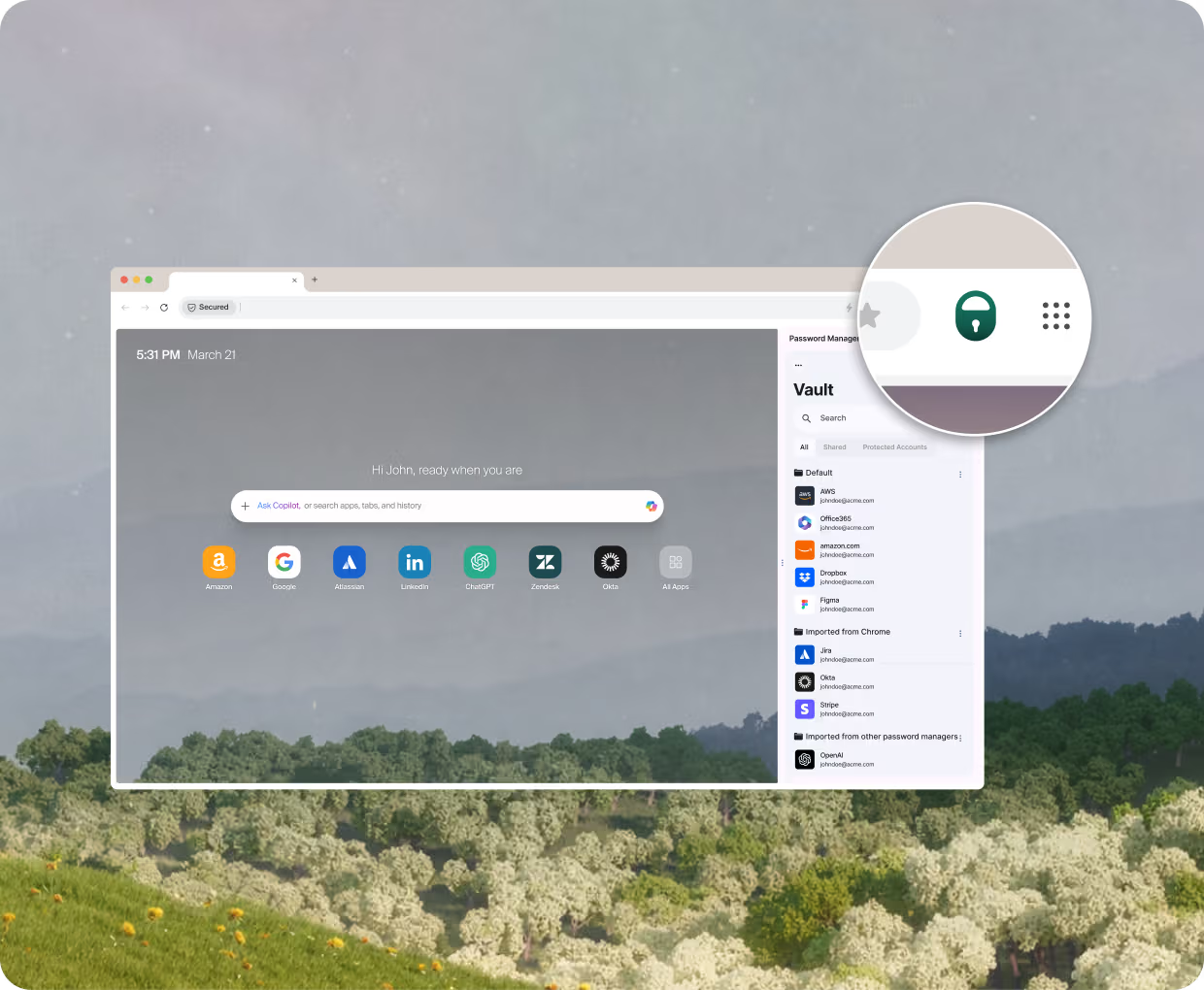
Island Enterprise Password Manager

Password governance, built in   

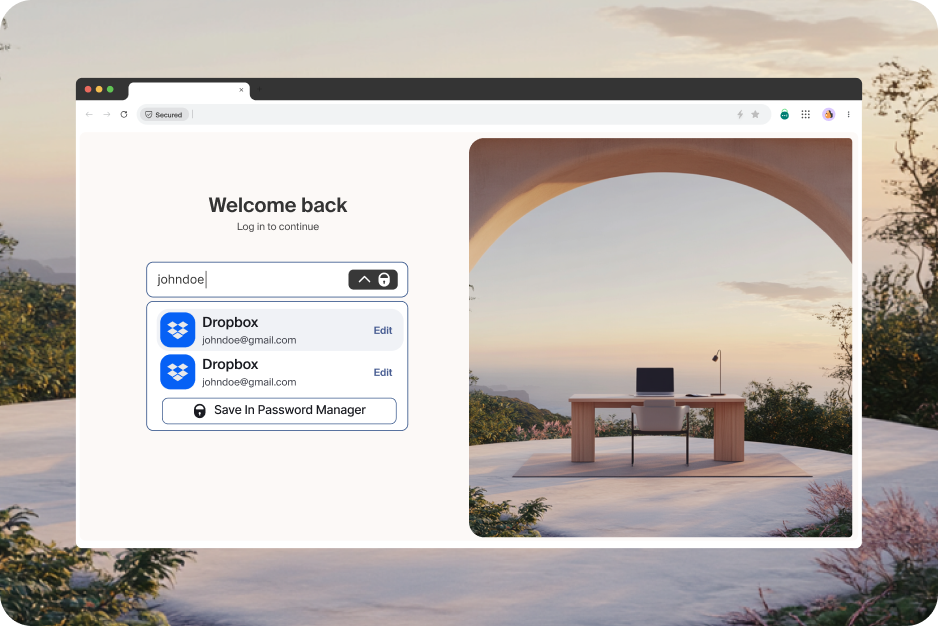
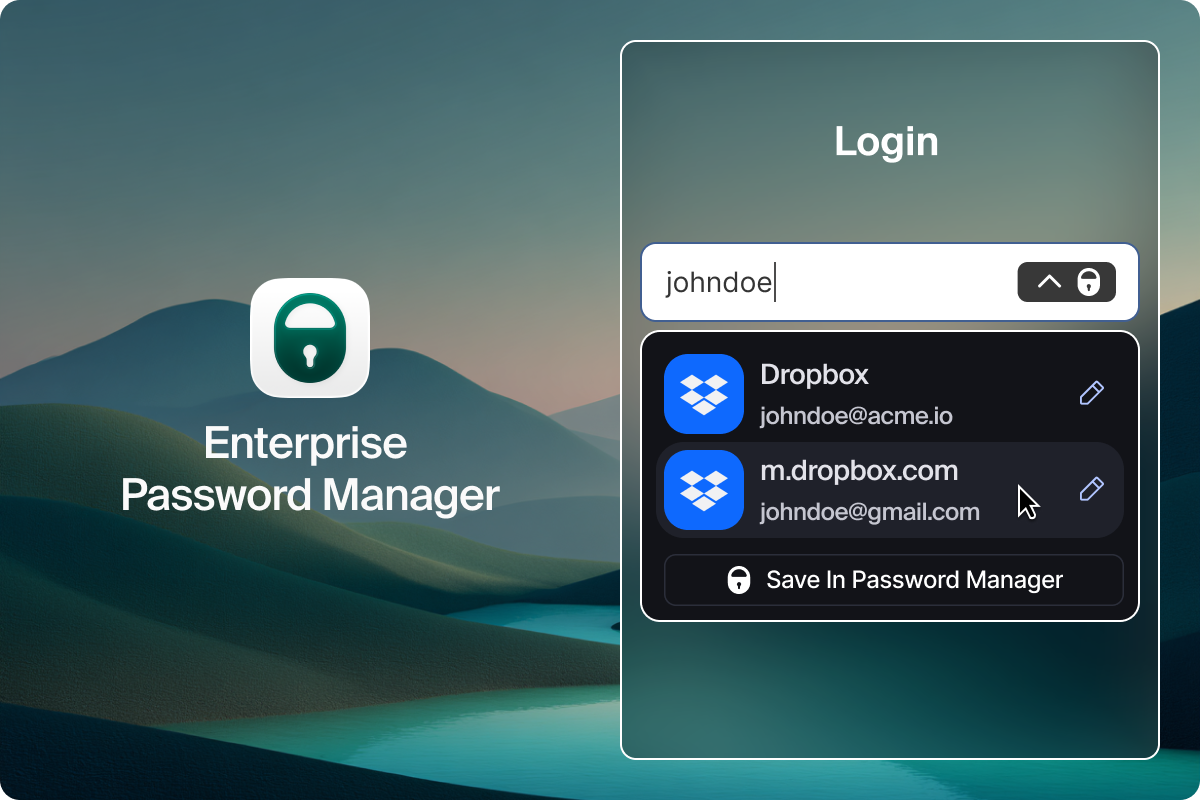
Secure passwords right where they’re actually used. Island gives you global, enterprise-grade password governance across browser, desktop, and mobile — without changing how people work.

Passwords are everywhere. Control isn’t.

When your workforce spans different environments, so do their passwords. Credentials move across corporate devices and unmanaged environments like personal, mobile, and contractor devices. 

Traditional password managers store credentials, but control ends as soon as they’re used. Sharing, reuse, and exposure happen outside enterprise policy — which is right where risk emerges.
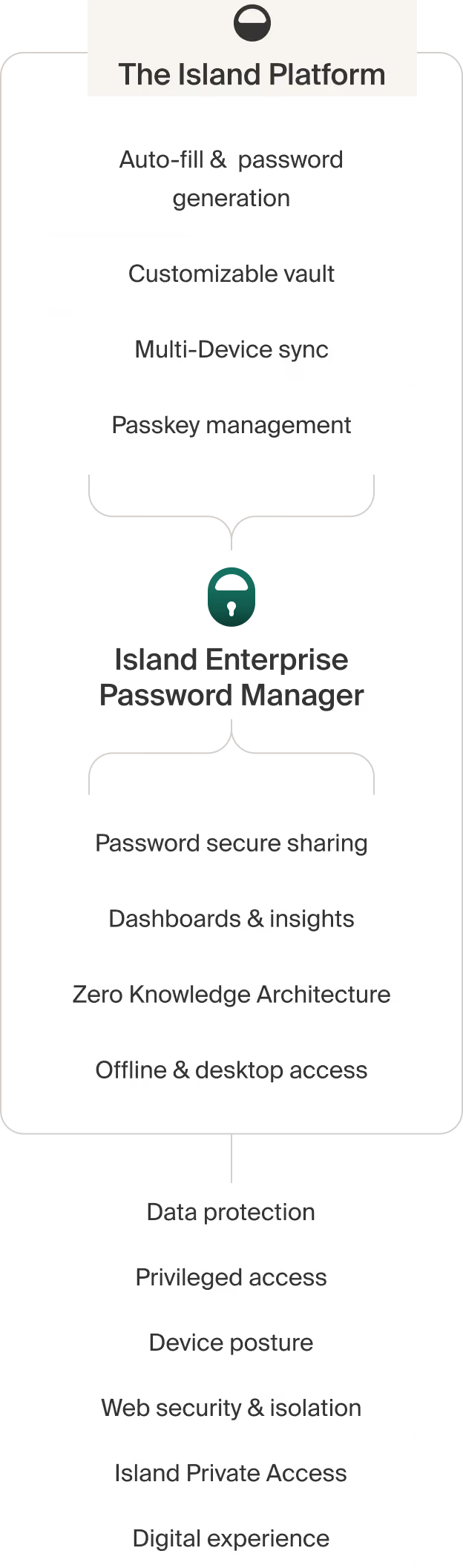
A password manager designed for work

How it works

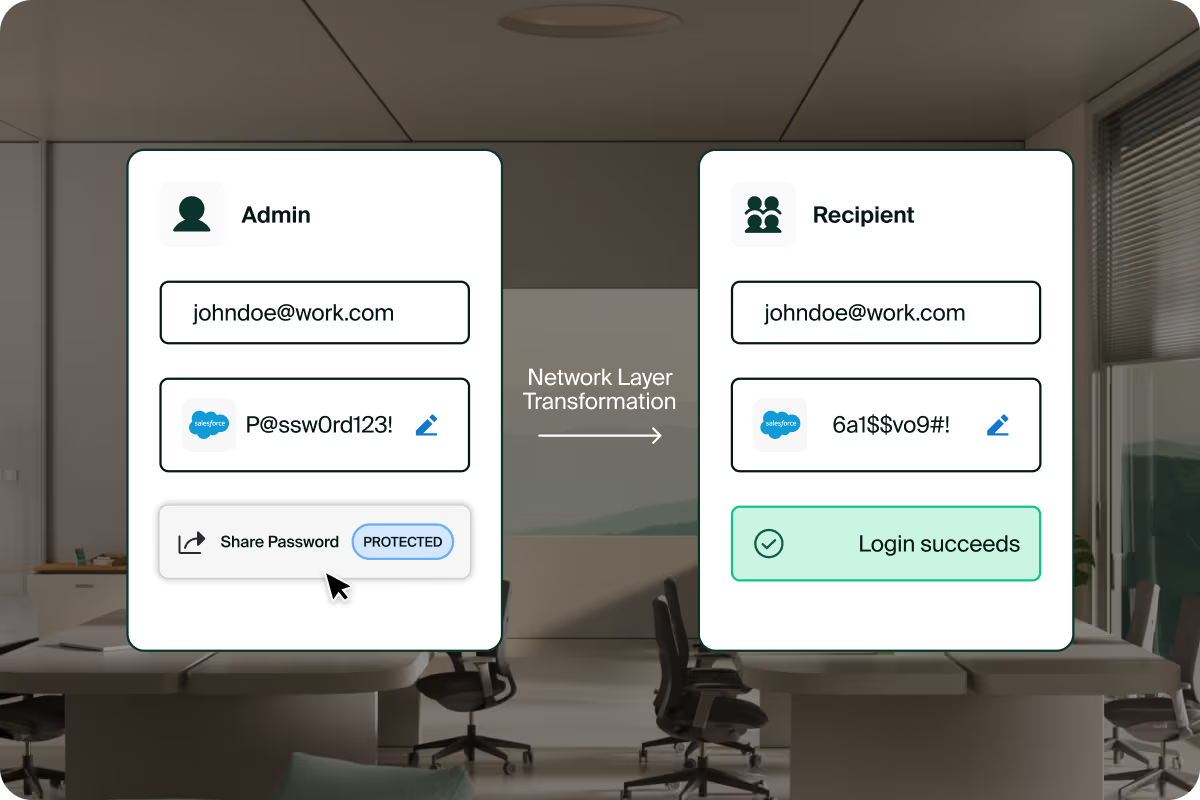
The Island Enterprise Password Manager evaluates every credential interaction against enterprise policy and context.

Use cases

Live Oak Bank  Simplifies Access to Critical Applications

Video thumbnail
Video thumbnail

FAQs

Is Island's Password Manager different from traditional password managers?

Yes. Unlike traditional password managers that operate as browser extensions, Island's Password Manager is built into the Island Enterprise Browser. This architectural difference matters because password managers are only as secure as the browser and device where they're used. Island's native integration uses contextual awareness of the enterprise environment (including user groups, device posture, geolocation, and network conditions) to enforce the password policies that you choose to impose.

Can the Island Password Manager store other secrets beyond passwords?

Yes. Island Password Manager also supports managing API keys, secure notes, and other secrets for organizations that need to secure more than just user credentials — all within a unified, policy-controlled environment.

Does Island Password Manager work in BYOD (Bring Your Own Device) environments?

Yes. Designed with BYOD in mind, Island’s built-in Password Manager simplifies onboarding and delivers a consistent, familiar user experience across every device, whether corporate, BYOD, or personal mobile. Island is available on major desktop platforms including Windows, macOS, Linux, and Chromebooks, and fully supported on iOS, iPadOS, and Android.

Does Island ensure the security of stored passwords and secrets at rest?

Yes. Island encrypts and stores passwords using a zero-knowledge architecture: passwords and secrets are never vulnerable to local attack on a compromised device — and the Island Password Manager is fully integrated into the Enterprise Browser with no extensions to deploy or manage.

Can Island Password Manager help with regulatory compliance requirements like HIPAA, GDPR, or SOC 2?

Yes. The Island Enterprise Browser is designed for regulatory compliance (GDPR, HIPAA). For SOC 2 specifically, Island can help organizations meet requirements by protecting system credentials by enforcing the use of the Island Password Manager and preventing passwords from being stored anywhere else. Island also supports secure access to trading/CRM apps with no-download or copy/past in order to satisfy compliance requirements while still enabling remote work. For healthcare organizations, Island can apply DLP controls to EHR systems for HIPAA compliance to keep patient data safe on personal devices.