.svg)

Key takeaways
- Consumer browser rankings evaluate privacy features like tracker blocking and fingerprinting resistance but ignore enterprise requirements such as policy enforcement, data protection, and identity-aware access controls.
- More than 90% of enterprise work now flows through the browser, making it the primary surface for data governance and compliance, not just a window to the internet.
- The architectural gap between consumer browser privacy and enterprise browser security requires controls built into the browser itself, not layered around it through proxies or extensions.
- Gartner projects enterprise browser adoption will grow from 10% to 25% by 2028, as organizations recognize that endpoint and network tools cannot see inside browser sessions.
What every browser privacy ranking gets right, and what it misses
You've seen the rankings. "Top 10 most secure browsers for 2026." Every major tech publication runs one, and every list evaluates roughly the same criteria: tracker blocking, cookie isolation, fingerprinting resistance, open-source transparency. The browsers that rank highest (Brave, Firefox, Tor, Mullvad) genuinely excel at protecting personal identity from advertisers and surveillance.
These rankings aren't wrong. They answer an important question for consumers who want to browse without being tracked. The problem is that they answer only that question.
If you're responsible for securing an enterprise with thousands of employees, contractors, and sensitive data flowing through web applications all day, these lists leave you with nothing. They don't ask whether a browser can enforce data protection policies inside a SaaS application. They don't evaluate whether it provides visibility into what data moves between tabs, enters AI tools, or leaves the organization through a copy-paste action. They don't consider whether it can extend security to unmanaged devices without shipping hardware.
The gap isn't that consumer rankings are flawed. It's that they're answering a fundamentally different question than the one enterprises need answered.
Why the browser became the enterprise's most important, and least governed, workspace
Your teams spend their days in browsers. SaaS applications, cloud consoles, internal tools, collaboration platforms, AI assistants. More than 90% of daily enterprise work now happens inside a browser window, according to broad industry consensus. The browser isn't a utility anymore. It's the workspace.
This shift didn't happen overnight. Organizations added SaaS tools one at a time over the past decade, each solving a specific problem, each accessed through the same consumer browser that employees use to check personal email. Nobody paused to rethink the browser as a managed enterprise surface because it didn't feel like one. It just felt like Chrome.
Meanwhile, the security stack evolved to protect endpoints and networks. Endpoint agents monitor what happens on the device. Network proxies inspect traffic between the browser and the internet. CASB tools govern cloud application access at the API layer. Each of these tools was designed for a world where work happened in installed applications on managed devices, and the browser was a secondary channel.
That world no longer exists. The browser is now the richest source of enterprise data and the least governed surface in the entire stack. Gartner estimates that enterprise browser adoption will rise from 10% today to 25% by 2028, a trajectory driven by a straightforward realization: the tools most organizations rely on simply weren't designed to see inside browser sessions.
Three approaches to browser security, and where each falls short
If you've been building a case for stronger enterprise browser security, you've likely evaluated at least one of these approaches. Most organizations have. The question isn't whether they work at all; it's whether they work where your data actually lives.
- Network and proxy-based security (CASB, SWG, SASE): These tools inspect traffic between the browser and the internet. They were the right answer when the browser's job was fetching web pages and the network perimeter was the logical enforcement point. They can block malicious URLs, enforce acceptable use policies, and inspect file downloads. What they can't do is see inside the browser session itself. Copy-paste actions between tabs, data entered into AI tools, screen captures of sensitive dashboards, tab-to-tab data movement: all of it happens above the network layer where these tools operate. The architecture was sound for its era. The browser simply outgrew it.
- Browser extensions: Extensions add security capabilities directly to consumer browsers, which gets closer to where work happens. Some provide DLP scanning, URL filtering, or session monitoring. But they operate within the browser's permission model, which limits what they can see and control. Extensions can be disabled by users, disrupted by browser updates, or restricted by the browser vendor's extension policies. They're useful additions to a security stack, but they inherit the constraints of a platform that wasn't designed to be enterprise-managed.
- Enterprise browsers with built-in security: This approach embeds policy enforcement, visibility, and data protection directly into the browser architecture. Security operates at the same layer where work happens, with the same visibility into user actions that the browser itself has. It doesn't depend on network inspection, extension permissions, or endpoint agents to see inside browser sessions.
The pattern is architectural: the closer security lives to where data is actually used, the more effective it becomes. Each of these approaches represents a different generation of thinking about where the enforcement point belongs.
What enterprise-grade secure browsing actually requires
When you sit down to evaluate browser security for your organization, the criteria that matter most aren't on any consumer ranking. They aren't about tracker blocking or cookie isolation. They're about whether the browser can do the job your security stack currently can't.
Enterprise-grade secure browsing requires capabilities that consumer browser rankings never evaluate:
- Identity-aware access controls that adapt based on who the user is, what device they're on, and what network they're connecting from
- Granular data protection at the point of interaction controlling copy-paste, downloads, screenshots, and screen sharing per policy, per application, per user context
- Visibility into browser-based workflows: what data moves between applications, what enters AI tools, what leaves the organization
- Application boundaries that prevent sensitive data from moving between managed and unmanaged contexts within the same browser session
- Policy enforcement that works for contractors and third parties without requiring managed devices, VDI infrastructure, or weeks of onboarding
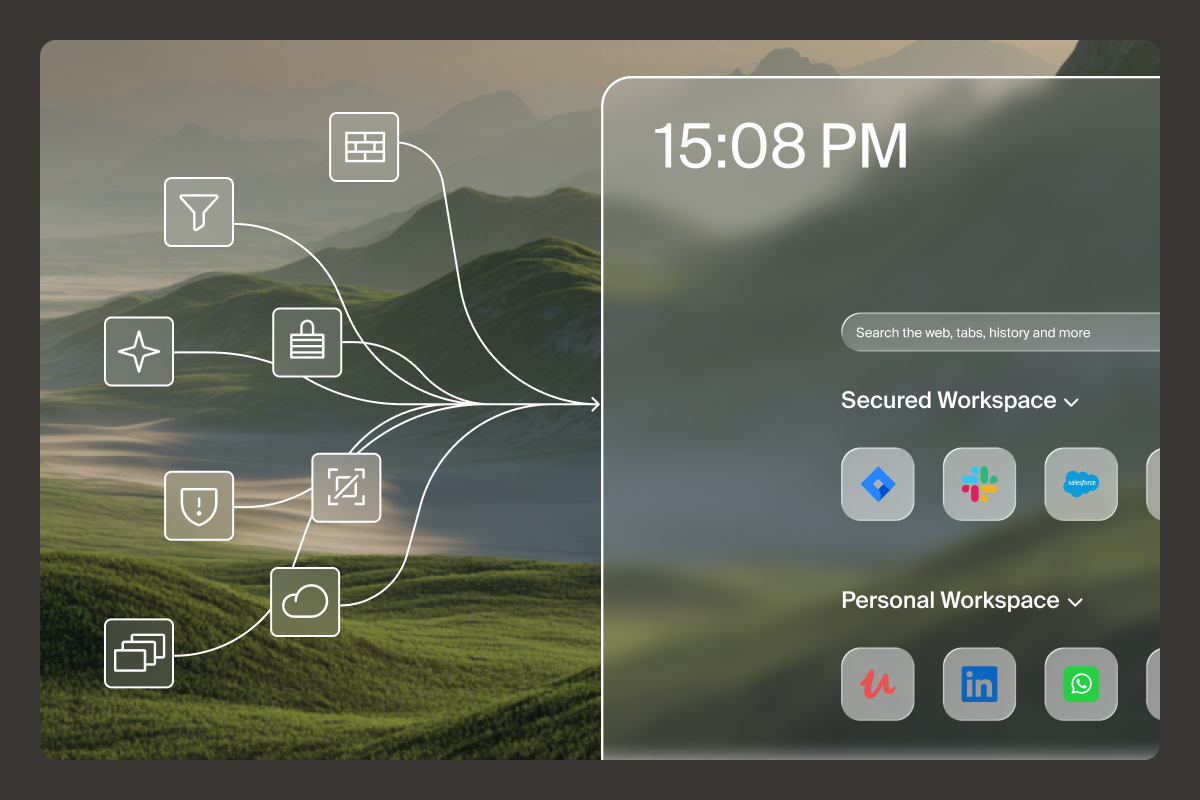
This is where the Island Enterprise Browser operates. These capabilities are built into the browser architecture, not layered on top through extensions or proxies. The browser carries the policy, so the device doesn't have to.
One proof point illustrates the practical difference: Island customers have reduced contractor onboarding from 45 days to 45 minutes by eliminating the need for managed devices or VDI provisioning. The contractor downloads the browser, authenticates, and receives enterprise-grade security policies from the first session. No hardware to ship. No images to configure. No weeks of waiting.
That shift is only possible when security is built in, not bolted on.
How to evaluate browsers for enterprise security beyond the rankings
Consumer rankings won't help you make this decision. But that doesn't mean you're without a framework. The right questions to ask aren't about which browser blocks the most trackers. They're about which architecture fits where your organization's work happens.
Five questions belong on every enterprise browser evaluation scorecard:
- Can the browser enforce data protection policies inside web applications, not just between the browser and the network?
- Does it provide visibility into what users do inside browser sessions, including interactions with AI tools?
- Can it extend security to unmanaged devices and third-party contractors without shipping hardware or provisioning virtual desktops?
- Does it reduce the stack, replacing or consolidating VPN, VDI, DLP, and CASB functions, or does it add another layer?
- How does it handle the AI governance question: can it distinguish between sanctioned and unsanctioned AI use at the browser level?
There's a sixth question most evaluations miss entirely, and it might be the most important one. The strongest browser security architecture fails if your workforce routes around it because the experience degrades. Ask vendors for deployment friction data, not just feature matrices. Ask how long it takes for a new user to be productive. Ask what employees actually say about using it daily.
The best security is the kind nobody has to think about. When the environment is right, work just flows.
If you're rethinking how your organization secures work inside the browser, schedule a walkthrough to see how the Island Enterprise Browser works in practice. You'll get a live demo tailored to your environment and use cases.
FAQs
What is the most effective browser for enterprise security?
The most effective enterprise browser embeds security directly into the browser architecture rather than relying on extensions or network proxies, enabling policy enforcement where work actually happens.
Is a private browser the same as an enterprise-grade browser for business?
Private browsers focus on blocking trackers and protecting personal identity. Enterprise browser security adds data governance, identity-aware access controls, and compliance visibility that private browsing modes don't address.
Can browser extensions provide enterprise-grade security?
Extensions add useful capabilities but operate within the consumer browser's permission model, which limits their visibility into browser sessions and makes them vulnerable to being disabled or bypassed.
Why are enterprises adopting dedicated enterprise browsers?
Gartner projects enterprise browser adoption will reach 25% by 2028 because endpoint and network tools lack visibility into browser-session activity where most work now happens.

Island is defining the future of work for people and AI agents. Its enterprise agentic control plane helps organizations enable, govern, and audit agentic workforces alongside people. Island boosts productivity across devices, browsers, applications, networks, and data while protecting sensitive information, simplifying access, and helping enterprises scale AI safely.



.svg)
.svg)

