.svg)
New Report: The Enterprise Browser as Security Control Point
The browser is today’s workspace. Your controls are somewhere else.

Enterprise work today happens across SaaS applications, internal web tools, cloud consoles, and AI tools. These widely varied workspaces share one major factor: your employees and contractors reach them all through the browser.
This means they are creating, sharing, and moving proprietary information and data in an environment that traditional security tools can’t see inside. Proxy-based secure web gateways, CASBs, Zero Trust Network Access, DLP, EDR: every one of those layers sits around the browser and instruments it from outside. Meanwhile, the browser itself is built for shopping and socializing, not for enterprise security.
The mismatch between where work happens and where controls sit has become a structural problem for security teams in SaaS-first, BYOD-heavy environments. A new Info-Tech Research Group report by Principal Advisory Director Carlos E. Rivera examines the security risks and failure modes this mismatch creates, and the reasons why traditional security architectures are unable to prevent them.
A proxy blocks the app. It can’t block the button.
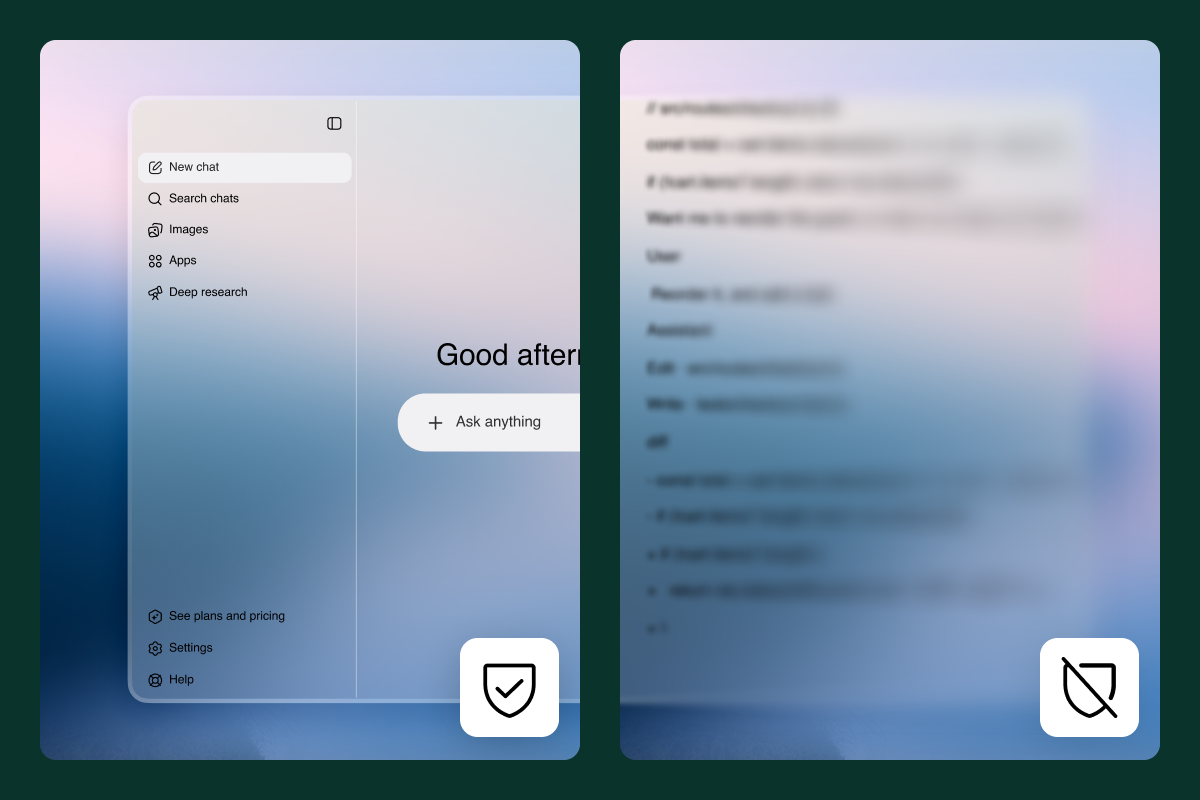
Proxy-based ZTNA decrypts at the network layer. That covers URL and category-level decisions, enough to decide whether a user reaches an application. It can’t, however, govern what they do inside. The network layer cannot reach the rendered DOM, intercept a clipboard event, or act on an individual page element. Blocking one browser-based AI tool means users simply move to a different one, and prompts still leave your data security perimeter. Proxy tools are blind to an employee copy/pasting corporate data into a personal account or downloading sensitive information to a non-corporate device because the network layer only sees URLs. The work happens inside the page.

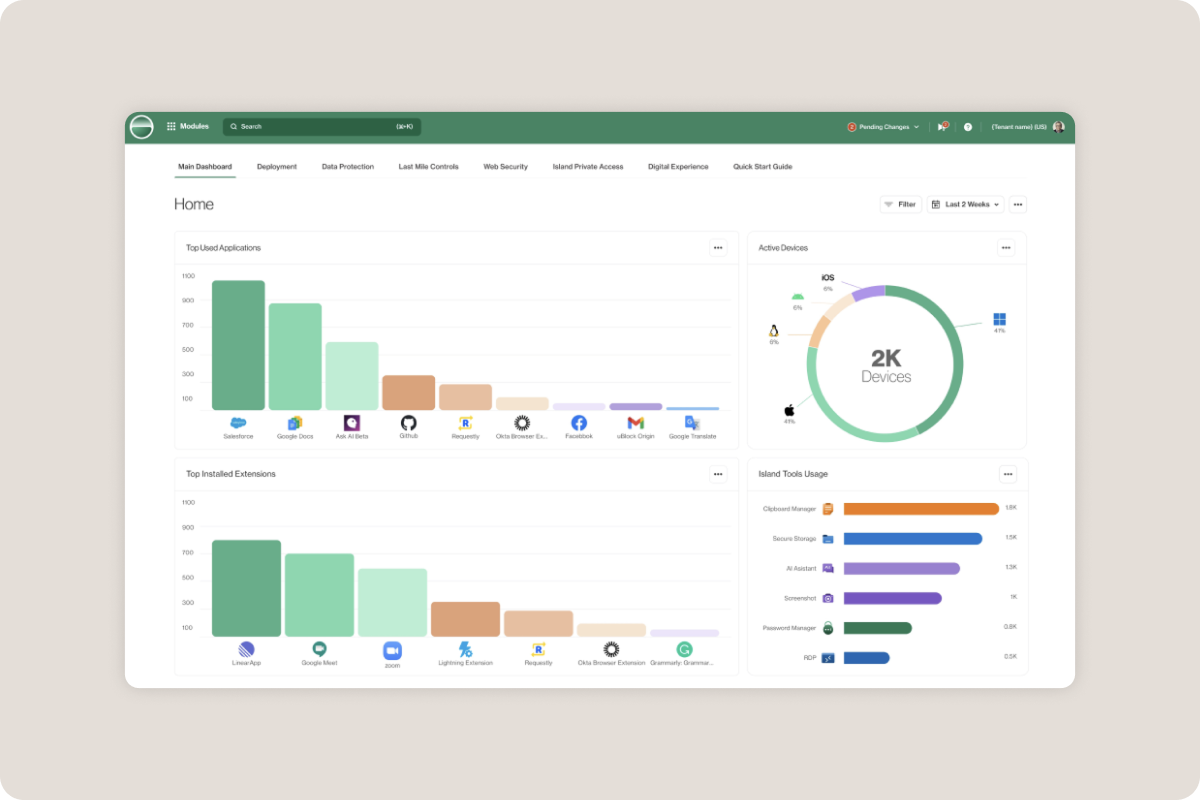
An enterprise browser, on the other hand, runs policy against decrypted, rendered content inside the browser. This allows fine-grained control over every interaction, like applying data security policies to the text in an AI prompt or letting a user open a customer record while disabling the download button. The report details how those signals — user role, device posture, location, application, and tenant awareness — become enforceable against individual page elements rather than just connection decisions.
SSL interception was the workaround. TLS 1.3 is closing it.
Teams that needed depth at the proxy got it by decrypting network traffic there. The tradeoff was invasive interception that can break applications, with a decryption point in the middle of the network that has to be secured and audited like any other sensitive asset. Even for orgs willing to live with the drawbacks, though, TLS 1.3 and certificate pinning make interception solutions increasingly impractical.
A growing number of applications now pin their certificates, shipping with the specific key they expect from their server. When an interception proxy substitutes its own CA-signed certificate, the client sees a mismatch and refuses the connection outright. Users are blocked, which forces security teams to bypass the sensitive applications they most want to inspect.
TLS 1.3, the widely used high-security data encryption protocol, removes the static RSA key exchange that once let a proxy hold a copy of the server's private key so it could decrypt passively. TLS 1.3 also encrypts more of the handshake itself, stripping out the cleartext metadata proxies rely on. The result is that inspection coverage shrinks every year as more applications pin their certificates and more of the session moves inside the encrypted envelope.
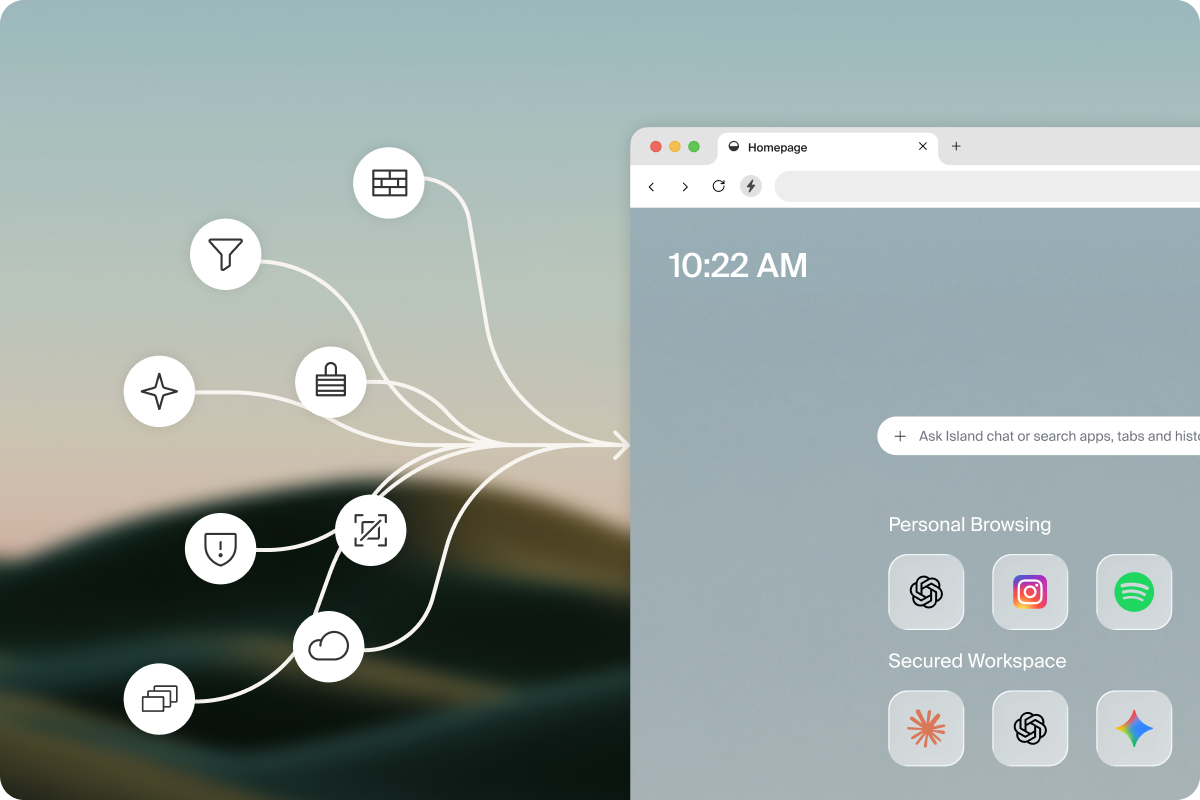
The alternative is to decrypt traffic in the rendering engine: the browser itself. An enterprise browser terminates TLS at the endpoint, which gives policy access to application content, DOM elements, and user interaction events without any interception in the network path. Policy is administered centrally and applied locally, so there is no backhaul. The full report explains what that shift means for teams whose compliance frameworks were written around network-layer inspection.
You can't manage a device you don't own.
Identity and posture have traditionally been tied to the managed device through MDM. That model works when the workforce is employees on corporate hardware, and it stops working the moment it isn't. Contractors, agency staff, and offshore teams all need access to the same systems on machines the organization will never enroll. Every one of those workers becomes an exception, an accepted risk, or a shipped laptop.
An enterprise browser moves the posture check off the hardware and into the session. It assesses OS version, disk encryption, patch level, and geolocation, and enforces Zero Trust from inside the rendering engine, on whatever device the user happens to be on. Step-up MFA applies to high-risk actions without backend changes to the application. Read the full report to understand how the enterprise browser itself becomes the posture device that travels with the user so that enterprise security stops depending on device procurement.
Discover where your risk lives.
There’s much more in the report, including a fourth browser security failure mode this post hasn't touched: remote browser isolation and VDI. Rivera’s analysis reveals an interesting discovery: BYOD scalability is what most enterprise browser deployments actually solve for, even when buyers describe the purchase as Zero Trust or AI risk. The report also offers a framework for evaluating whether your organization's workforce composition, SaaS exposure, and AI adoption have moved past what proxy-based architectures can govern, and whether an enterprise browser is more secure and effective than your SWG, your ZTNA broker, or your MDM.
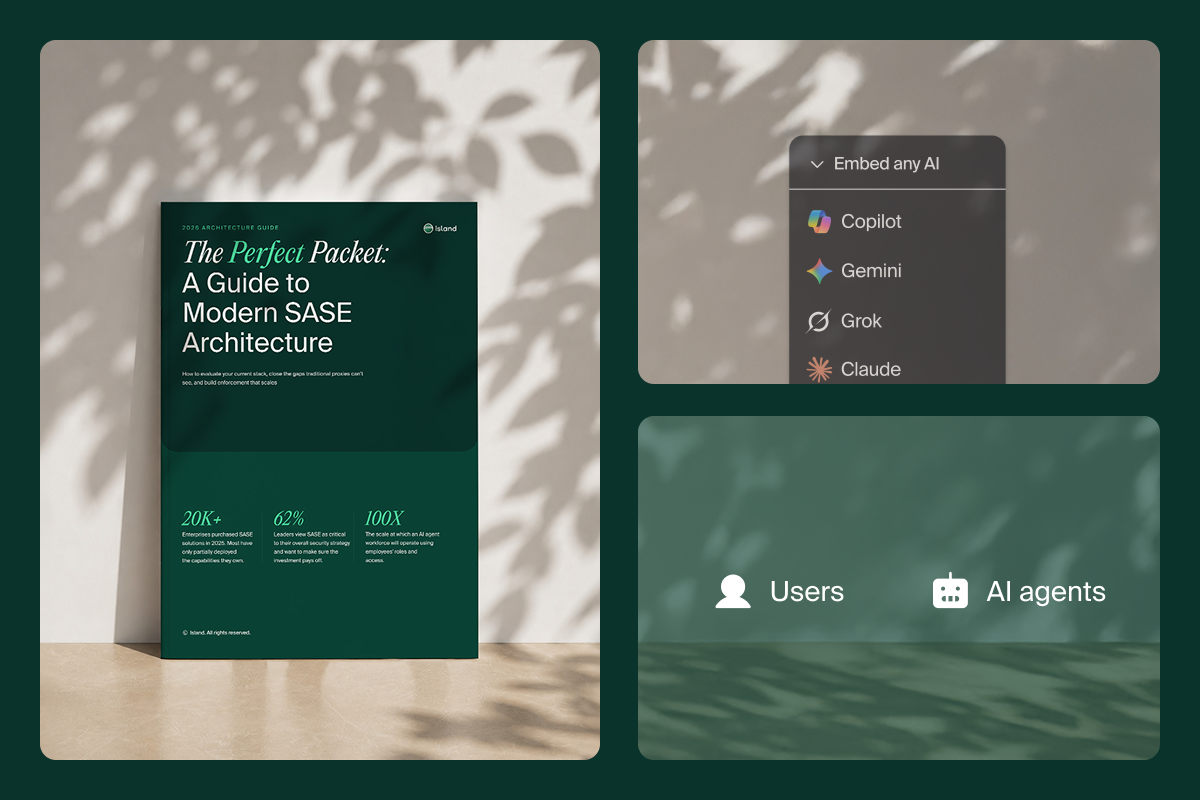
Download Island: The Enterprise Browser as a Security Control Point for the full analysis.
FAQs
Can a proxy-based ZTNA solution block downloads while still allowing a user to view the record?
No. Proxy architectures decrypt at the network layer, which supports URL and category-level decisions but cannot reach the rendered DOM or act on an individual page element. That control requires operating inside the rendering engine, against browser-decrypted content.
Is SSL interception still a viable way to get visibility into encrypted traffic?
Decreasingly. Certificate pinning causes clients to refuse connections when a proxy substitutes its own CA-signed certificate, which forces bypass lists for exactly the applications teams most want to inspect. TLS 1.3 removes the static RSA key exchange that once enabled passive decryption and encrypts more of the handshake, so coverage narrows each year without any change in configuration.
Can Island enforce policy on unmanaged or BYOD devices?
Yes. The Island browser assesses device posture — OS version, disk encryption, patch level, geolocation — and enforces Zero Trust from inside the rendering engine regardless of who owns the hardware. That decouples enterprise security from device procurement and MDM enrollment, which is why the report identifies contractor-heavy and BYOD-heavy organizations as the clearest fit.
Do I have to make everyone switch browsers?
No! The Island browser extension can make any browser work for the enterprise. Island’s third-part extension supports Chrome, Edge, other Chromium browsers, Firefox, and Safari with parity everywhere an extension can technically reach. Some of the strongest protection, however — like deep JIT control, full rendering-engine policy, native isolation — require the full Island Browser.

Andrew is a Product Marketing Manager at Island, working closely with the product and engineering teams behind all of Island's products. With over 12 years in cybersecurity, Andrew has built deep, hands-on expertise across network security, identity and access management, cloud native security, browser security, and AI security. He works close to the product, using the tools he's responsible for daily, building and maintaining demo environments, and translating technical capabilities into real-world security outcomes. His work bridges the gap between how a product actually works and why it matters.




.svg)
.svg)

