Island Desktop
Security and productivity on the endpoint
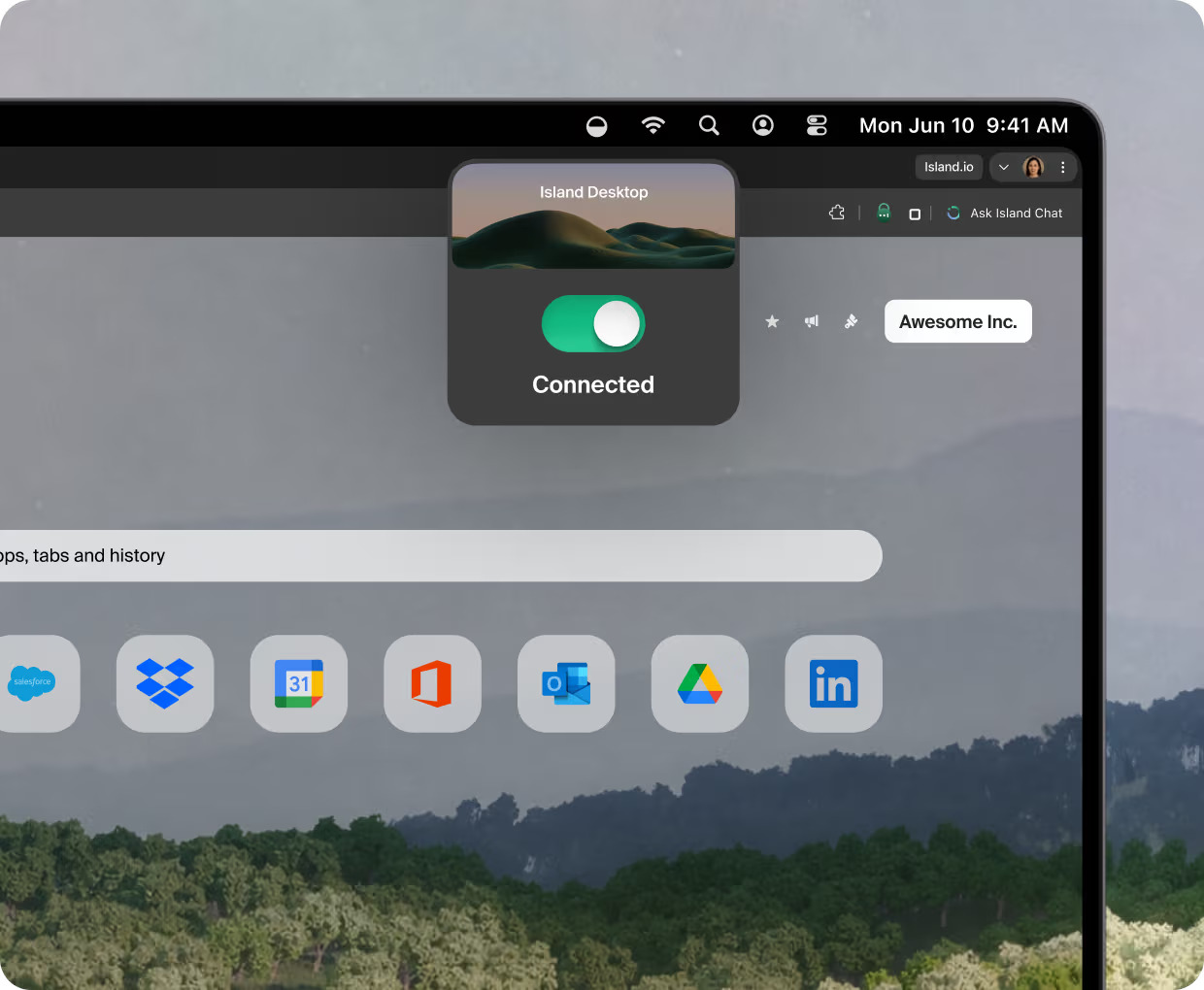
Island Desktop provides Island capabilities, including zero-trust access, data protection, device visibility, zero trust network access, and digital employee experience, to the endpoint.
The world’s leading enterprises run on Island.
.png)
.png)
.png)
.png)

.png)










The Problem
Endpoint security has become a stack of disconnected agents.
Endpoint risk
Sensitive data, private-app access, and web threats all meet on the device. The endpoint is the front line of security.
Disjointed capabilities
Zero-trust access, data loss prevention, and web filtering. Each one usually requires a separate agent, console, and policy model.
Sprawl leaves gaps
More agents slow down devices, multiply management consoles, and leave gaps between tools that don’t work together.
The Solution
One solution for the whole endpoint
Secure the entire endpoint.
Island Desktop brings identity-aware policies to thick apps, native files, and the OS itself.
- Zero-trust network access for all ports and protocols
- Endpoint DLP and screenshot protection across clipboard, files, USB, and native apps
- URL filtering and SSL inspection for traffic outside the browser

Protect data and control every device.
Keep sensitive data on the device from leaking, and give IT full visibility and control across the fleet.
- Endpoint DLP and last-mile controls for clipboard, print, files, USB, and screenshots
- Device posture, software inventory, and system queries for complete endpoint visibility
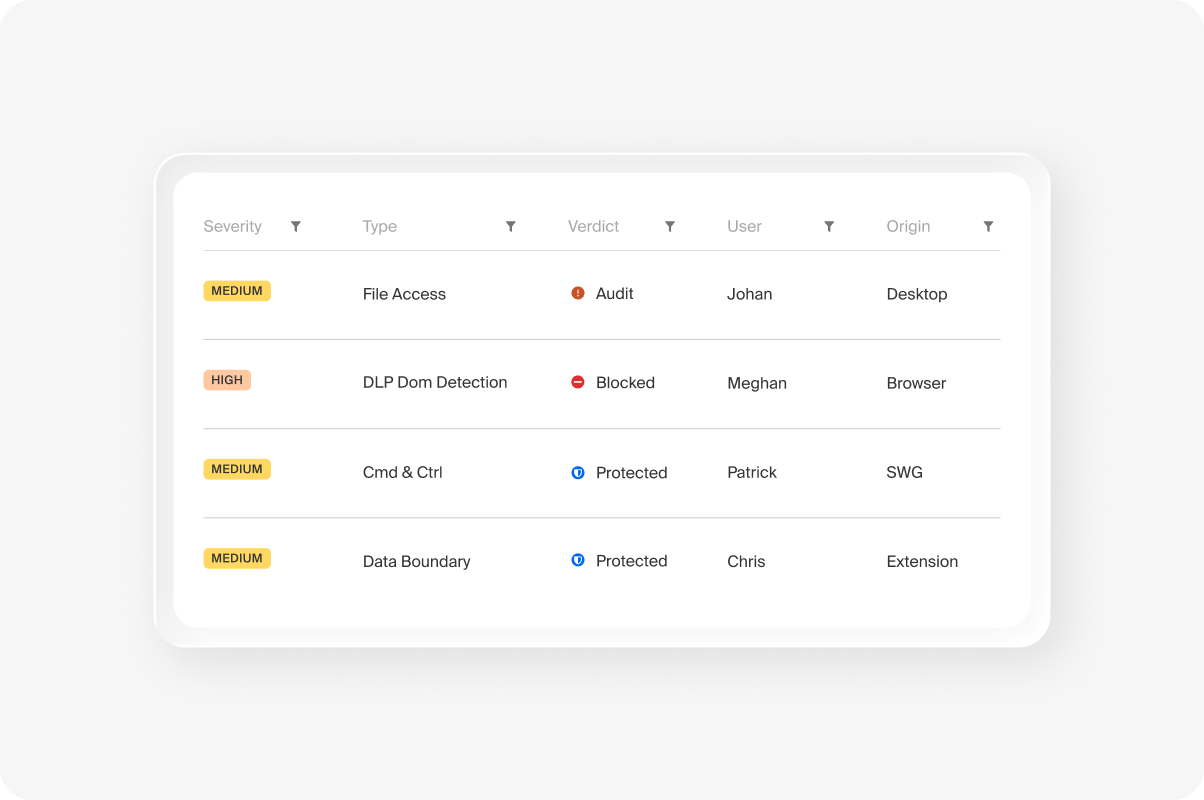
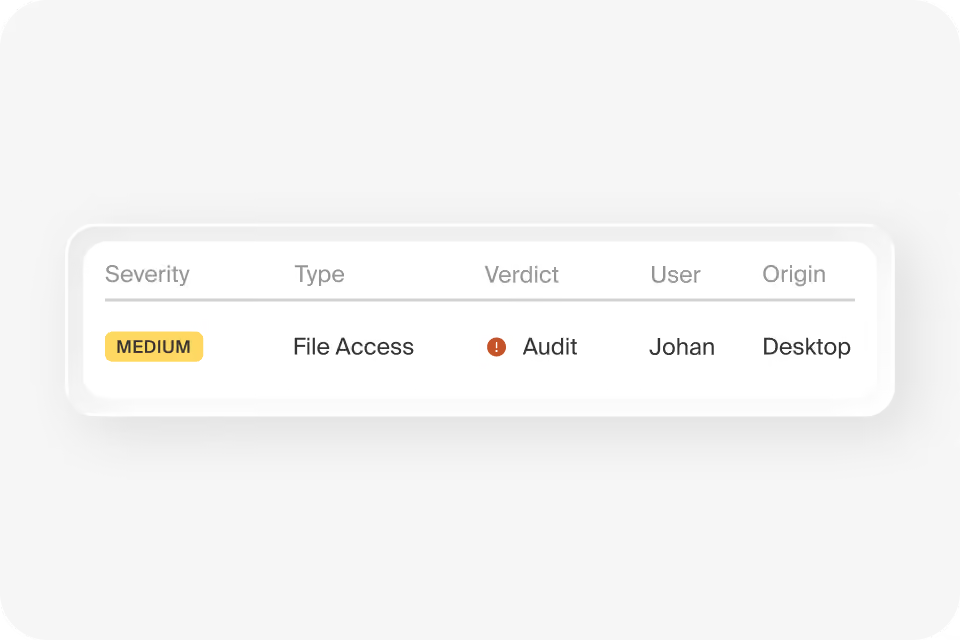
- Device-level activity logging and experience dashboards for audit, compliance, and performance
Pair it with the browser and extension for full coverage.
Island Desktop goes further when paired with the Island Enterprise Browser or the Island Extension.
- Add download and upload protection and DLP 360 for full data-flow visibility
- Extend one set of policies from the browser to native apps and the operating system
- Manage endpoint and browser together as one platform, from a single console
Deploy it anywhere, manage it in one place.
Deploy through your MDM
Push Island Desktop through Intune, SCCM, Jamf, or your other device management tools. No imaging, and users are up and running fast.
Managed from one console
Set policy, monitor devices, and pull audit logs from one cloud console, with a single policy engine across every capability.
Built for Windows and macOS
A native Windows service and macOS daemon. Turn on only the capabilities you need, and push updates centrally.
FAQs
Island Desktop is an endpoint security agent for Windows and macOS. It delivers zero-trust network access, endpoint data protection, and device visibility and control from a single lightweight service, managed from one console. It can replace a stack of separate endpoint agents with one.
No. Island Desktop is a standalone endpoint security product and works on its own. If you also run Island, the Enterprise Browser or the Island Extension, Island Desktop pairs with them to add additional endpoint capabilities.
Yes, for many teams. Island Desktop consolidates zero-trust access, endpoint DLP, web filtering, device posture, and endpoint analytics into one agent, governed by one policy engine. It can replace or run alongside your VPN, DLP, and endpoint management tools.
Island Desktop runs as a native Windows service and a macOS daemon. Deploy it through Intune, SCCM, Jamf, or your other device management tools, turn on only the capabilities you need, and push updates centrally from the Island console.
There’s lots more to learn


%20(1).png)
.svg)
.svg)

