Island AI Services

The Enterprise Platform for Secure Work

  • Secure work directly in the browser
  • Control access across apps, data, and AI
  • Reduce reliance on VPN, VDI, and point solutions

By submitting this form you consent to be contacted by Island, and acknowledge our Privacy Policy

Trusted by the world's most security-conscious enterprises.

What is the Island Enterprise Platform?

Island is a secure work platform that brings the browser, network, app access, and AI controls into one enterprise-managed environment. It helps IT and security teams reduce infrastructure complexity while giving employees a safer, simpler way to work.

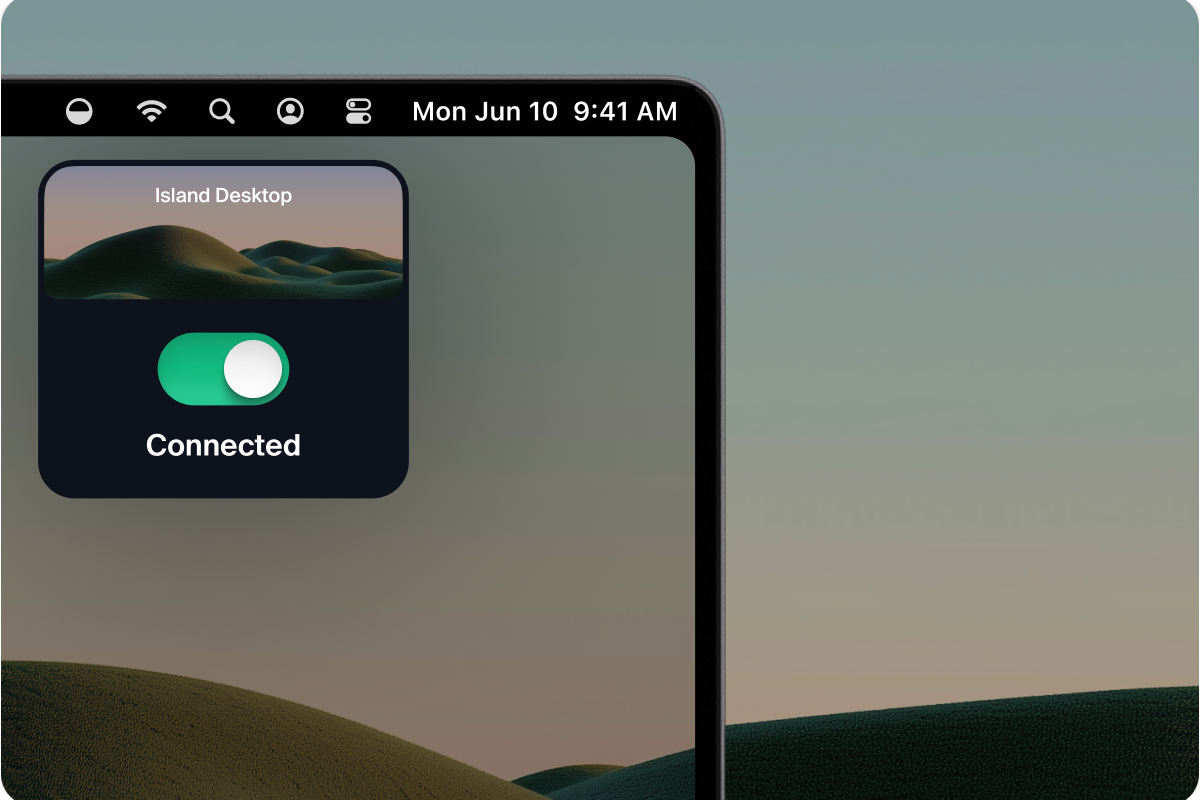
Frontier models accelerated your threat model. The gap between exposure and compromise now closes in minutes, and the decisions that contain the blast radius get made from wherever the decision-maker is standing. Island Insights is an iOS app that puts your entire Island environment in your hand.

Part of the Island Enterprise Platform

The future of work is built in, not bolted on.

Give every user instant, secure access, no VPN required.

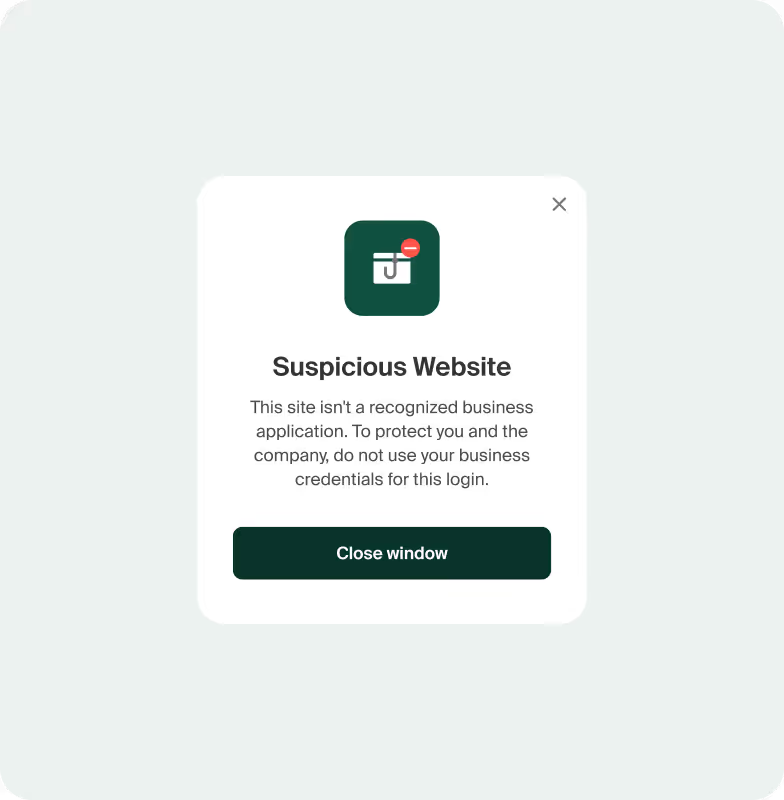
Block threats automatically before users ever see them.

Onboard contractors in minutes and revoke access just as fast.

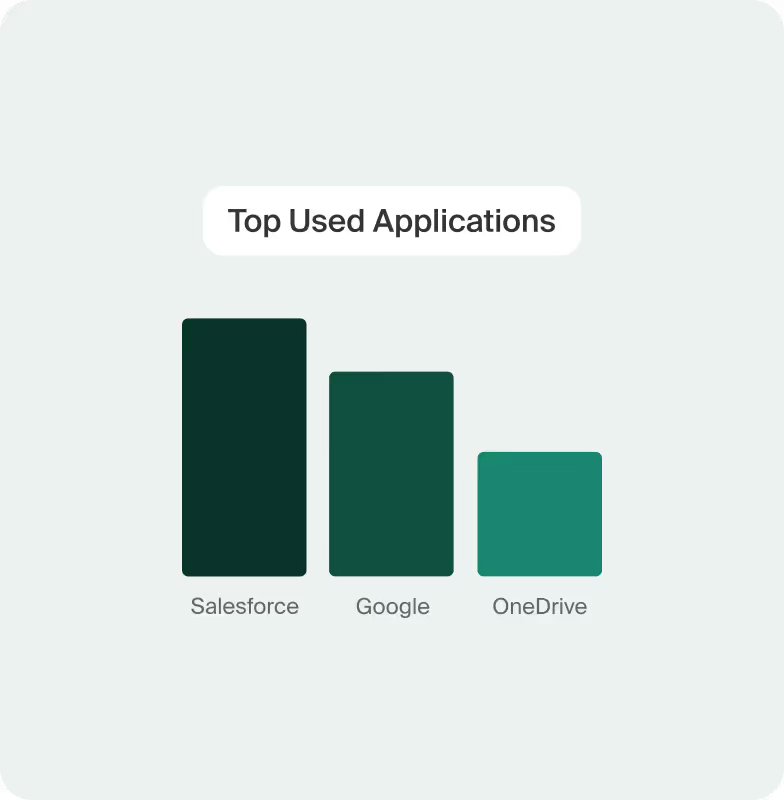
See everything happening across every app, in real time.

Let employees use personal devices without compromising security.

Give users a truly frictionless work experience.

Hear from our customers.

“When you start looking at potential savings and improved security, you see the value.”

Brian A. Coleman,
Head of Insider Risk, Digital Forensics, and Information Security
Pfizer

“With Island, we're able to say 'yes' a lot more and increase that productivity.”

Matthew Cochran,
Director of IT
Hendrick Motorsports

“Island is a game-changer when it comes to I.T.”

Brandon Schaefer,
Director of IT Infrastructure
Mattress Firm

“Our CISO said that Island is the single most important security tool that we have now.”

Eric Lowe,
Director of InfoSec
TaskUs Risk Management

“When we factored in the cost of maintaining VDI, Island essentially paid for itself.”

Lloyd Lucas,
Cyber Security Director
Brightline
The industry is recognizing how Island is reshaping today’s workspace.
Fast Company Next Big Things in Tech 2025
Forbes Cloud 100 2024-2025
TechForward Awards 2025 winner for Zero Trust Architecture
Fortune Cyber60
2023-2025

FAQs

Is Island a desktop virtualization platform?

No. Island is not a virtualization platform. It is an enterprise browser that provides secure, managed application access without substantial infrastructure or cloud costs.

Does it require on-premise or cloud infrastructure?

In general, no. The Enterprise Browser installs locally and receives policies from the cloud-based Island Management Console. Island hosts and maintains the cloud services.

How does the user experience compare?

VDI introduces login delays and performance trade-offs. Island offers native performance with no unnecessary virtualization or network routing.

Do applications need compatibility testing?

No. Island is based on the Chromium rendering engine. Applications that work with Chrome or Edge will work with Island. IE Legacy Mode is supported.

Can it run on unmanaged or BYOD devices?

Yes. Management capabilities are delivered directly through the browser, enabling deployment on managed or unmanaged devices.

How does single login work?

Island integrates with enterprise identity systems to support single sign-on (SSO). This allows users to authenticate once through your existing identity provider and securely access SaaS and internal web applications directly within the browser. Policies and access controls can also evaluate identity, device posture, network, and other contextual signals to determine what users can access.

What is the administrative overhead?

Administrative overhead is minimal. Island installs locally on devices and is managed centrally through the cloud-based Island Management Console, eliminating the need for servers, brokers, or complex infrastructure. IT teams can manage policies, access controls, and security settings from a single console without maintaining traditional VDI infrastructure.

Stop paying for infrastructure you don’t need.