Security that works the way schools do.

Island gives K-12 districts enterprise-grade browser security that works the way schools do — protecting students on every device, everywhere, without getting in the way of learning.

The browser is where school happens. Is yours secure?

Today's K-12 environment runs on the internet. Students, teachers, and administrators do almost everything through a browser — and most districts are trying to secure that environment with tools that weren't built for it.


Network filters can't see inside applications. VPNs break down the moment someone needs access from a personal device. And point solutions designed for the enterprise rarely account for the scale, budget constraints, and lean IT teams that define most school districts. The gaps are real, and so is the risk.

How Island helps K-12 districts operate securely

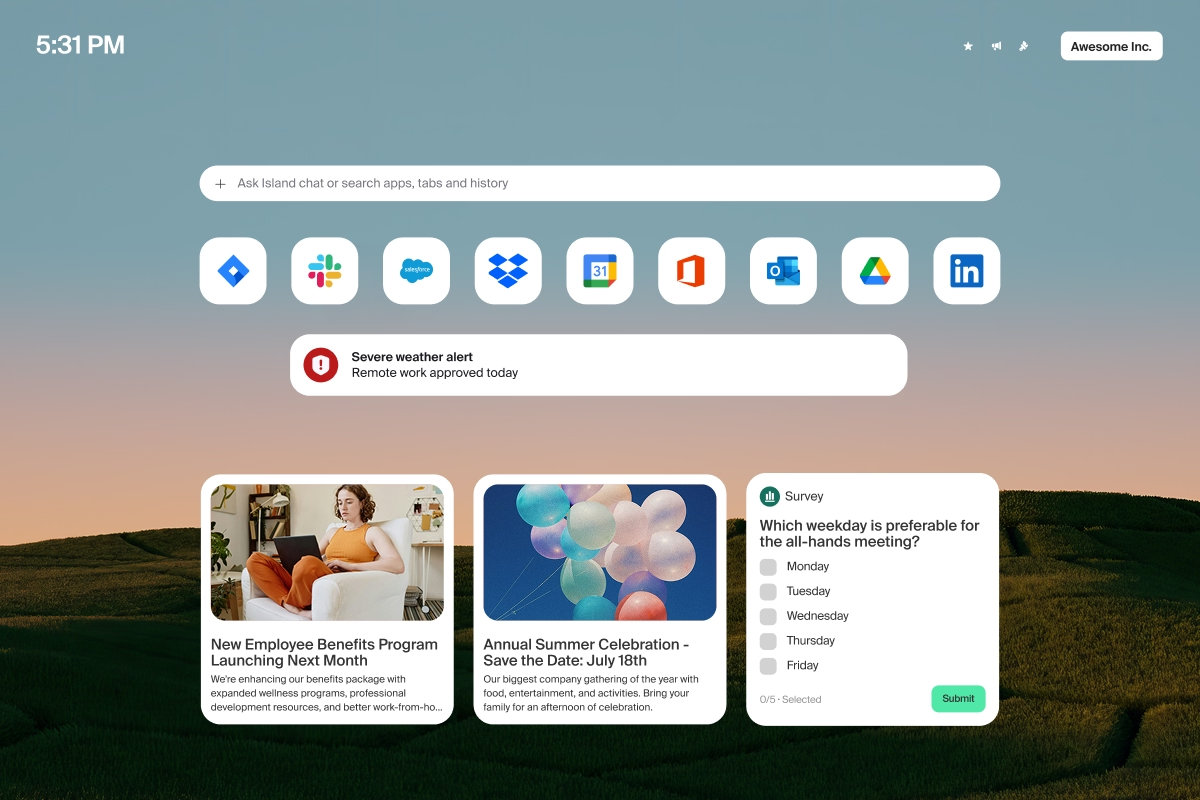
Island's Enterprise Browser moves enforcement to where digital learning actually happens: the browser itself. Policy is applied at the moment of interaction. Before content renders. On every device. Managed or unmanaged. On the network or off.

For districts managing thousands of devices with limited IT staff, that consistency is the difference between a security posture that holds and one that doesn't.
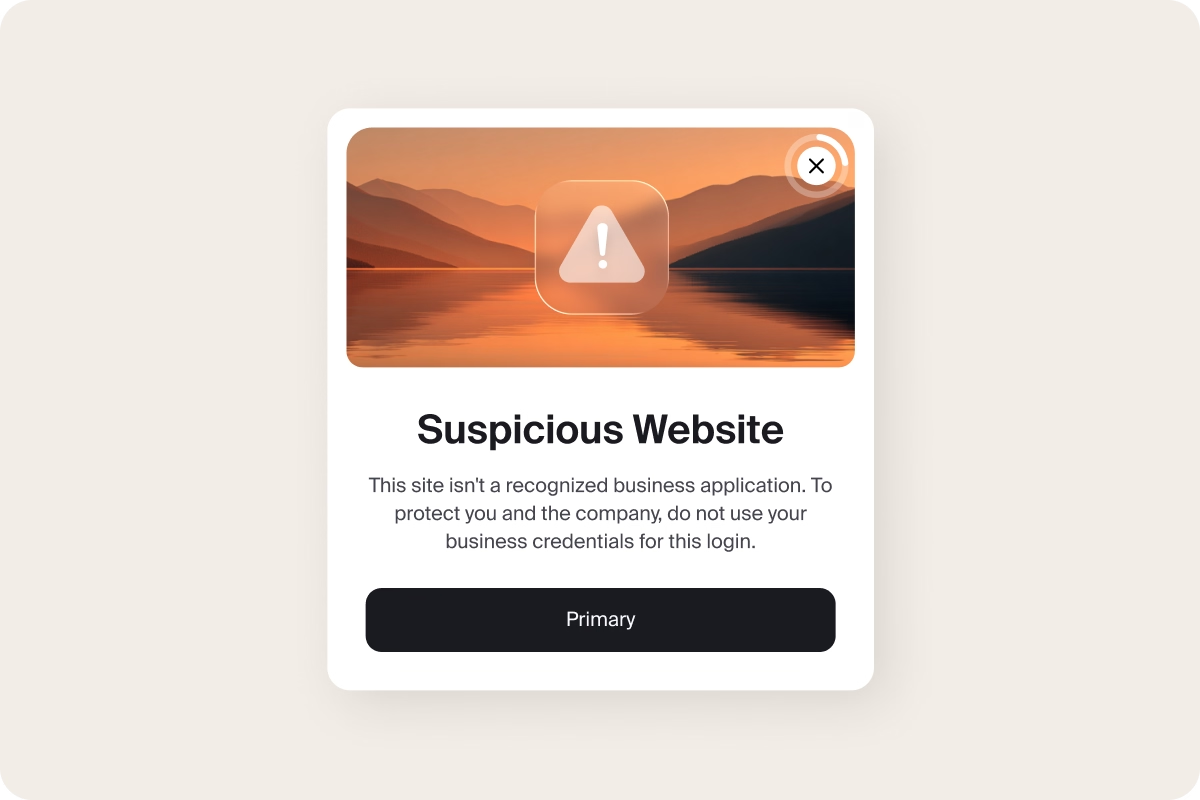
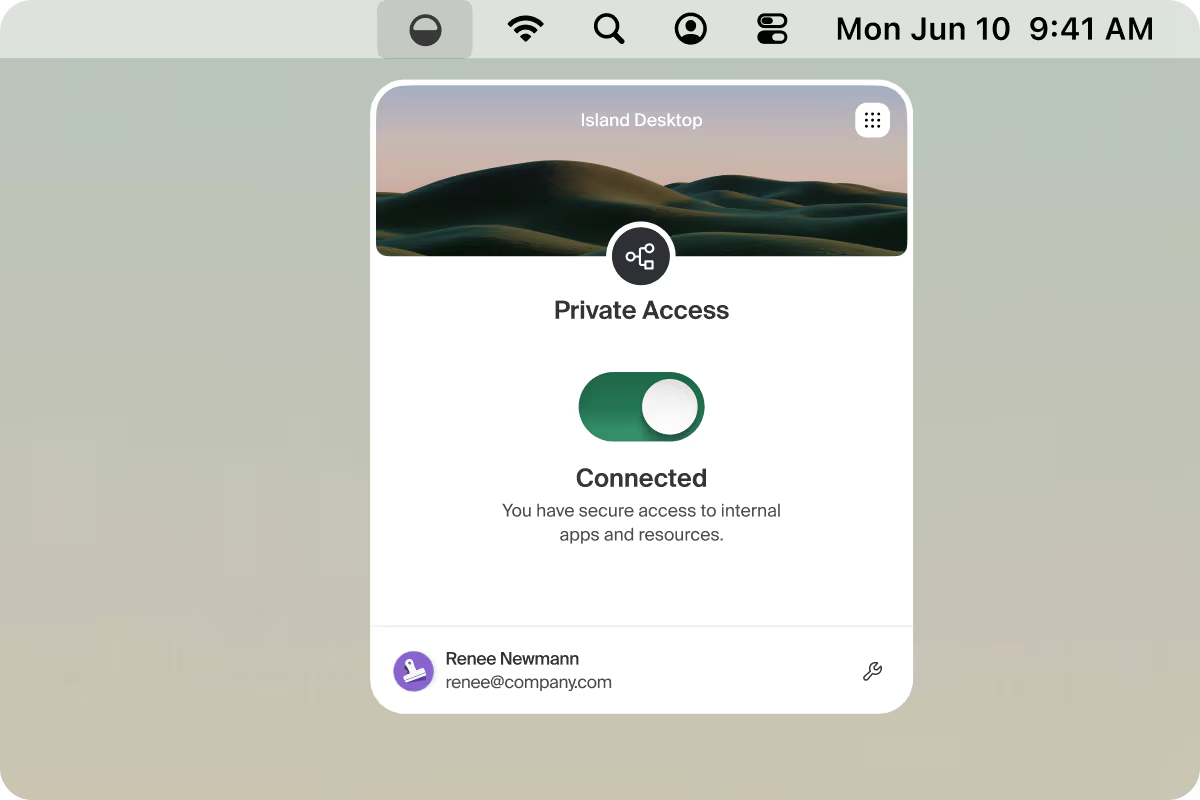
Key Island solutions for K-12

CIPA compliance, simplified

Schools and libraries that receive E-rate funding are required to certify CIPA compliance — maintaining an internet safety policy that includes active technology protection measures, online activity monitoring, and student education on appropriate online behavior. Island is built to meet those requirements through a single platform.

How Eagle County School District secured 16,000+ devices — and responded faster in a real emergency

"Most classroom learning these days happens in the browser. Island enables us to create a frictionless and safe educational experience for the students.”

Jack Donnelly,
CTO, Eagle County School District

FAQ

Does Island work on Chromebooks?

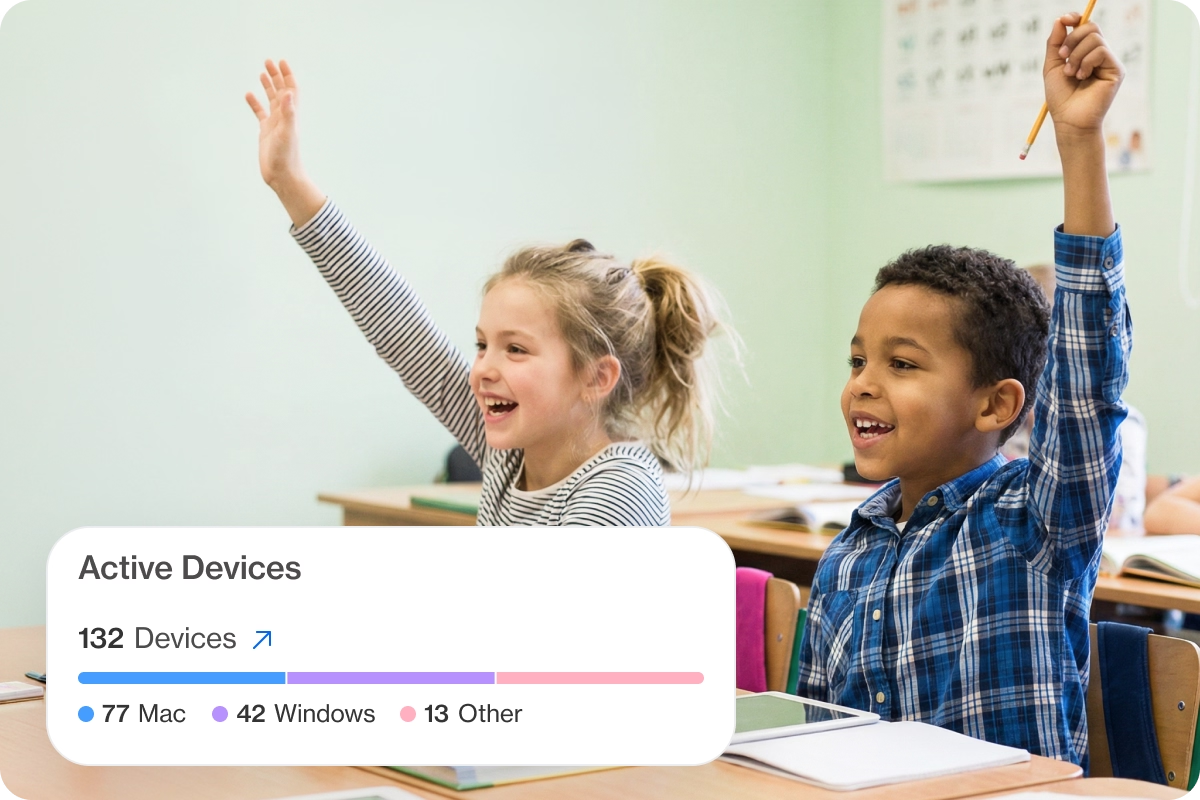
Yes. Island supports district-issued Chromebooks, Windows and Mac devices, iOS and Android mobile devices, and personally-owned devices — managed and unmanaged — through the Enterprise Browser, the Island Extension for existing browsers, and Island Desktop.

How does Island help with CIPA compliance?

Island includes a pre-populated CIPA compliance template, content filtering and blocking controls, safe search enforcement across major search engines, and User Behavior Analytics scoped to student user groups. Together these capabilities satisfy CIPA's requirements for filtering, monitoring, and internet safety policy implementation.

Can staff access the student information system from a personal device?

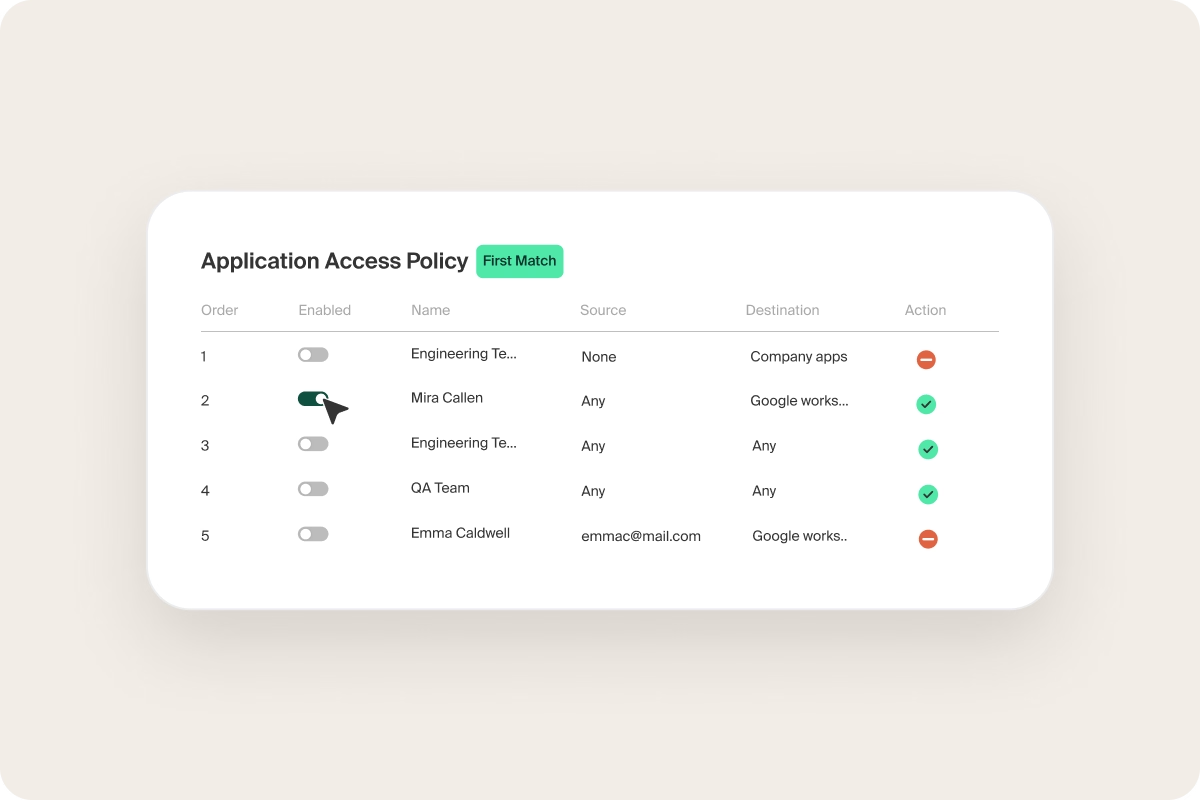
Yes. Island Private Access enables secure, Zero Trust access to internal applications, including student information systems, from any device, without VPN configuration. Access is granted per application, per session, based on identity and device context.

Does Island require a network overhaul to deploy?

No. Island is deployed through the browser or a lightweight extension. There is no network reconfiguration required, and coverage follows adoption incrementally. Eagle County School District completed a district-wide rollout in four months with zero operational disruption.

What happens to content filtering when students are off the school network?

Island's enforcement travels with the user. Content filtering, safe search, and activity monitoring apply consistently regardless of whether the student is on the school network, at home, or anywhere in between.

Can Island replace our existing content filter?

Yes. Island consolidates content filtering, activity monitoring, and safe browsing controls into a single platform, eliminating the need for separate point solutions and the management overhead that comes with them.