.svg)
How Island Enables CIPA Compliance
A simpler path to CIPA compliance for K-12 IT teams, no matter the size or complexity of your district.

For K-12 schools and libraries, CIPA compliance isn't optional. It's the condition attached to E-rate funding that makes affordable internet access possible. But meeting the requirements has historically meant layering together multiple tools: content filters, monitoring solutions, safety policy documentation, and staff training programs. For districts with limited IT resources, that complexity is a real burden.
Island's Enterprise Browser gives schools a simpler path. By moving enforcement directly into the browser — where students actually access the internet — Island enables districts of any size to meet CIPA requirements through a single, manageable platform.
What CIPA Actually Requires — and Why It's Harder Than It Looks
The Children's Internet Protection Act was enacted by Congress in 2000 to protect minors from obscene, harmful, or otherwise inappropriate content online. Schools and libraries that receive E-rate discounts for internet access or internal connections must certify they have an internet safety policy in place — one that includes active technology protection measures, not just a written policy document.
Specifically, CIPA requires schools to:
- Block or filter access to obscene content, child pornography, and material harmful to minors on any device accessed by students
- Monitor the online activities of minors
- Educate students on appropriate online behavior, including social media use, interactions in chat rooms, and cyberbullying awareness and response
- Address unauthorized access, hacking, and the unauthorized disclosure of minors' personal information
The challenge for most districts isn't understanding what CIPA requires. It's building a technology infrastructure that actually delivers on all of it — consistently, across thousands of devices, on and off the school network.
The Browser Is Where Compliance Lives or Dies
Most internet activity in K-12 schools happens in the browser. Students access learning management systems, educational websites, YouTube, AI tools, and communication platforms almost entirely through a browser tab. That makes the browser the most important enforcement surface for CIPA compliance.
By offering an enterprise browser, Island gives IT administrators granular control over exactly what students can access and do — at the moment of interaction, before content renders, with a complete audit trail across every session.
How Island Maps to CIPA Requirements
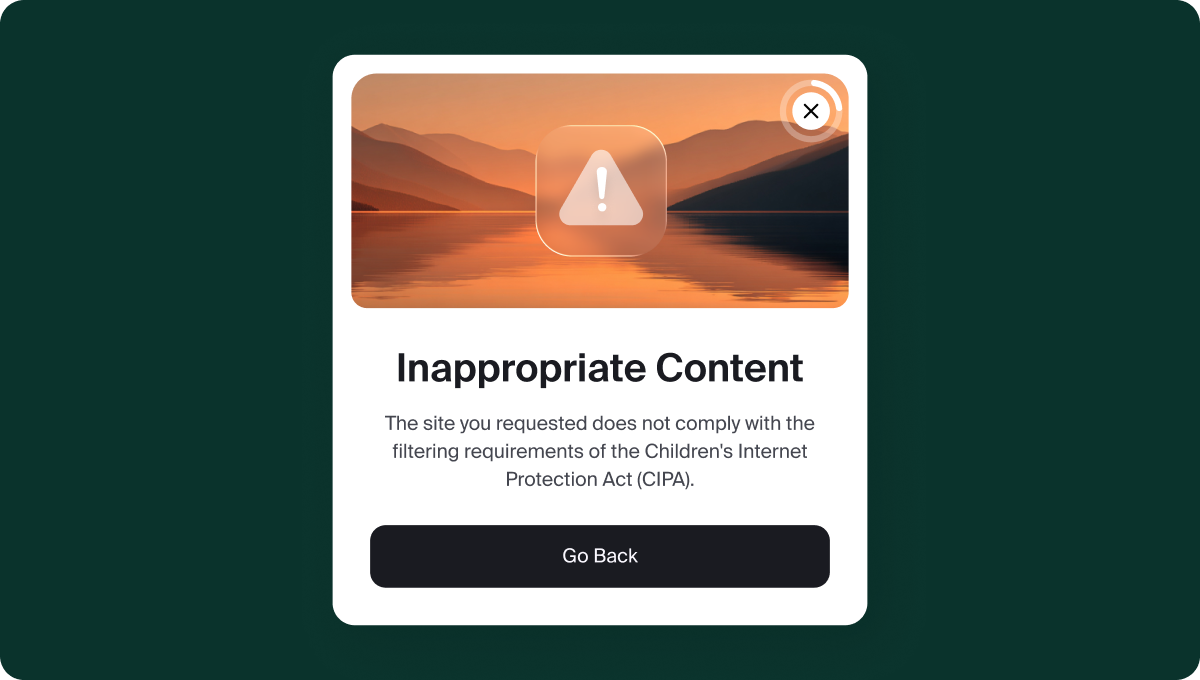
Content filtering and blocking – Island includes a pre-populated CIPA compliance template that makes configuration straightforward. Administrators select the relevant URL categories (malware sites, games, social networking, violence, etc.) required for compliance without needing deep technical expertise. From there, a blocking policy rule can be applied under Application Access Policy, targeting specific user groups such as students, with a custom message displayed when a page is blocked. This removes the guesswork from initial setup and makes it easier for lean IT teams to get to compliance quickly.
Safe search enforcement – Island enforces safe or restricted search modes across all major search engines, including Google SafeSearch across all Google domains, YouTube's Restricted Mode, Bing, and Yahoo. This applies consistently across every student session, giving administrators a reliable, auditable control that directly satisfies CIPA's requirement to block content harmful to minors.
Monitoring online activity – Island's User Behavior Analytics (UBA) gives IT teams visibility into what students are accessing across every session. UBA can be scoped specifically to the user groups subject to CIPA so monitoring applies where it's required without blanketing the entire organization. This satisfies CIPA's monitoring requirement while giving administrators the context they need to identify and respond to concerning behavior quickly.
Safe browsing on managed and unmanaged devices – CIPA compliance doesn't stop at the school door. Island's enforcement travels with the user on district-issued Chromebooks, personal devices, and mobile phones alike. For districts managing large and varied device fleets, this is a significant operational advantage.
Governing AI tool access – As students increasingly use AI tools for research and coursework, districts face a new compliance challenge: how to allow productive AI use while preventing access to inappropriate content or unsafe interactions. Island enables administrators to define exactly which AI tools are approved, under what conditions, and what data students can share — closing a gap most traditional CIPA tools weren't built to address.
One Platform, Full Coverage
For school districts evaluating how to meet CIPA requirements, the typical approach involves assembling several tools — a content filter, a monitoring solution, a separate platform for device management — and hoping they work together reliably. That complexity creates gaps, and gaps create compliance risk.
Island consolidates those functions into a single platform. Content filtering, activity monitoring, safe browsing controls, and AI governance are all enforced through the same policy engine, with one audit trail and one management console. Districts spend less time managing tools and more time focused on what actually matters: the educational experience.
Whether you're a small rural district or a large urban system, CIPA compliance doesn't have to be operationally painful. Island makes it manageable, and keeps it that way as your environment evolves.
.png)
Dean Scontras is a veteran public sector GTM leader with 20+ years of experience scaling cybersecurity and SaaS companies across Federal and SLED markets, including Island, Wiz, Okta/Auth0, and Duo Security. He specializes in regulated-market growth, compliance, and operational execution.

.svg)
.svg)

