.svg)
Protecting the Entire Device from Browser to Endpoint
How our customers use Island Extension and Island Desktop
.png)
We often see organizations dealing with endpoint agent sprawl. A corporate laptop may run an agent for threat detection, another for device management, another for network access, and one more for data loss prevention. That is before you count backup, remote support, and whatever the identity team installed.
Every one of them solves a real problem, but it creates complexity, increases management overhead, and slows down the device.
At Island, our goal is to be the future of work, where every action a knowledge worker takes feels easy and natural while security is baked in at every layer. We built the enterprise browser because the browser is where most day-to-day work happens, but we always knew it wouldn’t stop there. Since then we’ve built solutions for everything from endpoint to network security. In this blog, I'm going to cover the browser extension for third-party browsers and Island desktop and how our customers have used them, increasingly together, throughout the years. .
Third-party browsers
Google Chrome is the world’s most popular consumer browser. Roughly 68% of all people on the Internet use it. We built the Island browser on top of Chromium because it ensured the largest number of websites worked as intended since they often targeted Chrome and it gave users a familiar experience. Aside from this, there are numerous other browsers, such as Safari, Firefox, and Brave, which different cohorts of users enjoy using.
Because of this, many organizations don’t want to limit users to one browser. These companies would still adopt the full Island browser, but they limited only their sensitive applications to Island and allowed users to do everything else in third-party browsers.
This works, but administrators want a 360° perspective and users miss out on Island’s productivity features, such as the password manager, managed homepage, smart clipboard, and more.
AI made covering third-party browsers even more important. People reach AI web apps and AI API-wrappers in whatever browser is already open. AI browsers go further by giving AI models to entire web pages the user visits with no sensitive data redaction and little protections for prompt injections. Without visibility into those sessions, security teams cannot say which AI services are in use, what employees paste into them, or where the output goes.
Desktop apps
Our other goal was to cover desktop apps. Many users rely on the desktop versions of common enterprise apps, such as Slack, Teams, Outlook, Excel, and Word. And AI created much more user activity on the endpoint. The Claude Desktop and the ChatGPT desktop app, AI-native editors like Cursor, and coding agents that run in a terminal with filesystem access.
When we just had the browser, these apps (and other aspects of the endpoint, such as file movements) had to be managed by endpoint protection platforms (EPPs) or mobile device management (MDM) solutions. This meant customers had to manage a different vendor, contract, agent, and management console. In addition, Island concepts, like the application boundary around work apps, only applied to web applications.
More coverage, fewer agents
The usual way to cover everything like this is to buy point solutions for it. One product for the browsers you do not control, another for desktop applications, each with its own console and its own contract. That is how endpoints get crowded and security stacks grow out of control. You need to cover more of the work than before, and you need fewer things doing the covering.
The Island Extension and Island Desktop were built to cover these two customer needs The Island Extension brings data protection, secure access, and AI governance into the browsers your people already run. Island Desktop brings the same kind of control to the endpoint and the applications and files on it. Deploy either one on its own for individual use cases or run both together for a complete solution from the browser to the endpoint.
The Island Extension
The Island Extension runs on the consumer browsers your people already use: Chrome, Edge, Firefox, Safari, and other Chromium-based browsers. You push it through the mobile device management (MDM) tool you already have. It enrolls on its own and signs users in without a prompt. No imaging. No virtual desktop.
Protects your data
Corporate data stays in the apps you approve.
- Application boundaries stop a user from moving sensitive data from a corporate app to a personal one, whether they are copying and pasting it, downloading and uploading a file, or even taking a screenshot.
- Secure storage can handle downloads and uploads in the cloud, so a file can move between two approved web apps without ever landing on the device if that device is untrusted.
- Data loss prevention (DLP) inspects content, files, and requests as they move.
- Detection runs on patterns, keywords, exact matches, and AI-driven classifiers that recognize protected health information, financial records, source code, and more.
- You can watermark sensitive pages, block screen capture and printing, and control what reaches the clipboard.
Secures every app
- Island Private Access via the browser extension reaches internal web applications with no VPN to stand up or maintain.
- Phishing protection stops users from entering company credentials on lookalike sites.
- Malware scanning catches dangerous downloads before they land.
- Extension Guard blocks unauthorized or malicious extensions and enforces an allow list.
- Extension risk assessment scores extensions in the Chrome Web Store and maps each permission to a MITRE ATT&CK technique.
Governs AI use
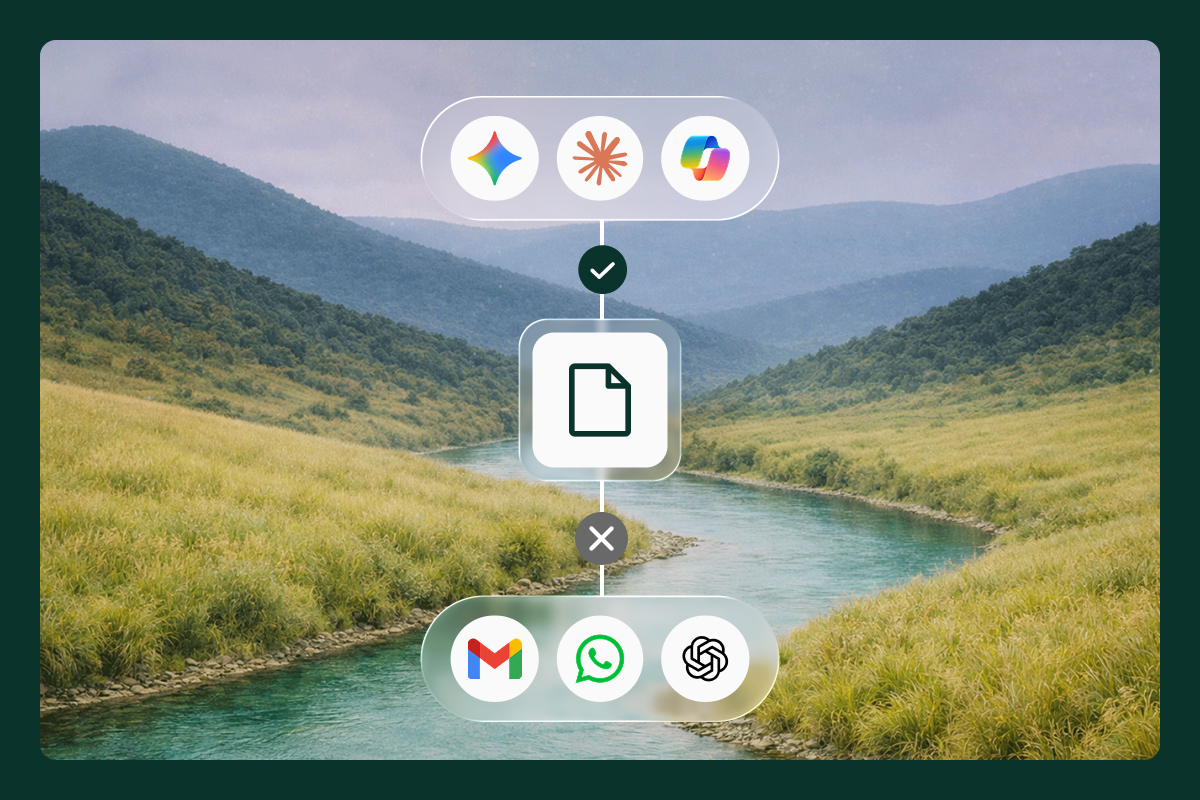
Island AI Protect allows you to see which AI tools people actually use, and enforce policy on them. This includes:
- Controlling what data is shown to an LLM model.
- Inspecting and logging the prompt.
- Checking each prompt for injection attempts, sensitive data, and content based on the configured policy.
- Inspecting AI model output.
- Gracefully redirecting users from unsanctioned to sanctioned AI apps.
Shows what's happening
Every session produces a full audit log of web app usage, AI usage, data movement, and web traffic, available in the Management Console or exported to your security information and event management (SIEM) system. Real-time incidents and digital experience metrics fill in the rest.
Island Desktop
Island Desktop is an endpoint background service. Most endpoint programs solve one problem each. Zero trust access needs one agent, data loss prevention needs another, web filtering needs a third, and every one of them brings its own console and policy model. Island Desktop folds these into one service with one policy engine, and lets you switch on only the capabilities you need.
Secures the whole endpoint
- Zero trust network access covers thick applications across all ports and protocols, so a native client reaches an internal system without a legacy VPN.
- Endpoint DLP protects data on the device itself, across the clipboard, files, USB, printing, drag-and-drop, and screenshots.
- It also tracks file lineage, so you can follow a file through download, edit, rename, and upload.
Protects AI on the device
Island Desktop applies data loss prevention to AI desktop apps such as Claude and ChatGPT and terminal applications like Claude Code. For coding agents, it installs hooks that surface every call to the model, so the same policies apply to work any agent runs on its own. It can redirect all AI traffic to Island’s secure web gateway for inspection and enforcement. This ensures you see every AI tool in use, every prompt put into them, and can control what data is exposed.
Gives IT the full picture
- Device posture, software inventory, and system queries show the real state of every machine.
- Device-level activity logs support audit and compliance.
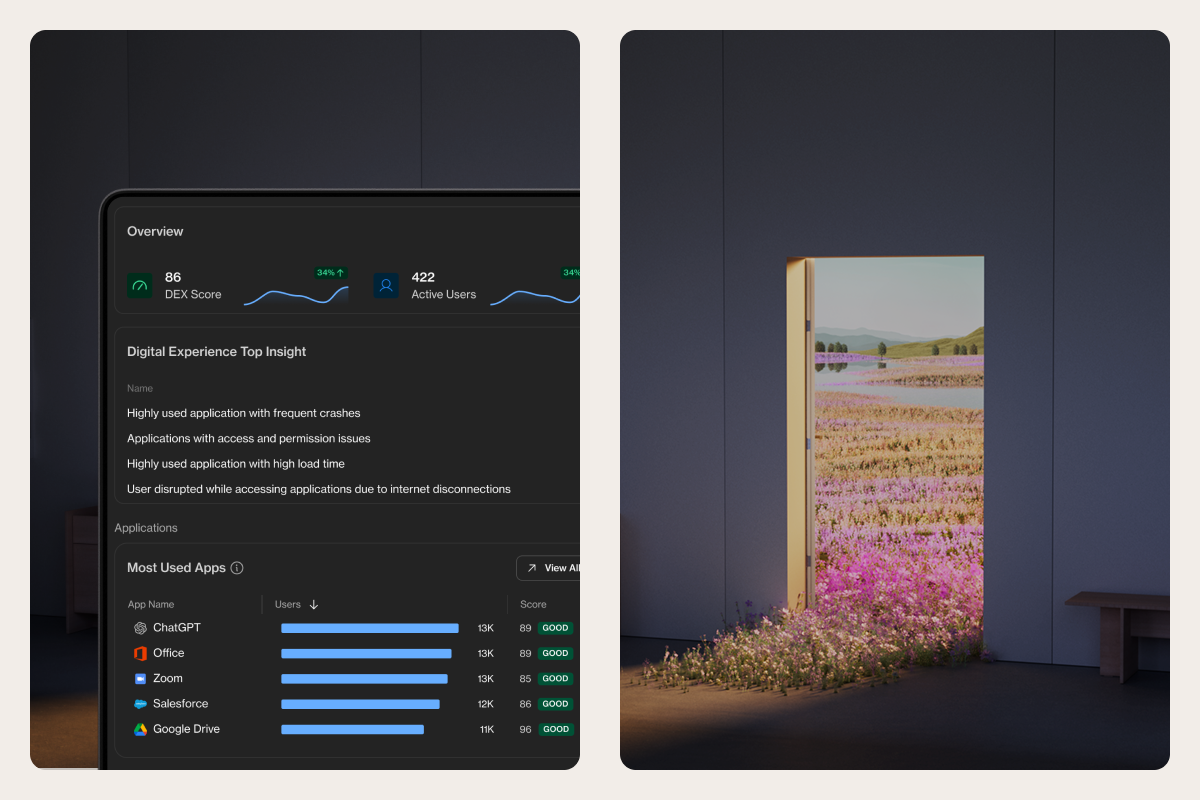
- Digital experience monitoring reports how devices and their desktop applications are performing in real time, so IT can catch a problem before a user files a ticket.
- Agentic endpoint shows what AI tooling sits on a device, including installed AI applications, integrated development environment (IDE) extensions, code packages, and Model Context Protocol (MCP) servers.
- AI skills are assessed and given a risk score.
- All logs can be exported to your SIEM.
Using both together
The Island extension and Island Desktop are designed to run on their own to solve specific use cases, but they can also work in tandem to provide a complete solution from the browser to the endpoint:
- Island Desktop can enforce the Island browser extension, ensuring it is always active.
- Both use the same data protection policies and application boundary logic, which can apply to web and desktop apps alike.
- Together they provide a complete ZTNA solution for both web and desktop clients to private apps and resources.
- The combination can perform deep and granular device posture analysis, ensuring users cannot access corporate resources on vulnerable devices.
- Data lineage covers the whole path a file takes. You can follow it from a download in the browser, through edits on the device, to the next place someone uploads it. This process also works for data that was copied and pasted between two apps.
A complete solution
The Island browser extension and Island Desktop provides you a complete endpoint security solution for the AI age. It provides visibility, data protection, access control, digital experience monitoring, and ZTNA
The solution can cover AI web and Desktop apps, browser extensions, and agents running in the terminal. Island can also cover cloud AI agents as well.
The Island Extension and Island Desktop can be deployed quickly in audit mode to gain immediate visibility while gradually implementing enforcement to limit disruption.
Learn more about the Island Extension or Island Desktop.

Avishai is a Product Group Manager at Island, responsible for the Data protection, Extension platform and AI Security domains. His work focuses on browser infrastructure, modern data protection & secure AI enablement across enterprises worldwide.
.png)


.svg)
.svg)

