.svg)
AI is the new threat surface. Here’s what to do about it.
The nine ways AI invisibly enters the enterprise, the three risks every organization faces, and a framework for saying “yes” to AI with confidence.
Your company likely has a sanctioned AI provider like Claude, ChatGPT, or Gemini. Most do; many even have two or three approved providers.What most companies don’t know is that this only covers a sliver of the AI that’s actually running inside your environment – and most of this other AI use is invisible.
- Agents are being built, bought, and deployed arbitrarily across every business unit, often authorized for full access to applications and internal data
- Employees are signing into personal AI accounts, installing AI extensions, and building their own apps with vibe-coding tools
- Executives are rushing agentic tools into every function on every team without a unified strategy.
Agents are a second workforce operating inside your environment with no registry, no policy, and no audit trail. Legacy DLP, endpoint protection, and network monitoring were designed for a world where applications did not read content, observe behavior, retain context, connect to internal systems, or take autonomous action. Agents do all of these things, and there’s an ever-widening gap between what pre-AI tools can protect and what AI actually does.
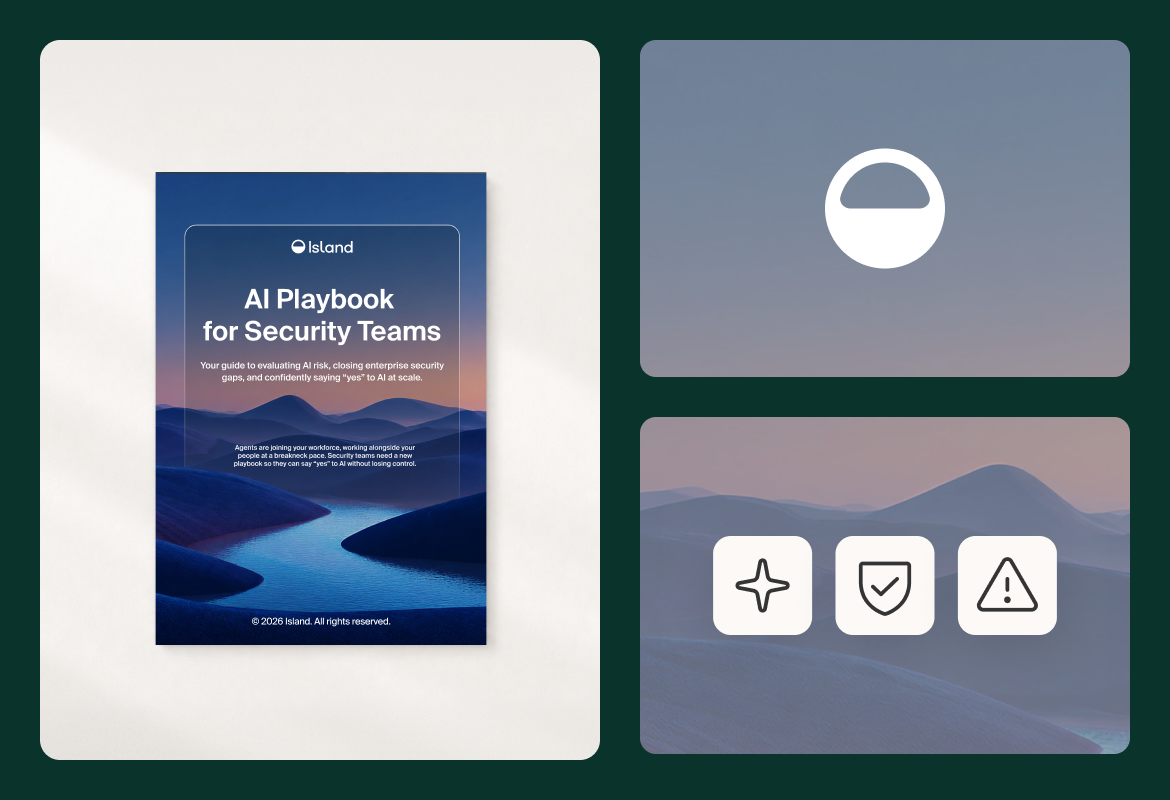
Island's new AI Playbook for Security Teams lays out a practical framework for governing a workforce that's both human and agentic. This post is a high-level overview of what the full guide covers: the gaps security teams are facing, the approach to closing them, and a maturity matrix for measuring your own readiness.
Closing the main AI security gaps
AI doesn't arrive inside your perimeter through one door, and neither do agents. Both enter through nine simultaneous entry points, most of which weren't on your radar the last time you updated your security architecture. The threat surface didn't just expand. It changed shape. Those entry points vary, but the gaps they open take the same three forms across nearly every organization scaling AI.
.png)
The first is visibility. Most teams have no single view into which AI tools, agents, models, or tenants employees are using across web, desktop, and extensions. You cannot govern what you cannot see.
The second is control. Agents arrive with no identity, no scoped permissions, and no audit trail by default. Closing that gap with existing point solutions means patching together seven or more tools, each with its own console, policy model, and blind spots, none of which were built for an agentic world.
The third is data exposure. Agents paste, prompt, call tools, and move data across systems in ways traditional DLP was never designed to catch. Corporate data moves into ungoverned environments. Sensitive data enters AI prompts, where model training on employee inputs goes unchecked. Each of these is an invisible leak that traditional security controls aren’t built to recognize.
Blocking AI is not the safe choice it looks like
For many security teams, the instinct is to block first and evaluate later. But blocking doesn't eliminate AI usage, it just drives it underground. When employees can't access sanctioned AI tools they get creative to protect their own productivity, turning to personal accounts, unmonitored devices, and workarounds that create more exposure than any sanctioned tool would have.
The result: AI is running, agents are working, and the controls are incomplete or simply nonexistent.
The goal for security teams is not to stop AI. It is to govern it. That requires a fundamentally different approach than most security stacks are built to deliver.
A framework for saying “yes” with confidence
Governing an agentic workforce comes down to three moves: map where AI and agents enter, understand what mature controls look like, and assess where you stand today. The full playbook walks through each in depth, but here's a quick overview to get you started.
1. Map every entry point AI uses to reach your environment
AI takes nine routes into the enterprise, and most of them run outside anything your current stack watches. It arrives through browser-based tools and personal accounts, AI-enabled browser extensions, and agentic browsers like Atlas and Comet that ship with AI natively embedded, autonomous agents that read content and act across systems.
Shadow AI also shows up as citizen-built apps employees are shipping with Claude Code, Lovable, and Replit, desktop applications like the ChatGPT desktop app and Claude Cowork, AI-powered IDEs with access to source code, MCP integrations and connectors that move data between systems, and network-level AI traffic from tools that operate outside the browser entirely.
A complete strategy covers all nine entry points. Most organizations have partial coverage at best, and almost none have worked out what agent governance actually requires for each one. The playbook maps every entry point and lays out the specific questions to ask about each, so you can find your gaps before an incident points them out for you.
2. Know what mature controls actually look like
Full coverage requires more than a stack of SWG, SASE, DLP, and endpoint solutions stitched together. Every vendor approached this problem through the lens of what they already had. Network tools see the wire, not the endpoint. EDR sees the endpoint, not the prompt or the intent behind it. Identity tools see which credential touched a resource, not why. CASB and SaaS security tools see the service-side action, not the context around it. Each sees something real. None sees the full chain from the prompt that triggered an action, through the tool calls and responses, to the data that moved as a result.
The playbook breaks mature AI security into six dimensions: agent visibility and inventory, agent identity and access control, threat detection and data protection, AI flexibility and model choice, cost and experience visibility, and app publishing and governance.
Together they move a security team from reactive blocking to deliberate enablement. They cover full agent inventory across every surface, scoped identities and a named human accountable for agents running at scale, two-layer data protection that catches contextual leakage alongside known sensitive types, the ability to embed any AI provider the organization chooses, token and spend visibility per user and team, and citizen-built apps that inherit SSO and DLP the moment they're published.
3. Assess where your organization stands today
Not every organization sits at the same point in its AI and agent security journey. The playbook includes a "Say Yes to AI" checklist spanning agent visibility, agent identity, threat detection and data protection, model choice, cost visibility, app publishing, and organizational readiness. It's scored: count what you can check off and the playbook tells you where you sit. A paired maturity assessment places teams along a path from reactive to optimized. Together they let you locate yourself honestly and identify the next steps that matter most, rather than chasing controls out of order.
Get the full playbook
If you're working out how to govern AI and agents in your environment, The AI Playbook for Security Teams guides you step by step. It covers the nine entry points security teams must cover, what goes wrong when AI runs without controls, a full guide to enterprise AI and agent controls, a checklist of what needs to be in place before you can safely greenlight AI, and a maturity assessment you can run against your own environment.
Your workforce now includes agents. They work alongside your people, they move fast, and left ungoverned they'll find ways to complete their mission that you didn't intend and can't see. The organizations that get the most value out of their AI investment are the ones that built the controls to govern it thoroughly, deploy it safely, and scale it with confidence.
.png)
FAQs
Why has AI become a security problem that existing tools can't handle?
Legacy DLP, endpoint protection, and network monitoring were built for applications that don't read content, observe behavior, retain context, connect to internal systems, or take autonomous action. Agents do all of these things, across every surface and at scale. That creates a widening gap between what those tools were designed to watch and what AI actually does: network tools monitor packets, EDR sees the endpoint but not the prompt, identity tools see which credential touched a resource but not why. None sees the full chain from prompt to tool call to data movement, which is why incidents get discovered weeks later by someone assembling logs from four consoles.
Should we just block AI tools to stay safe?
No. Blocking doesn't eliminate AI usage, it just makes it invisible. When employees don’t have approved AI resources, they turn to personal accounts, unmonitored devices, and workarounds that create more exposure than any approved tool would have. The goal is not to stop AI but to make it safe to use, which requires a different approach than most security stacks are built to deliver.
How does an enterprise browser help secure AI use?
The browser is where a large share of AI use actually takes place: web-based tools, extensions, AI-native browsers, and SaaS apps all run there. But agents don't stay in the browser. They reach across desktop applications, IDEs, MCP integrations, and internal systems to complete a task, which means browser-only coverage leaves the rest of the chain unwatched. The enterprise browser sits at that point of interaction, which gives it native visibility into the AI tools,agents, accounts, and extensions employees actually use, without stitching together seven consoles to get there.
Island's approach is a single control layer that sits inline between every agent and the enterprise across browser, endpoint, and cloud: full agent inventory regardless of vendor, scoped identity for every agent, real-time classifiers for prompt injection and agent drift, and two-layer data protection that catches contextual leakage alongside known sensitive types. Island applies last-mile controls where data enters the prompt: redaction before information reaches an AI provider, context-aware access policies, and audit logging across sessions. That positions security teams to enable AI deliberately rather than block it reactively.
Does standard browser security architecture eliminate AI risks?
No. Standard browsers were built to render pages and pass traffic, not to see what AI tools do inside them. Consumer browsers have no native view into which AI extensions, accounts, or models employees are using, and they apply no controls at the point where data enters a prompt. Bolting SWG, SASE, DLP, and endpoint tools onto that architecture leaves fragmented coverage and blind spots. Furthermore, agents work across browsers, desktop applications, IDEs, MCP integrations, and internal systems, and tools like Claude Code and Claude Cowork operate outside the browser entirely. Governing an agentic workforce takes a control layer that spans browser, endpoint, and cloud, with visibility into the full chain from the prompt that triggered an action to the data that moved as a result.
What does it take to govern AI agents?
Five things, none of which most organizations have by default. Every agent needs its own identity with permissions scoped to its specific task rather than granted broadly, so an agent doing one job can't reach resources meant for another. Every agent action needs an audit trail, so "who did what and why" always has an answer. Sensitive operations need human-in-the-loop controls. Agents running at scale need a handler model, meaning a named human accountable for what those agents do. And their cost and token usage need to be tracked per user, team, and project, so spend is visible before it hits the invoice. Underneath all of it sits inventory: a full picture of every agent running in your environment regardless of vendor, along with the MCP servers, skills, code packages, and extensions they're using, updated in real time. You can't scope permissions for agents you don't know exist.
Are MCP servers a security risk?
They can be. MCP integrations connect agents to the tools and data they need to work, which also makes them a new attack surface. A malicious or poorly secured MCP server can intercept data, manipulate agent behavior, or serve as a vector for prompt injection at scale. The exposure compounds because agents often hold broader permissions than their task requires, so a compromised integration reaches further than it should.
Governing MCP means inventory first: knowing which servers are installed and in use across the organization. From there it takes risk scoring, policy-driven control over which integrations each agent is permitted to use, and a kill switch to cut off an integration when something goes wrong. Most organizations have MCP servers running today with none of these in place.
How do we control AI costs?
Controlling token spend requires visibility per user, team, and project; rate and budget limits at the user, team, or model level that cap spend without cutting off access; and the ability to right-size model selection to the task, so the organization isn't paying frontier model prices for work a smaller, more economical model can handle. Experience monitoring is also necessary, since agents that stall, retry, or wait on slow MCP connections burn tokens with nothing to show for it.

Island is defining the future of work for people and AI agents. Its enterprise agentic control plane helps organizations enable, govern, and audit agentic workforces alongside people. Island boosts productivity across devices, browsers, applications, networks, and data while protecting sensitive information, simplifying access, and helping enterprises scale AI safely.


.png)
.png)
.svg)
.svg)

