.svg)
The Island Enterprise Platform: Top Myths Debunked
Dispelling confusion to reveal how organizations and end users benefit

As organizations reimagine their end-user compute strategy, begin to modernize their legacy network and access strategies, and safely embrace AI, CIOs and CISOs are turning to Island. For those who have not yet investigated the Island Enterprise Platform, a first meeting generally dispels their inherited assumptions.
Still, many prevailing myths obscure the value and capabilities of the Island Enterprise Browser, Extension, and Desktop. Newer entrants approach enterprises’ problems differently, while some large network and DLP vendors are building or acquiring browser-based tech. Furthermore, crowded markets tend to recycle outdated narratives, sowing more confusion.
It’s time to debunk the most common misconceptions and myths around Island to give security, IT, and end-user computing teams a clear breakdown of what the Enterprise Platform is and isn’t, and why enterprises are rapidly standardizing on it.
Myth 1: You have to replace your existing browsers.

Reality: Organizations can (and typically do) run Island alongside traditional consumer browsers.
Many customers offer a mixed-browser strategy: Island for work and the employee’s choice of Island, Chrome, Safari, and/or Edge for personal browsing. This reduces friction, improves end-user satisfaction, and avoids disruption to personal workflows.
When users do use consumer browsers, the Island Extension allows organizations to enforce the same policy controls, ensuring consistent security and governance without forcing a full migration on day one. You’re not replacing the browser ecosystem; you’re extending it intelligently and gracefully.
Myth 2: You have to force all users into the Island Platform.
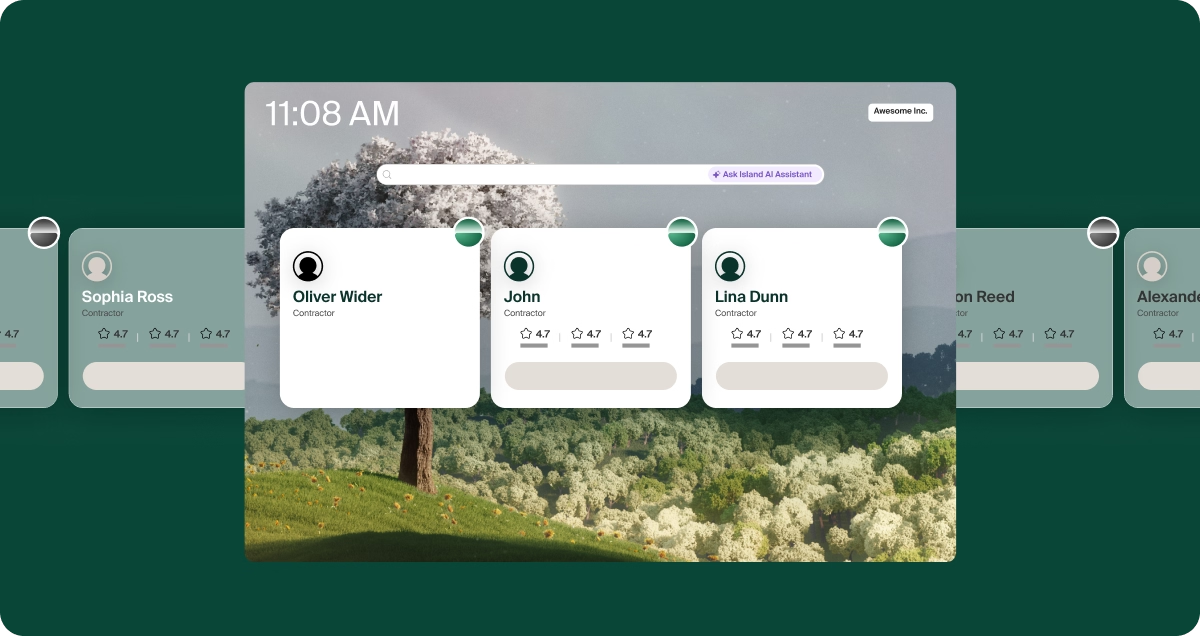
Reality: Adoption typically starts with a core use case and expands naturally.
Most customers begin with one or two high-value use cases — such as securing contractor access, reducing VDI, protecting sensitive financial systems, or isolating privileged workflows. Only users who need access to sensitive corporate data are initially required to use Island.
As benefits become evident (e.g., reduced risk, simplified access, and lower support overhead), organizations often broaden deployment at their own pace. Island is built to scale as your strategy evolves.
Myth 3: You can’t track activity outside of the browser.
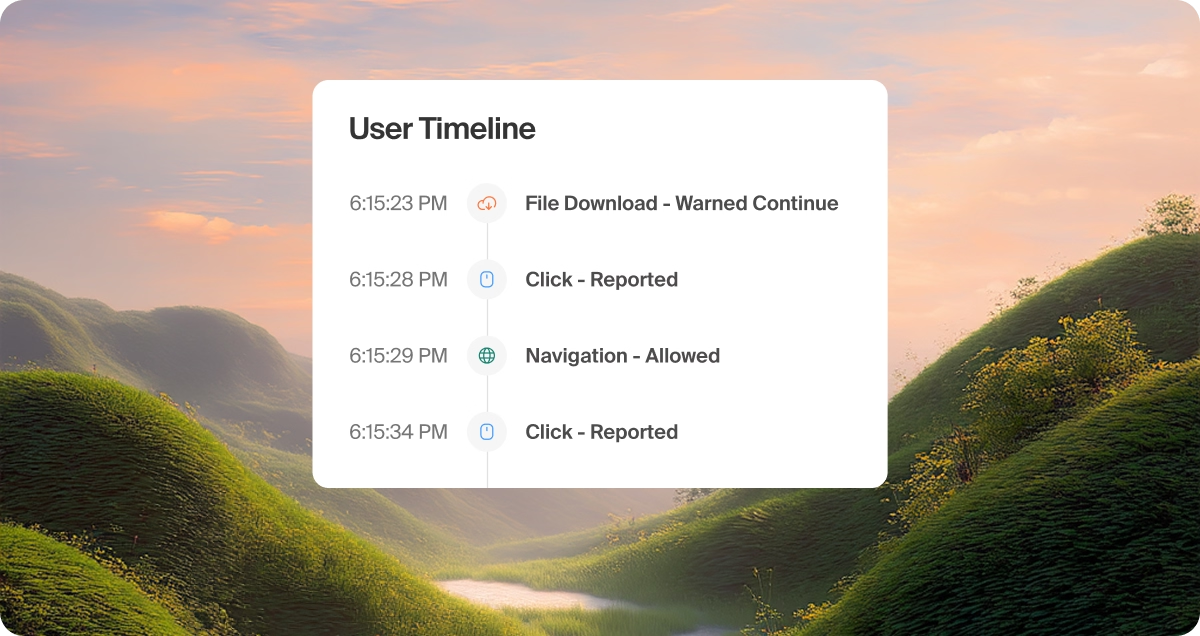
Reality: Island provides visibility far beyond sessions on the Enterprise Browser.
First, the Island Extension enables auditing of activity across other browsers, giving security teams consistent logging and oversight even when users step outside the Enterprise Browser.
Additionally, Island extends security beyond SaaS and web applications with native clients for SSH, RDP, and SMB. This means access controls, policy enforcement, and audit logging apply uniformly across the entire enterprise workflow — not just the web.
Networking, private access, and data loss protection capabilities are not just limited to browser-based apps. With support for all ports and protocols, regardless of the app, Island Desktop is still driven by the overall policy delivered to the Island workspace.
Island is far more than a browser. It’s a universal policy and control plane across your entire work experience.
Myth 4: It takes a long time to deploy.
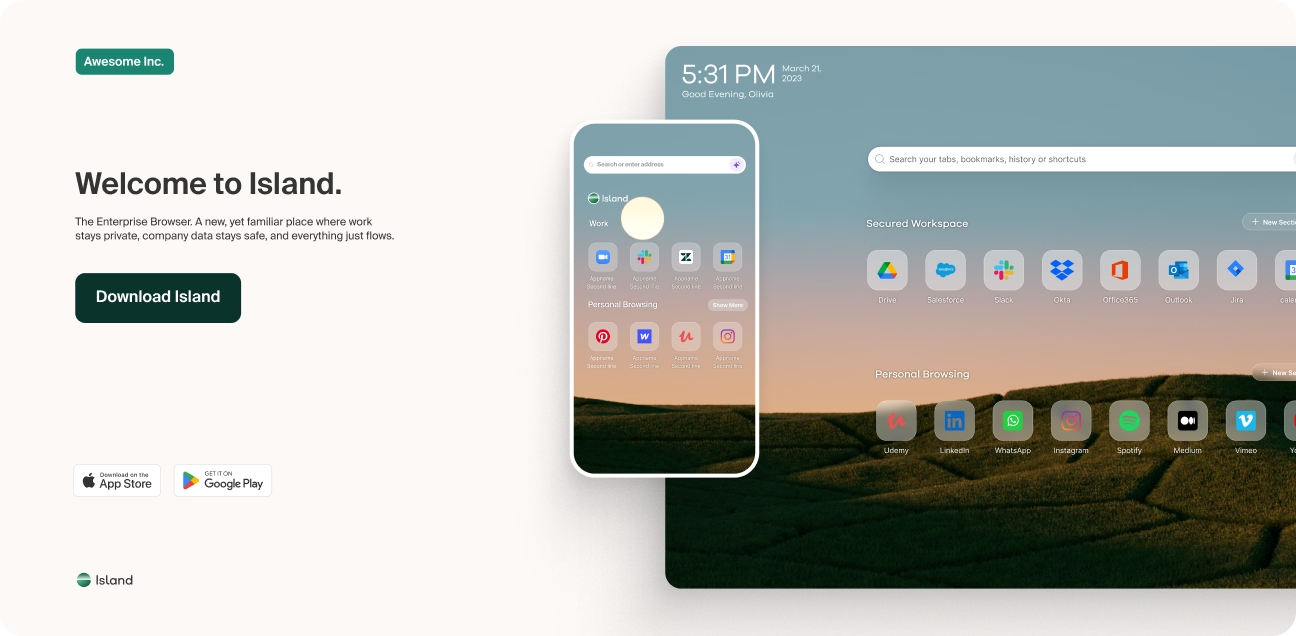
Reality: Deployment takes minutes, not months.
Island runs on Chromium, making it instantly familiar to users and intuitive for IT to manage. Organizations deploy at scale within minutes using existing software distribution tools. End users don’t require training because the experience mirrors the world’s most widely adopted browsers.
Where legacy security controls demand weeks of configuration, agents, or network redesign, Island delivers immediate value with almost zero operational overhead.
Myth 5: You can’t control thick apps.
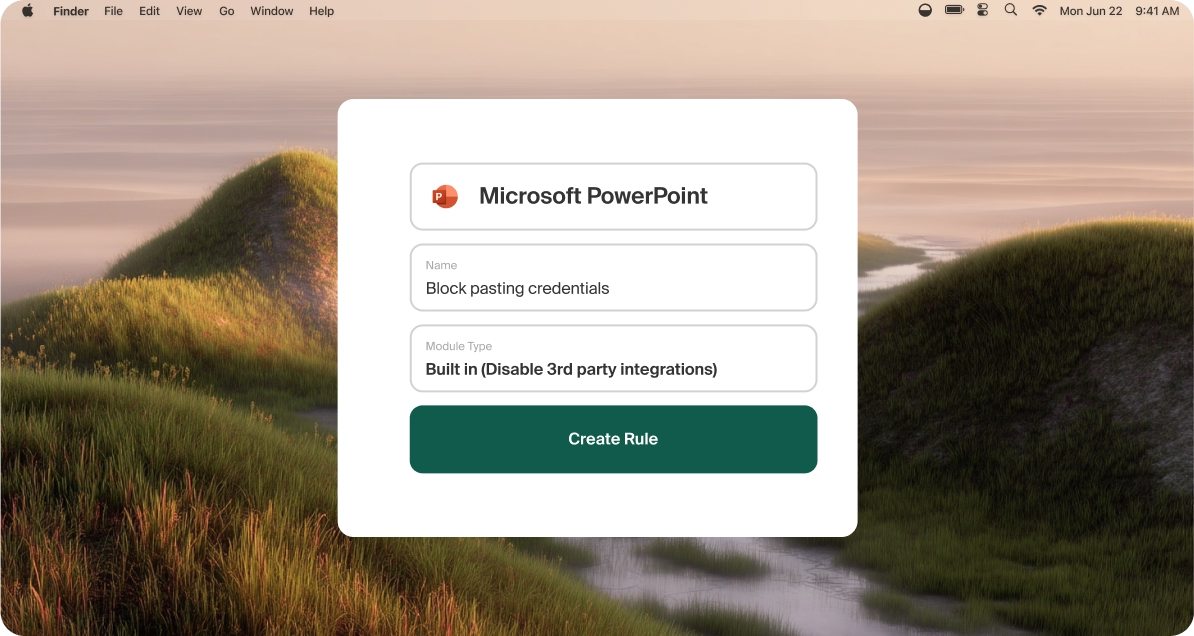
Reality: Island extends policy to desktop apps and thick clients, including standalone AI apps, through Island Desktop.
Island leverages services deployed alongside the browser to apply data protections and access controls directly to specific thick applications. This allows organizations to bring these apps inside the same security policy framework used for web workflows.
Not only can Island enforce data protection for thick apps, but it can also provide the backend connectivity those apps require, ensuring seamless performance and unified governance.
Myth 6: DLP is limited to browser apps only.

Reality: Island protects data across the full enterprise workflow.
Traditional DLP solutions monitor endpoints or networks and struggle to enforce policy at the moment of access. Island flips this model by inspecting data and enforcing policy directly at the point where users interact with it.
Capabilities like on-screen data masking and last-mile controls mean that even screenshots, copy/paste, print, and download actions remain governed. Island DLP protection spans the browser, endpoint, and cloud — finally delivering a holistic data-loss-prevention model.
Myth 7: Network controls can’t do all ports and protocols.
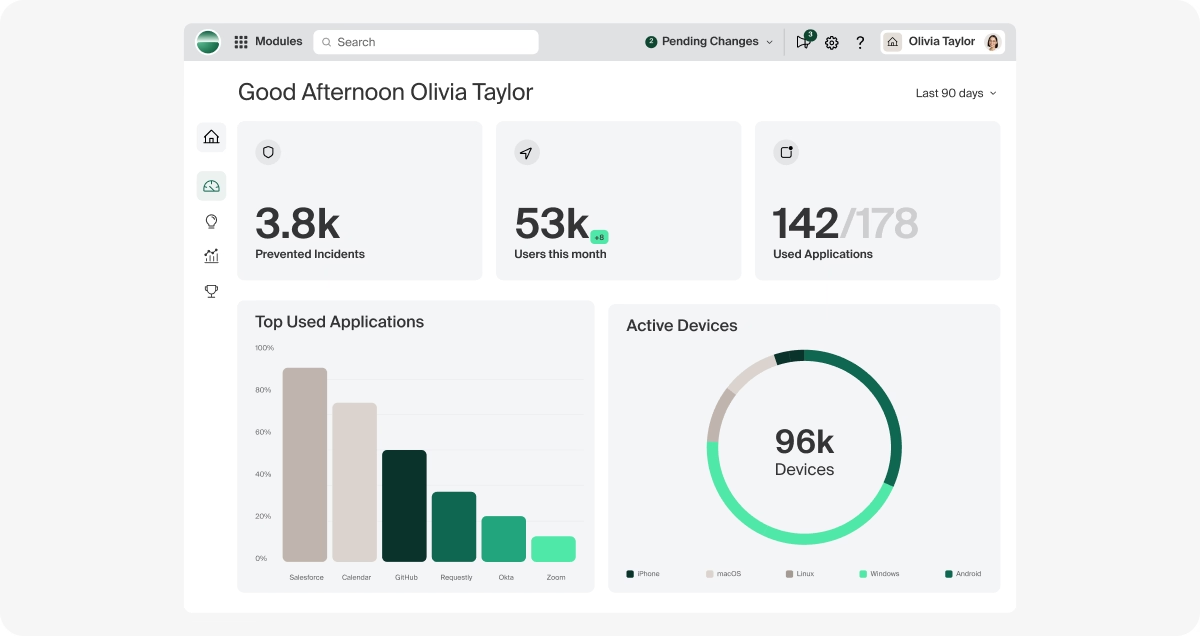
Reality: Island’s architecture is designed for complete, protocol-agnostic governance.
While traditional network security struggles with modern application behavior and encrypted traffic, the Enterprise Platform operates at the presentation layer — not the network layer. This allows Island to control, inspect, and govern activity regardless of port or protocol, closing long-standing gaps in traditional security stacks.
Myth 8: Island does not offer browser isolation.
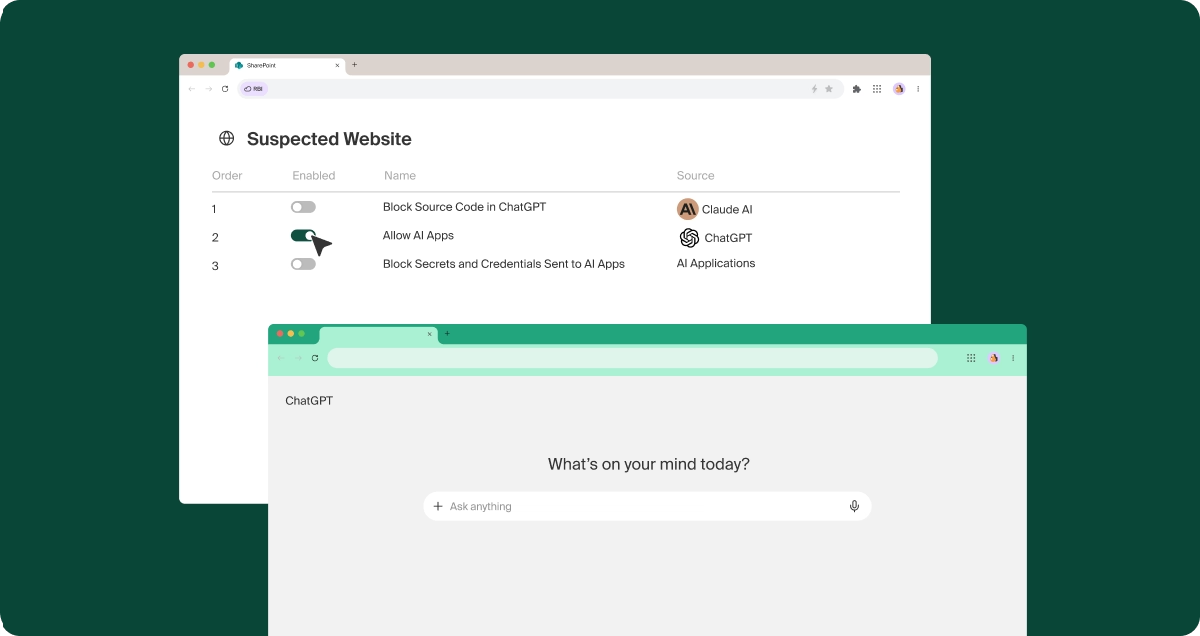
Reality: Island delivers next-generation RBI — created by the inventor of RBI itself.
Our CTO and Co-founder, Dan Amiga, invented Remote Browser Isolation (RBI). Island’s isolation capabilities improve on legacy implementations by dynamically detecting when a webpage is uncategorized and requires Chromium APIs that are normally disabled during local isolation.
When this occurs, Island seamlessly switches to remote rendering to maintain full functionality while isolating active scripts from the endpoint and browsing environment.
This hybrid model solves the performance, compatibility, and UI issues that plagued earlier RBI tools and preserves the native browsing experience users expect.
Myth 9: Remote browser isolation will fail again.
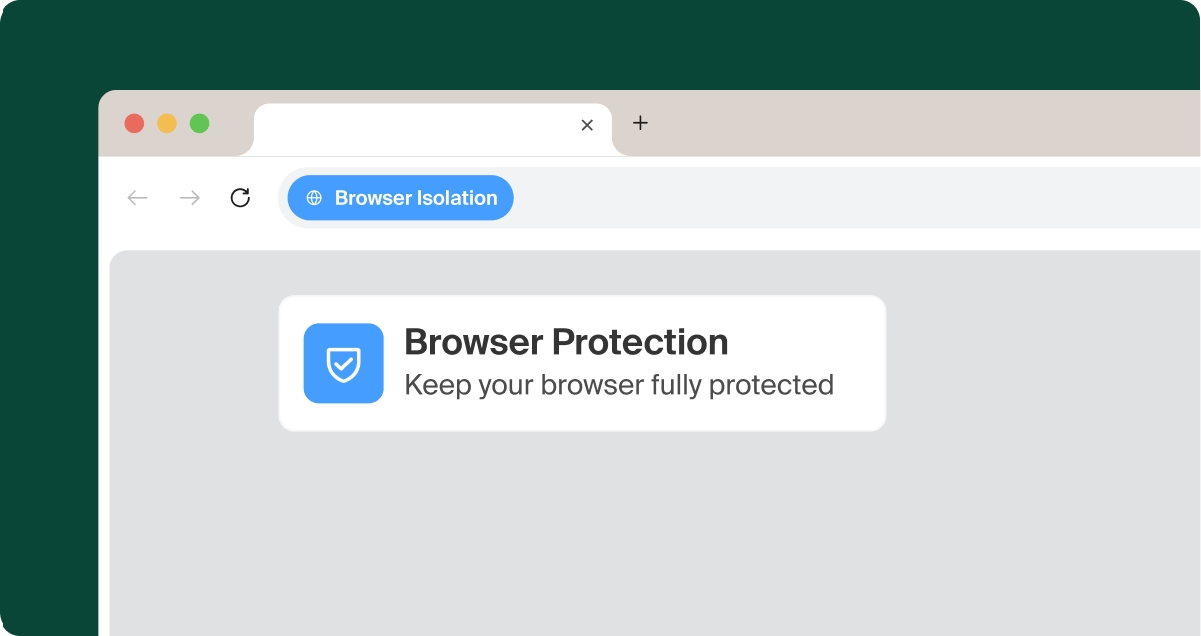
Reality: Island is a new technology that differs from legacy RBI.
Earlier RBI products struggled with latency, rendering issues, and broken web functionality. Island’s hybrid isolation eliminates those tradeoffs by using local isolation until a page requires enhanced protection. Only then does remote isolation activate, preserving performance and compatibility while delivering unmatched security.
This is far from the RBI of the past. It’s a new architectural approach rooted in real-world browser behavior and enterprise scale.
Myth 10: If SSO is down, you can’t browse.
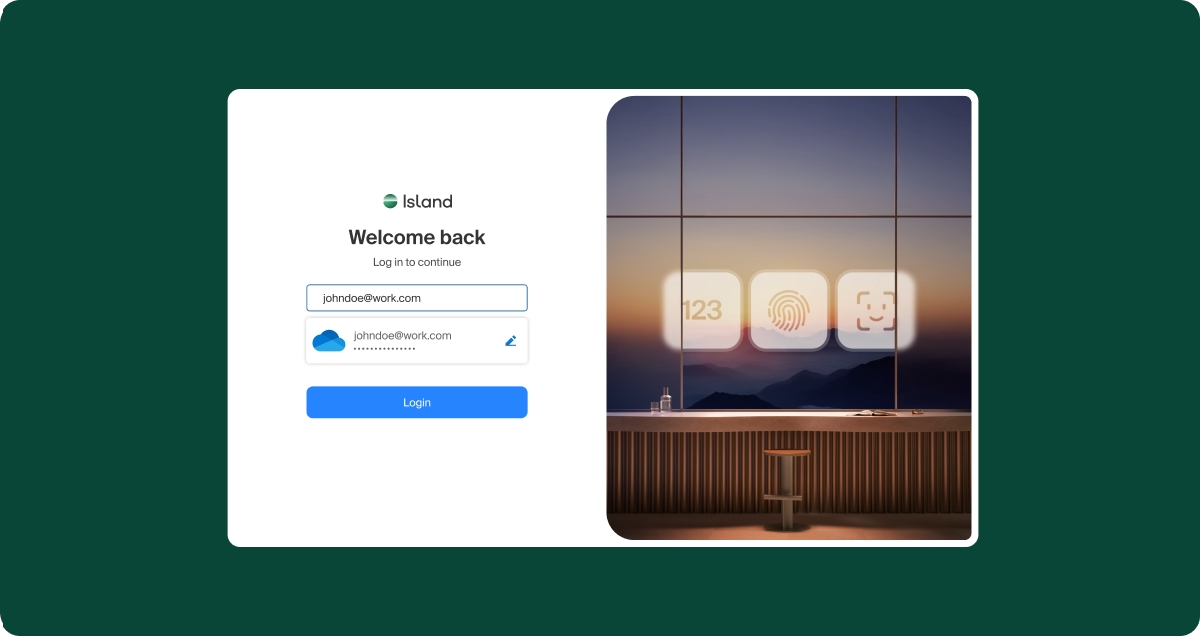
Reality: Island enables operational continuity, even during identity outages.
The browser is built to support secure fallback modes that allow users to continue working with appropriate controls in place. Unlike traditional SSO-dependent workflows that halt entirely during outages, Island offers resilient access mechanisms to maintain productivity without compromising security.
A modern security foundation built for how work actually happens
The Enterprise Platform is no longer an emerging security concept. It’s a foundational architecture proven across the world’s largest enterprises. By sitting at the point where users interact with applications and data, Island eliminates long-standing blind spots, simplifies access, and enforces powerful last-mile controls without disrupting productivity.
As organizations evaluate Zero Trust strategies, secure access transformations, and DLP modernization, the Island Enterprise Platform continues to surface as the unifying control plane they’ve been missing. Dispelling these myths is the first step toward understanding why.

Jason Trunk serves as Vice President and Field CTO at Island, bringing over 25 years of experience with emerging end-user compute technologies, application performance, server side code optimization, network decryption, and virtualization. Jason has held prior leadership roles at Amazon Web Services, BigPanda, JPMorganChase, AppDynamics, Mercury Interactive, and Quest Software.

.png)


.svg)
.svg)

