Browser Isolation
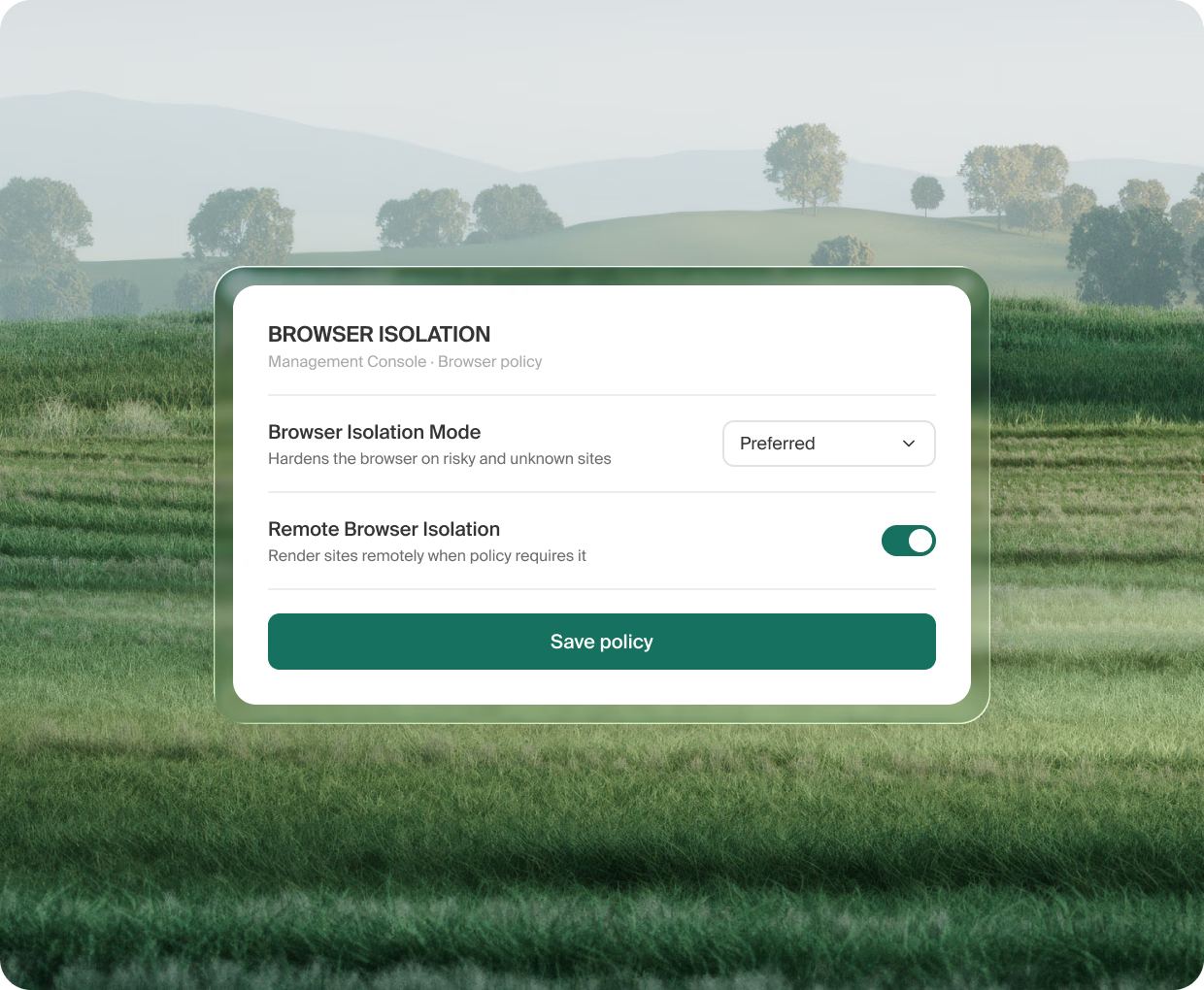
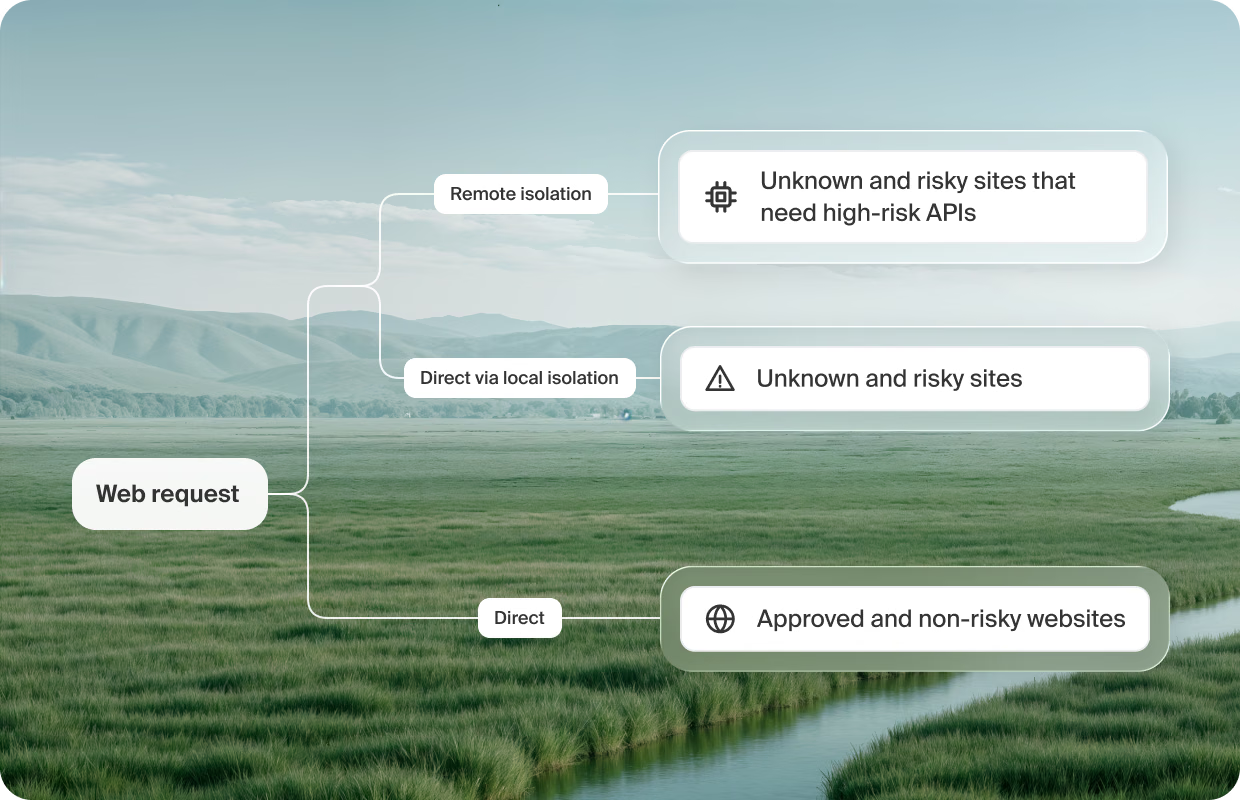
In most cases, risky sites can be safely isolated by disabling high-risk browser APIs. In cases where those APIs are needed, the site can be remotely isolated.
The world’s leading enterprises run on Island.
















The Problem
Remote browser isolation is a bad experience
Traditional remote browser isolation (RBI) solutions render websites remotely and stream it back to the end user, creating a clunky, laggy experience.
Blurry, laggy, expensive
Rendering websites remotely and streaming pixels to the end user creates latency for every user action.
So it gets used sparingly
This experience makes users unhappy, leading to increased help desk tickets and complaints.
A blunt tool
RBI comes with a lot of trade-offs. In most cases, local isolation can accomplish the same goal.
The Solution
Island Browser Isolation
Island favors local-first isolation for risky and unknown sites, and only fallbacks to remote isolation when it is necessary.
Local isolation hardens the browser on the device
On risky or untrusted sites, Island removes the attack surface exploits depend on.
- Disables just-in-time (JIT) compilation of JavaScript and blocks WebAssembly and WebGL, along with a curated set of high-risk browser interfaces
- Turns on hardware and operating system exploit mitigations
- Exempts trusted sites automatically, and admins can force or disable isolation per site
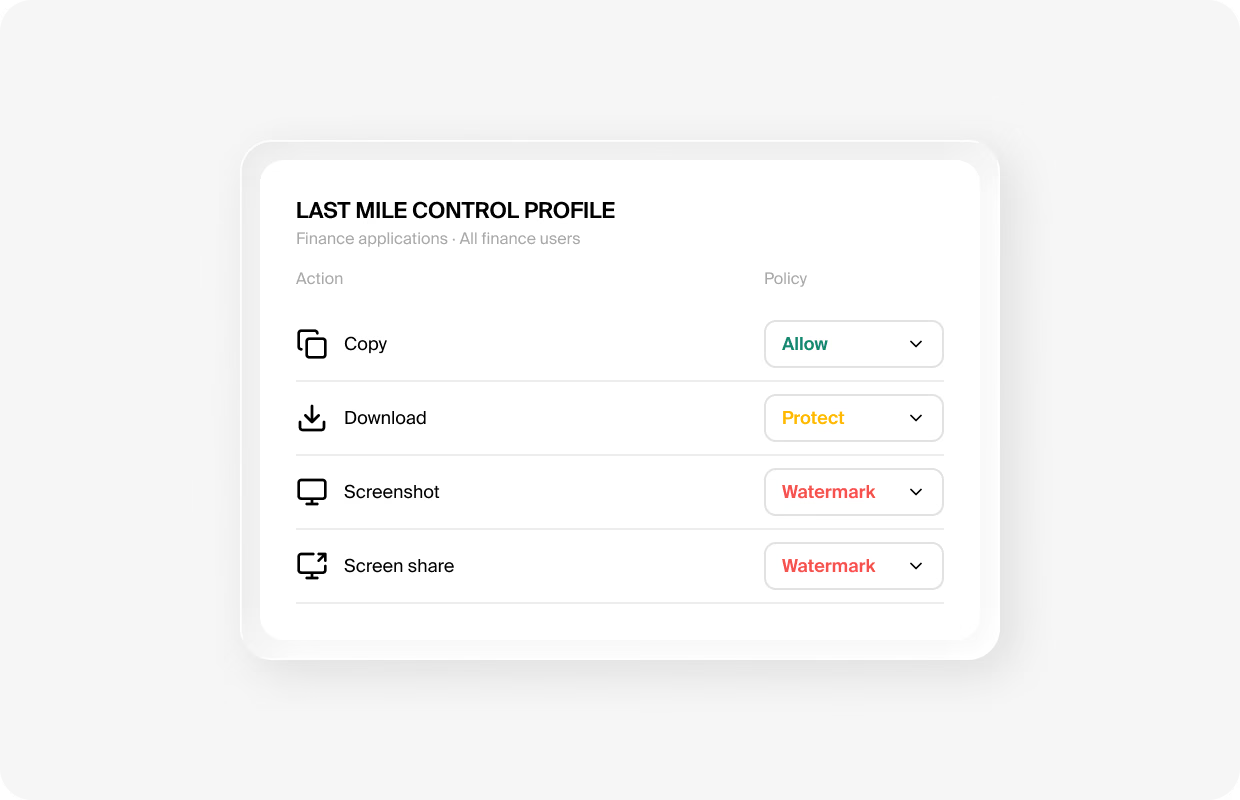
Data protection without a remote session
When the goal is to stop data leaving the browser rather than to stop exploits, Island applies last mile controls locally.
- Copy, paste, download, print, screenshot, and screen share controls applied per application and per user
- Watermarks that trace a photo or a screen share back to the user and device
- Data protection and encrypted secure storage for files, with scanning on upload and download
Remote isolation when nothing else will do
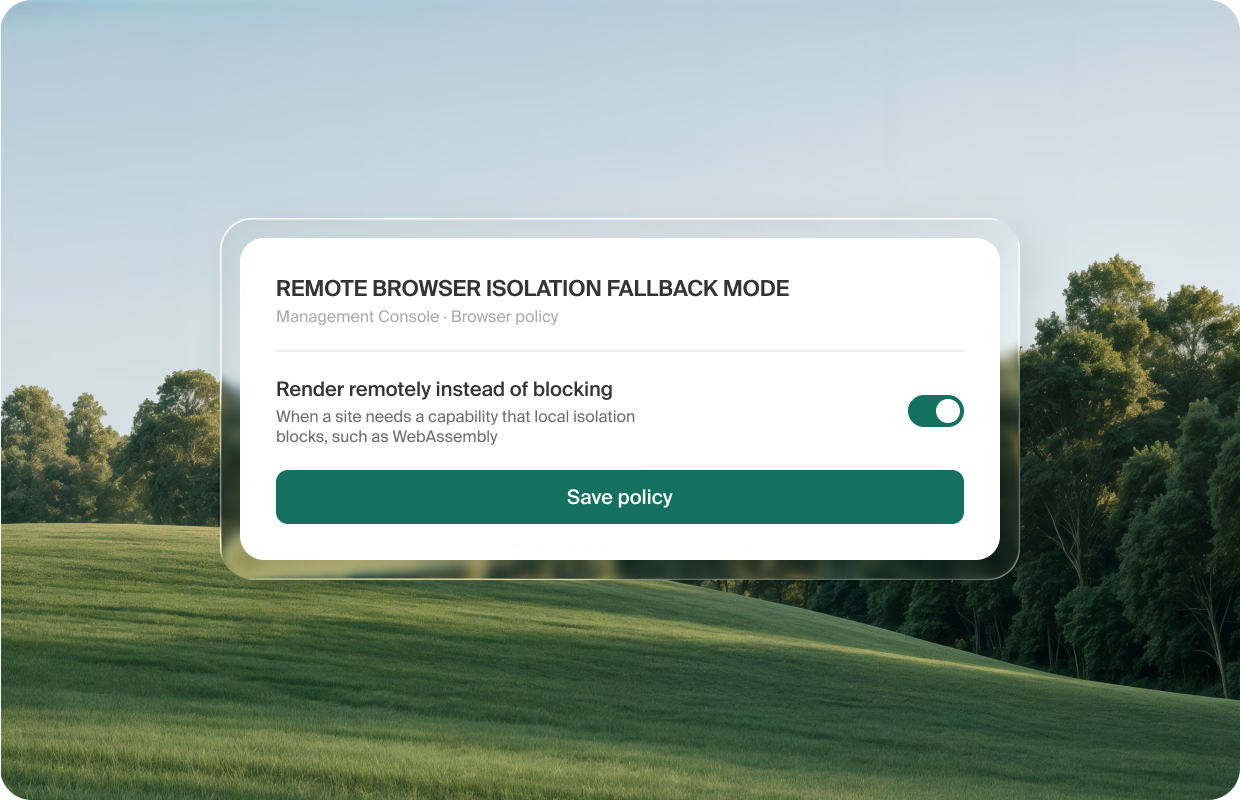
Some sites rely on those risky APIs to function. In these cases, Island renders that site remotely instead of blocking it.
- Vector rendering ensures remotely rendered websites have minimal latency
- Lower bandwidth, because fonts and images are sent once and only changed elements are resent
- Ephemeral sessions created and destroyed per use, with no persistence
A safe room for investigators
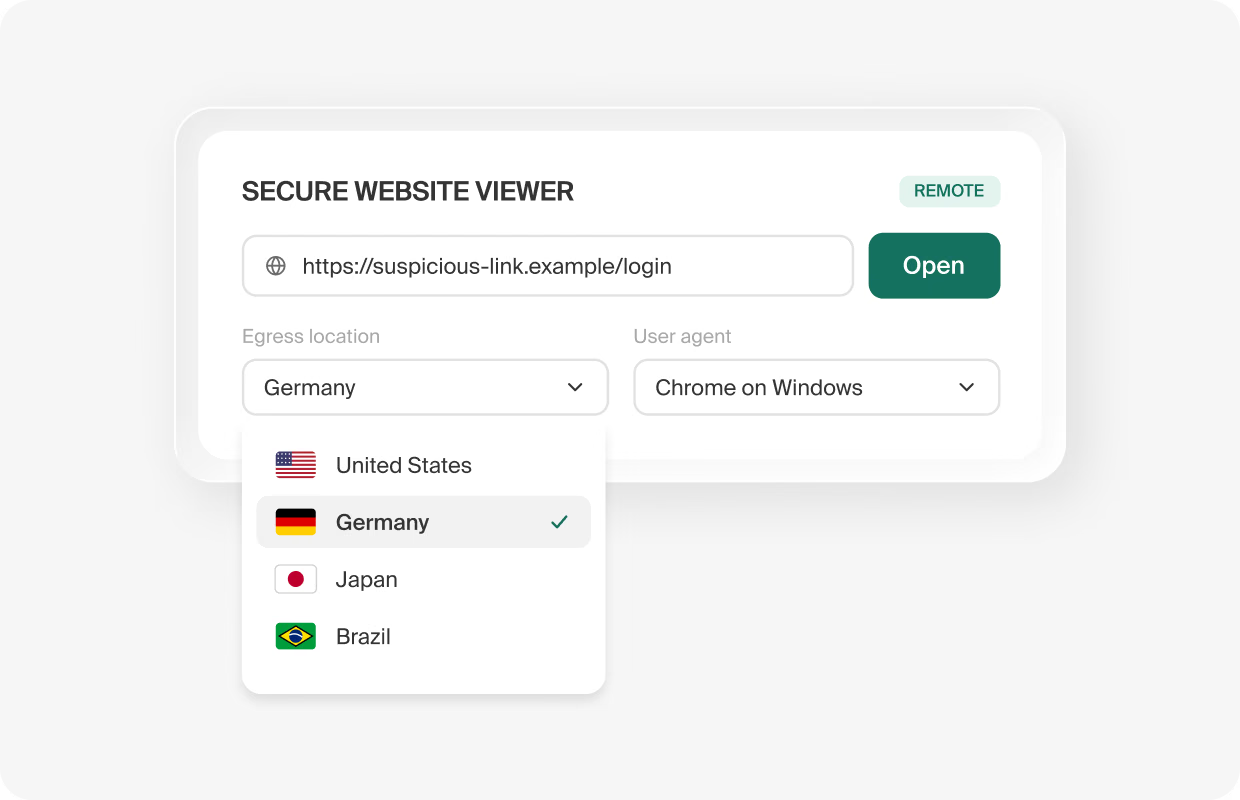
Security researchers and incident responders need to open suspicious links without touching production. Island's Secure Website Viewer gives them a powerful investigation tool.
- Open a link remotely on demand, from the browser
- Choose geographic egress location and customize the user agent
- Inspect the page with remote developer tools and close the session with nothing left behind



Zero Trust Access
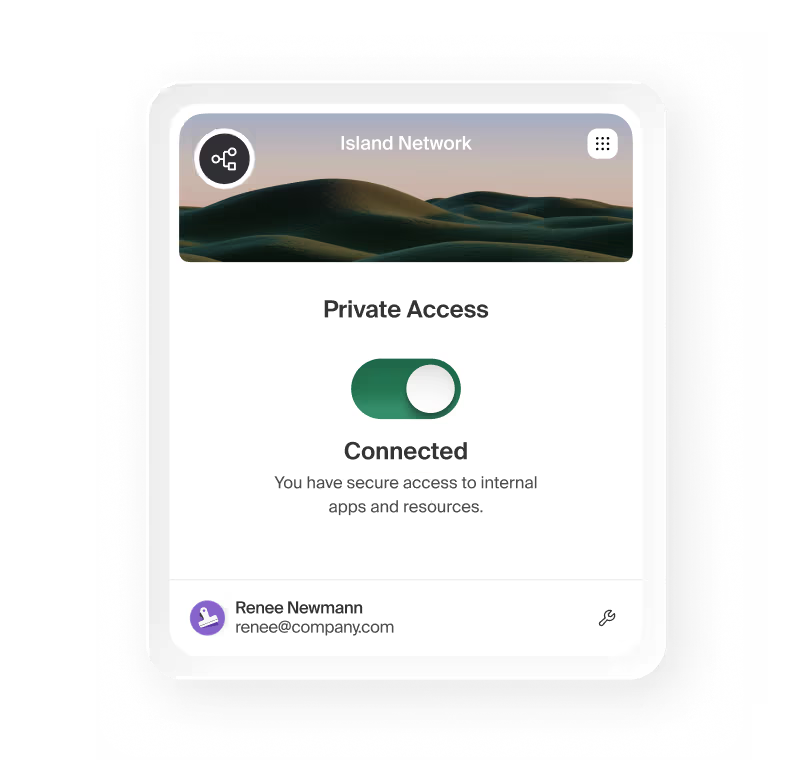
Deliver Zero Trust Access to private applications without VPNs or exposed networks.
Learn more


Secure Web Gateway
Provide precision-first web security without default backhaul or forced TLS inspection.
Learn more
SaaS API
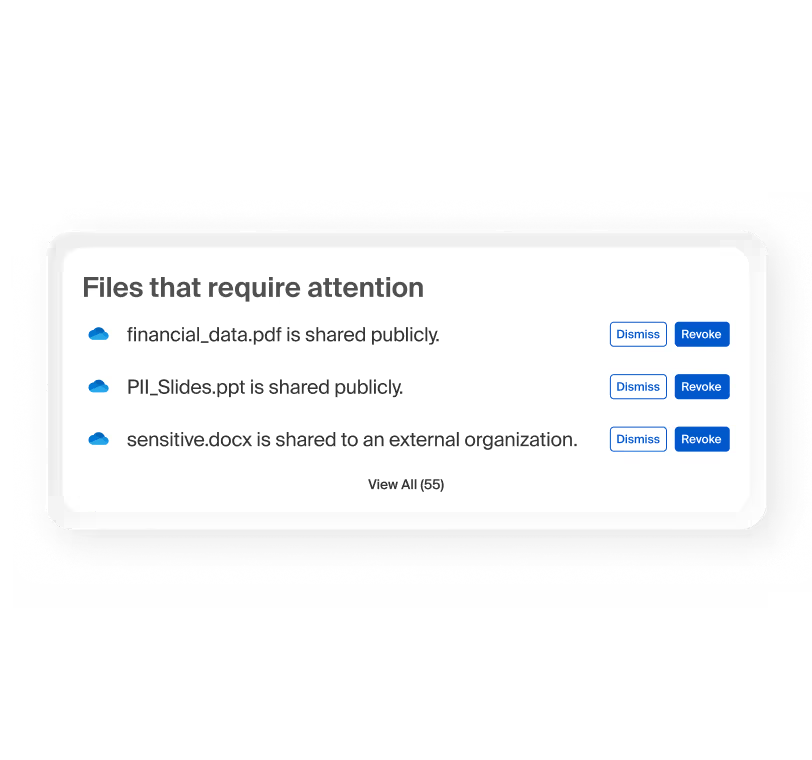
Extend visibility into SaaS apps where data lives via native APIs without rerouting traffic.
Learn more
AI Gateways
The Island LLM Gateway and MCP Gateway help you manage AI models and tools, enforce policy, and protect data.
Learn more

DEX
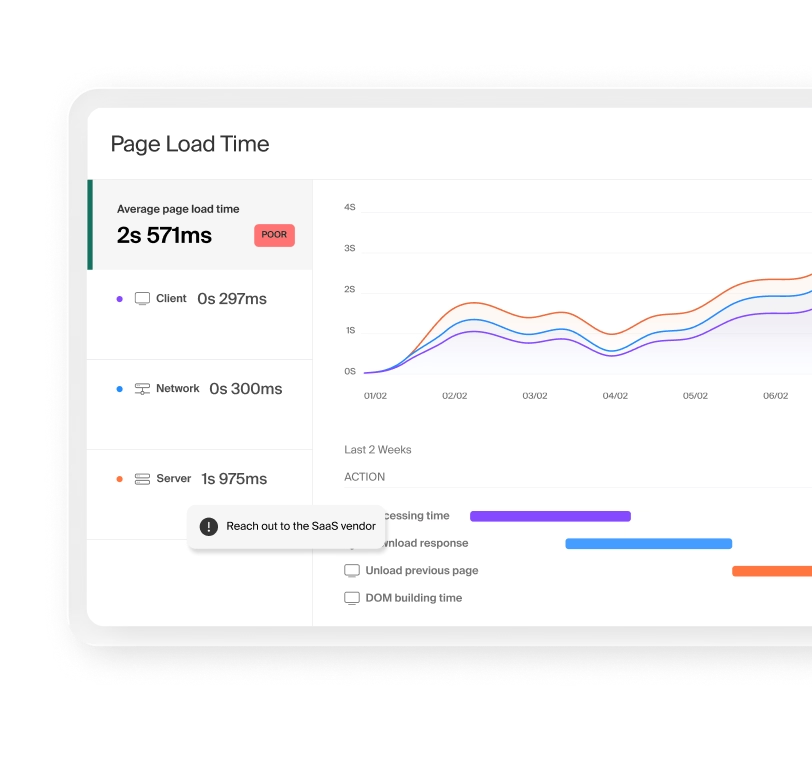
Gain real-time visibility into employee experience across apps, network, and device health.
Learn more
FAQ
Island separates two jobs that traditional RBI lumps together. Local isolation hardens the Island Enterprise Browser on risky sites by disabling JIT, WebAssembly, WebGL, and high-risk interfaces and turning on memory protections, with no latency and no cloud session. Last mile controls stop data leaving the browser locally. Remote browser isolation is reserved for sites that must never render on the endpoint, and for any site that local hardening would otherwise break.
Island uses vector rendering. It captures the remote browser's drawing commands and replays them on the client, rather than compressing the remote screen into video frames. Text stays crisp at any zoom level, fonts and images are sent once and cached, only changed elements are resent, and scrolling and animation happen on the client. Island isolates a single browser window rather than a whole virtual machine, which keeps the infrastructure light.
Two ways. Policy can enforce remote isolation for specific sites or web categories. Separately, when local isolation is active and a site needs a capability that local hardening blocks, such as WebAssembly, Island renders that site remotely instead of blocking it. If the remote isolation service is unreachable, admins choose whether the site fails open or fails closed.
No, and it is designed not to. Most sites render normally or locally hardened, which keeps the experience fast and the infrastructure light. Remote isolation is applied by policy where the risk justifies it and as an automatic fallback, so coverage is complete without sending everything through the cloud.
WebRTC, WebGL, WebGPU, and microphone and camera redirection are not available in remote isolation. Controls that need direct access to the page, such as in-page data masking, phishing protection, ad blocking, and the password manager, do not operate inside a remote session. File upload and download DLP scanning does work. Remote isolation is available on desktop platforms in the Island Enterprise Browser.
A manual remote session for security researchers and investigators. It opens a chosen link remotely with a selectable geographic egress location, a custom user agent, and remote developer tools, so an analyst can examine a suspicious page without exposing a production device. Admins turn availability on or off by policy.
Local isolation runs in the Island Enterprise Browser on Windows, macOS, Linux, and Chromebook. Site-level enforce and exempt lists are also supported on Android.
Up to 90 days. The most recent 30 days support 15-minute granularity and older data is kept at daily granularity. Each dashboard widget exports to CSV or image.