Secure Web Gateway
Island inspects most enterprise web traffic at the point of use, before it is encrypted. For traffic only the network can reach, Island's secure web gateway (SWG) provides inline inspection and protection.

The world’s leading enterprises run on Island.
















The Problem
Decrypt-to-inspect isn’t enough
A legacy SWG forces every connection through a cloud proxy, decrypts it, inspects it, and encrypts it again. This approach increases latency while leaving blind spots.
Backhauling creates latency
When traffic travels to a proxy, waits for decryption and inspection, then travels on, it creates latency.
The certificate pinning problem
Many apps do not allow their traffic to be decrypted, which creates critical blind spots in proxy-only architectures.
A proxy sees packets, not actions
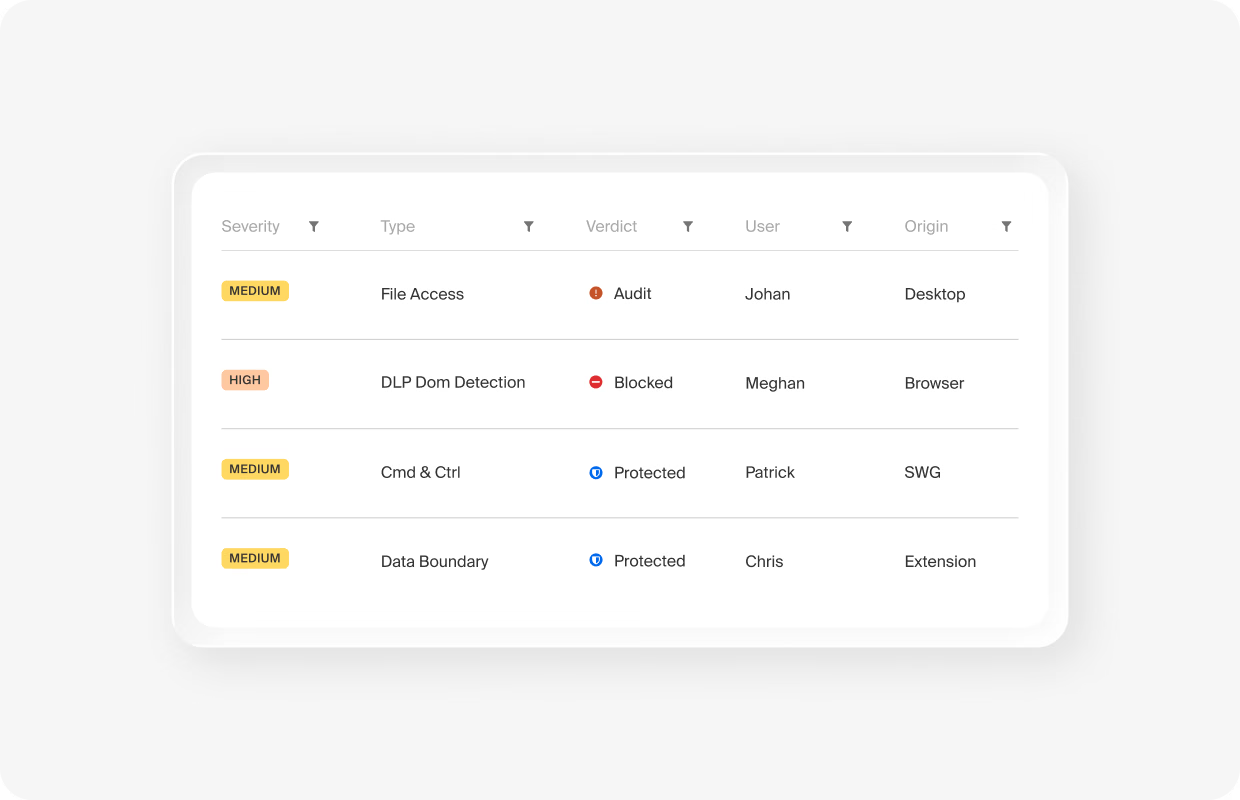
Proxies can only see the packet. They cannot tell when a user copies and pastes data or interacts with a file on the device.
The Solution
Island Secure Web Gateway
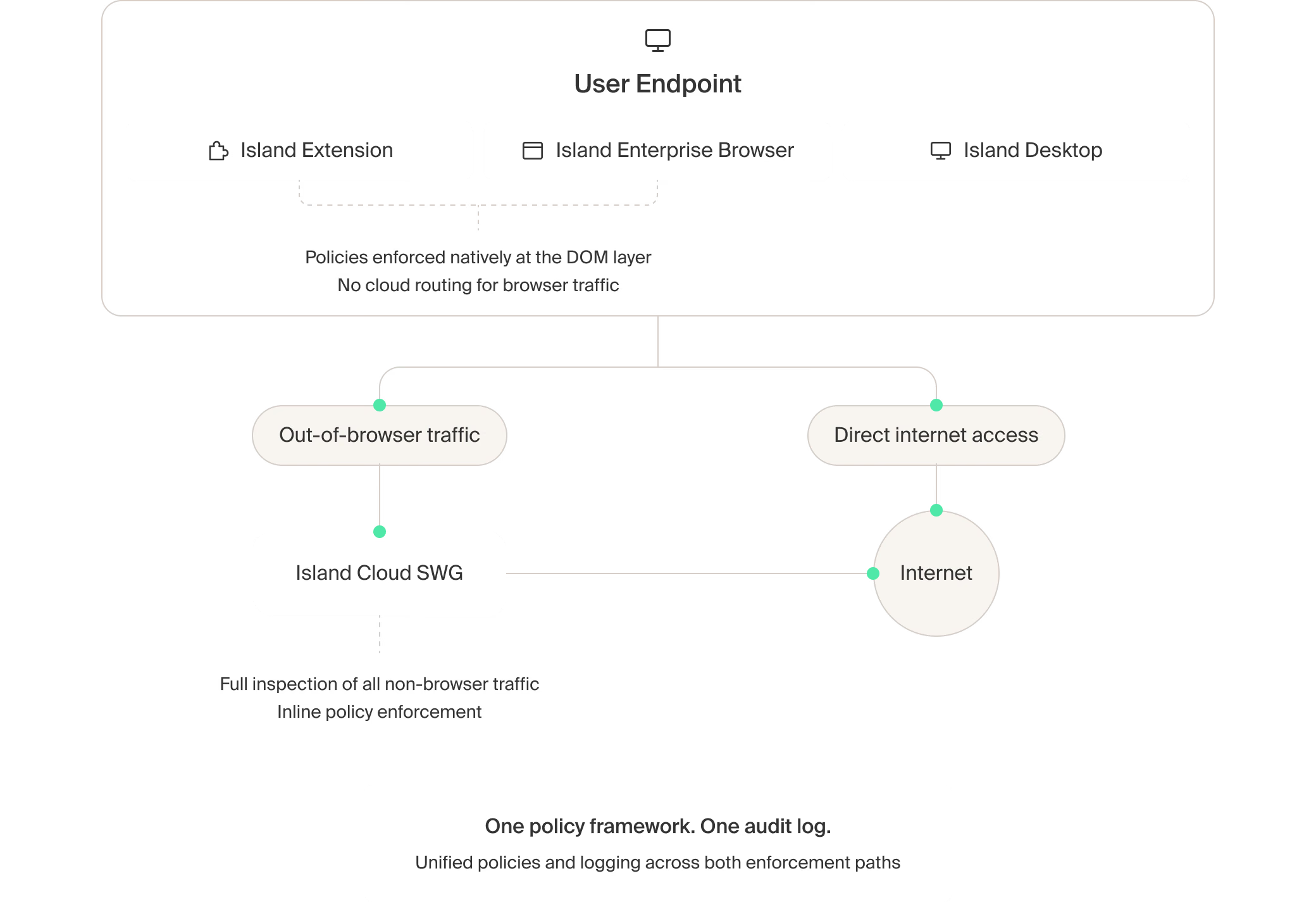
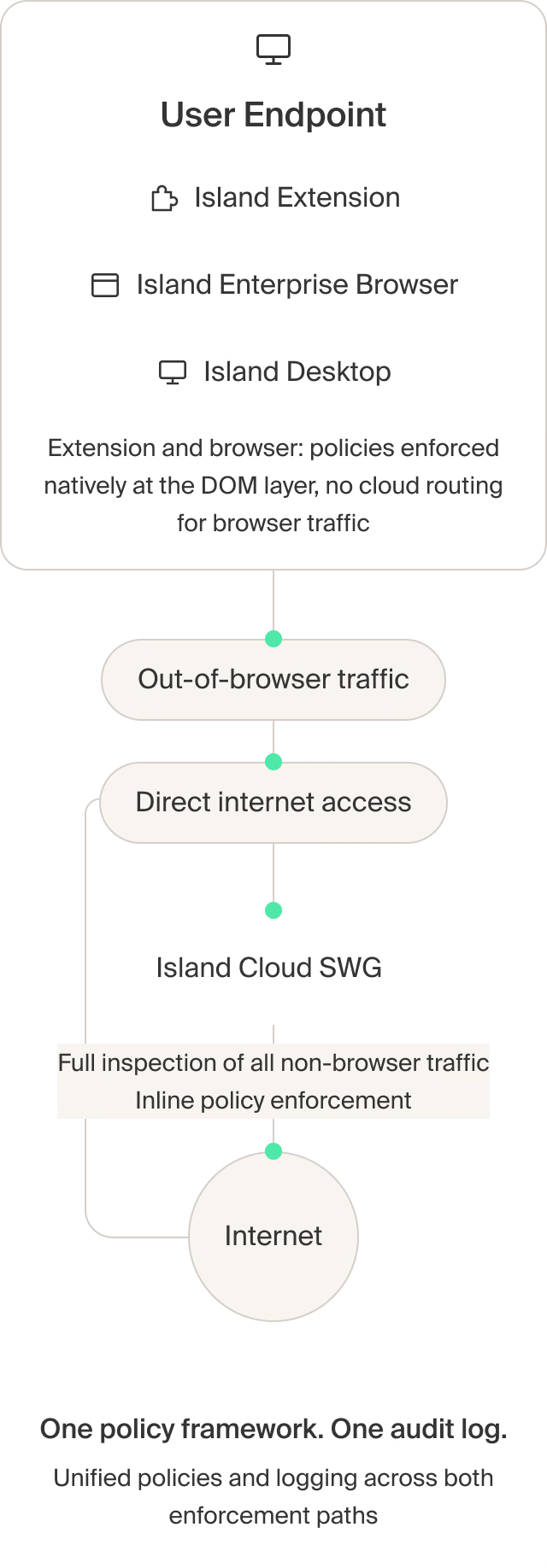
Island takes a local-first approach, where traffic is only steered toward our SWG for inspection when it is necessary.
Inspection at the point of use
Island relies primarily on local inspection via Island Desktop or the Island Browser. This avoids the latency and complexity costs of SSL decryption and ensures there are no blind spots.
- Policy acts on what the user does, such as a file action or a paste, rather than on the destination alone
- Most traffic reaches its destination directly, with inspection complete before the request leaves the device
- Covers web apps, desktop apps, and user actions on the endpoint
A SWG for everything else
For applications that can’t be inspected locally or devices that cannot run local software, the Island Secure Web Gateway can be used to protect the traffic.
- URL and DNS filtering, file protection, payload DLP, malware scanning, and tenancy control
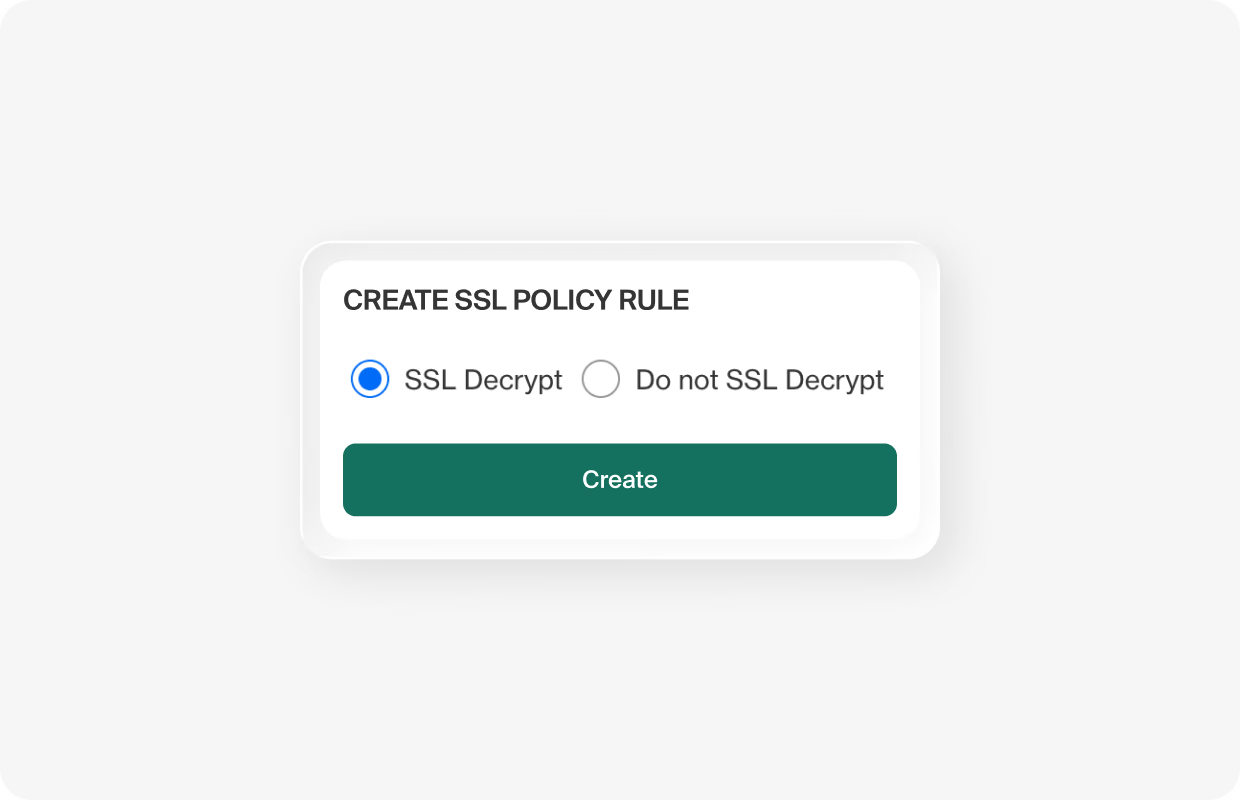
- SSL/TLS inspection decided per destination and your choice of the Island Root CA or your own certificate authority
- Site-to-internet and site-to-site deployments, explicit proxy with proxy chaining from an upstream proxy, IPsec, connector on-ramp, and dedicated or shared egress IP addresses
AI traffic is web traffic
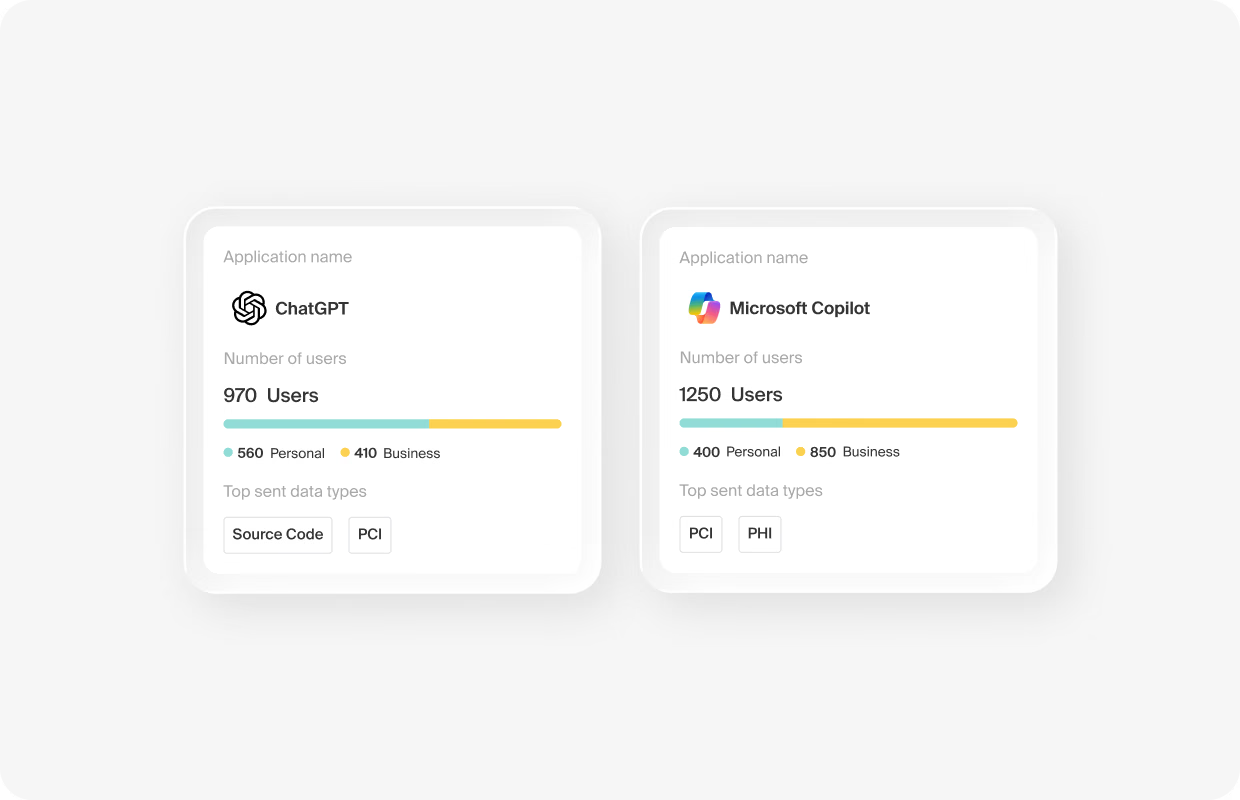
AI and agentic workflows are governed with user, device, and session context, allowing organizations to securely enable AI adoption.
- Prompt inspection and response filtering for AI and LLM services reached from desktop and command-line clients
- Tool call inspection for agents that reach local and remote MCP servers
- One AI policy across browser, extension, desktop apps, and agents



Zero Trust Access
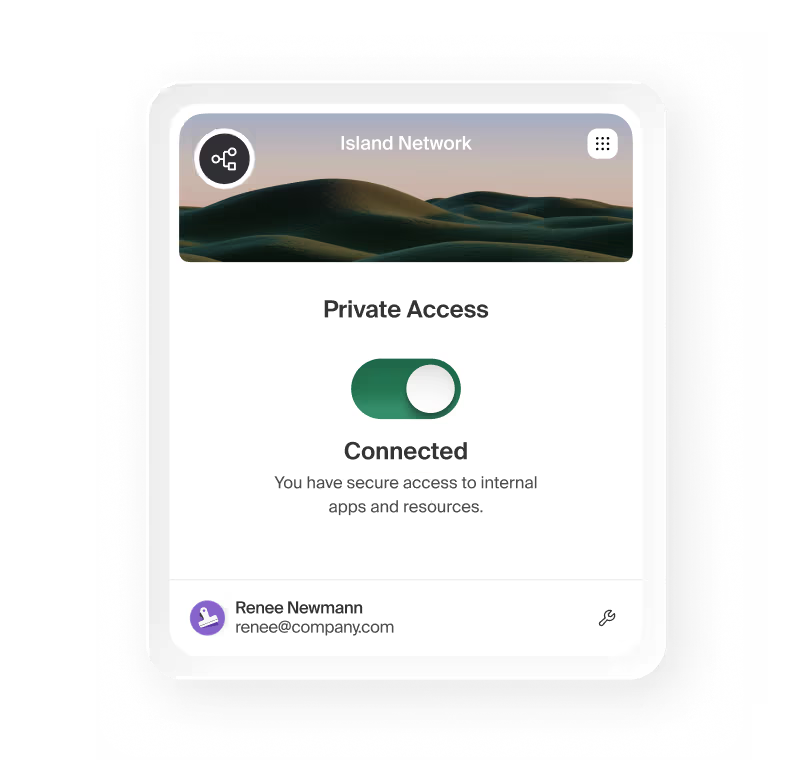
Deliver Zero Trust Access to private applications without VPNs or exposed networks.
Learn more


Remote Browser Isolation
Apply native controls inline by default. Invoke cloud RBI only for high-risk or unknown sites.
Learn more
SaaS API
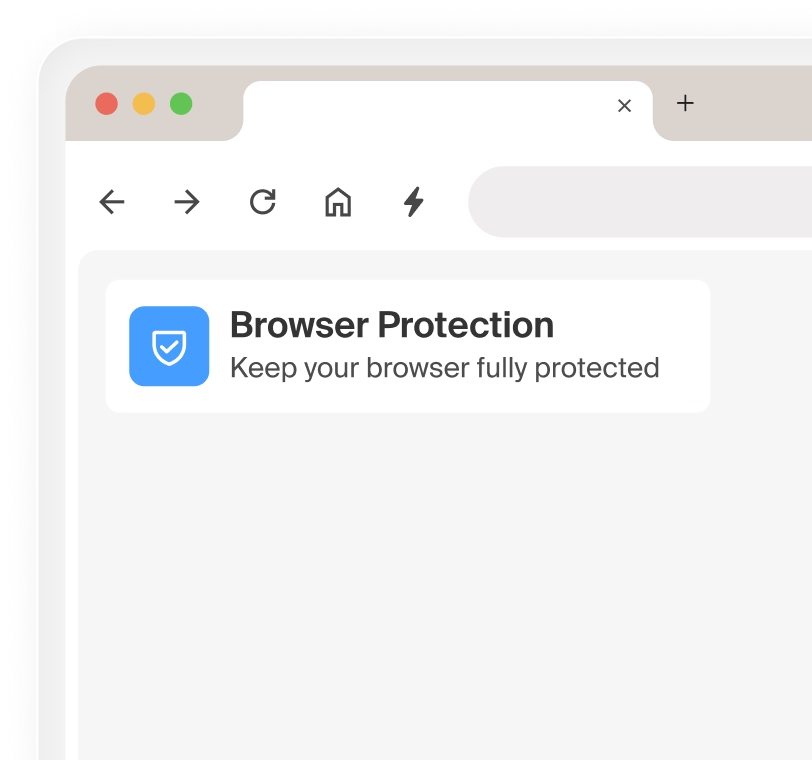
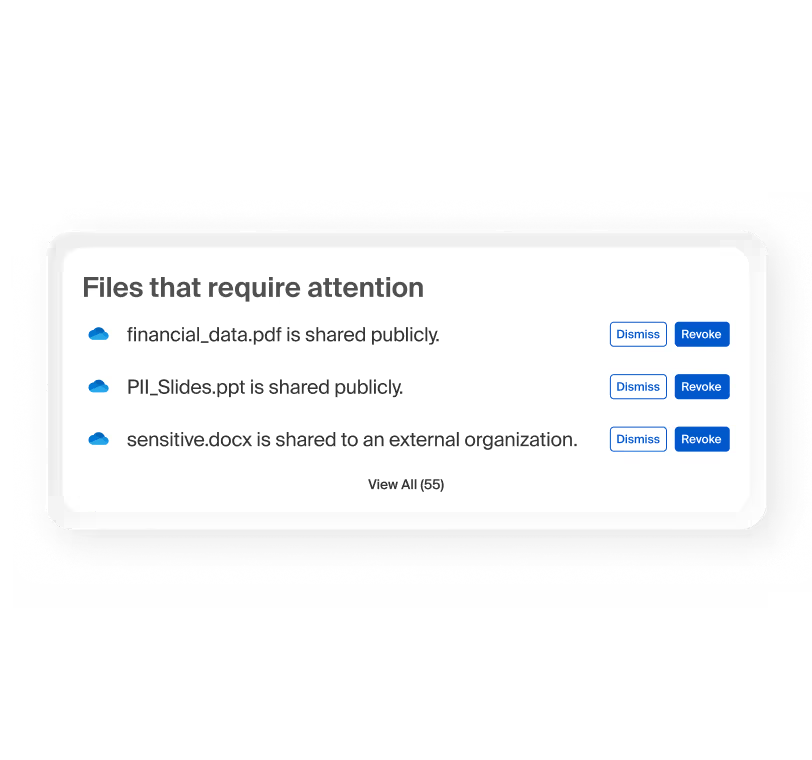
Extend visibility into SaaS apps where data lives via native APIs without rerouting traffic.
Learn more
AI Gateways
The Island LLM Gateway and MCP Gateway help you manage AI models and tools, enforce policy, and protect data.
Learn more

DEX
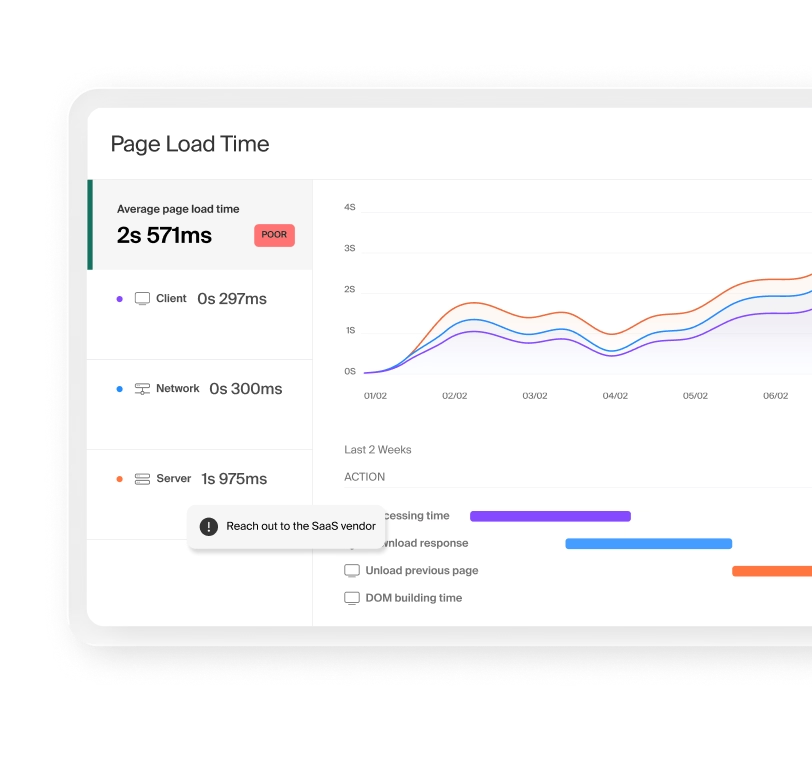
Gain real-time visibility into employee experience across apps, network, and device health.
Learn more
FAQ
It is web security enforced in two places under one policy. In the Island Enterprise Browser and the Island Extension, Island inspects traffic at the point of use, before encryption, so most web traffic never needs a proxy. For traffic that starts outside the browser, such as desktop applications, command-line tools, other browsers, and branch sites, Island's cloud gateway applies the same URL filtering, file protection, and DLP rules.
Not for browser traffic, because the browser already has the content in the clear. At the cloud gateway, you decide per destination. A maintained exclusion list of around 400 domain patterns skips decryption for applications known to break under inspection, and you can add your own exclusions or carve domains out of the list. Traffic that is not decrypted is still filtered by host name and category.
Four ways. Island Desktop steers traffic from managed endpoints. Devices, servers, and third-party proxies can send traffic to your tenant's explicit proxy address, including proxy chaining with a user header from an upstream proxy. Branch and data center firewalls connect over IPsec. Connectors provide an on-ramp from private networks. Egress can use dedicated or shared IP addresses.
Yes. Each tenant gets an Island Root CA by default, and you can bring your own CA instead. Either way you deploy only the root certificate to endpoints. The gateway issues short-lived intermediate and leaf certificates automatically.
TCP traffic over HTTP and HTTPS. For decrypted connections, that includes full URLs, uploaded and downloaded files, request payloads for DLP, malware scanning, and AI traffic down to MCP tool calls. Traffic that stays encrypted is evaluated by host name, category, and connection metadata.
The cloud gateway is one of Island's AI Runtime control points. When a desktop or command-line agent talks to a model or an MCP server over the network, the gateway inspects prompts, responses, and tool calls against the same AI Runtime policy that governs AI use in the browser, and records each interaction as an attributed event.
No. Island is a secure web gateway and does not provide advanced cloud firewall capabilities such as intrusion prevention or layer 7 deep packet inspection, and it does not include a native software-defined wide area network (SD-WAN). Island integrates with SD-WAN partners for site connectivity.
For users on the Island Enterprise Browser or the Island Extension, web policy applies as soon as the browser or extension is deployed. For device-wide coverage, one steering rule set to All Destinations sends public internet traffic from Island Desktop to the cloud gateway, with no destination list to maintain.