Island Private Access
Zero Trust Network Access
Island Private Access gives every user zero trust network access (ZTNA) to private web and desktop apps.
The world’s leading enterprises run on Island.
















VPNs are a critical source of risk
Of access sold by access brokers is a VPN connection
Verizon 2026 DBIR
Of remote-capable U.S. employees work hybrid or fully remote
Gallup, August 2026
One-year growth in attacks that exploit VPNs and edge devices
Verizon 2025 DBIR
Of organizations are actively seeking alternatives to their remote access VPN
Cybersecurity Insiders, 2025 VPN Exposure Report
The Problem
A VPN provides too much access
Virtual private networks (VPNs) grant complete access to the corporate network, usually with broad access to sensitive resources.
Permissive access
VPNs give users broad access to corporate resources. Attackers target VPN access for that access.
Poor user experience
VPNs require users to manage their own connection and login frequently. Third-party contractors often juggle multiple VPNs.
No unmanaged devices
Since VPNs are reliant on endpoint agents, most users are unable to access private apps on unmanaged devices.
The Solution
Island Private Access
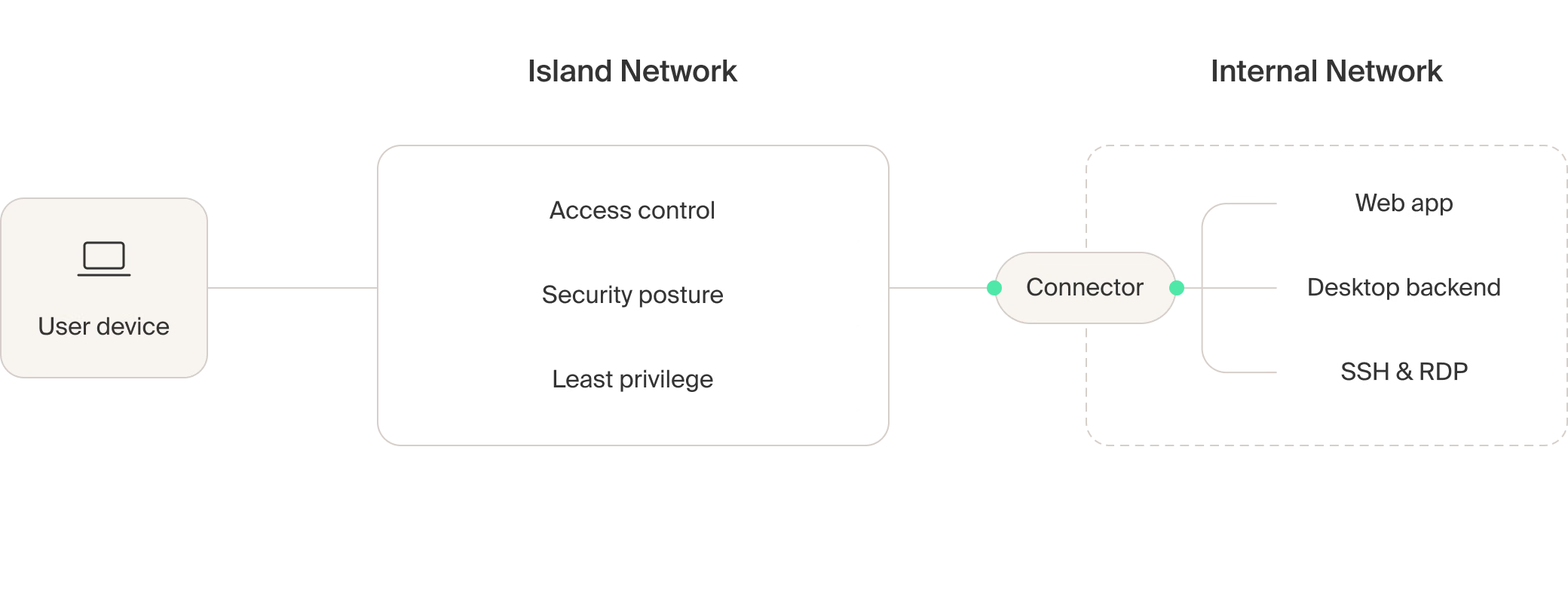
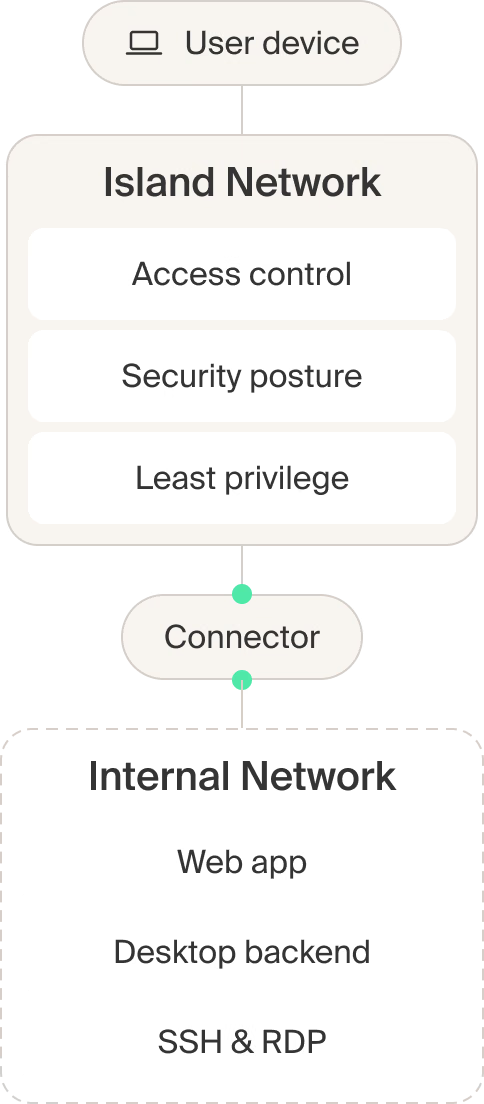
Private applications are accessed through lightweight connectors that keep networks invisible. Identity, posture, and application context determine access per session.
Zero trust access, everywhere
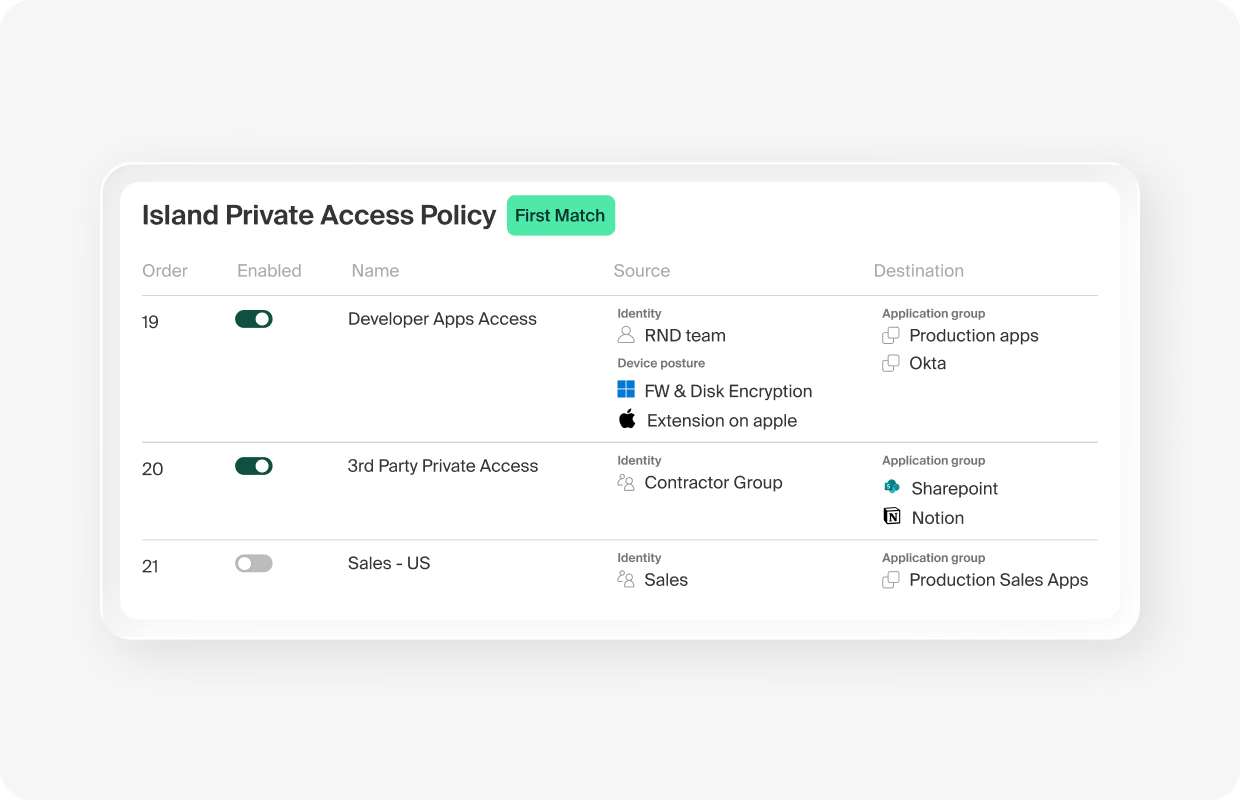
Island Private Access provides secure, policy-driven, and segmented access to private apps and resources.
- Grant access to specific applications without exposing the full network.
- Access decisions use identity, device posture, network, location, and more.
- Supports web and desktop applications across all ports and protocols.
Island Private Access 360 covers every other application
Island Private Access 360 (IPA 360) extends zero trust access to thick applications on all ports and protocols.
- Support desktop apps on any port and protocol
- Gain full visibility and audit log across all apps and actions
- Manage network access, policies, and visibility from a single console
Built for performance and resilience
Island Private Access is fast by design with smart routing and resilient global access.
- Traffic takes the shortest path for consistently low latency
- Multi-cloud global PoPs ensure resilient access by using multiple hyperscalers with automatic failover
- Avoid backhauling and heavy SSL interception and inspection

How it works
Connectors, one policy, and a cloud that picks the path
No agents. No rerouting. No rip-and-replace.
Deploy connectors
Connectors sit in your data center or cloud and open outbound-only tunnels to Island Cloud, so you add no inbound firewall rules. Deploy them as a virtual appliance, a container, or a script on any Linux machine, and group them for high availability and load balancing.
Write one policy
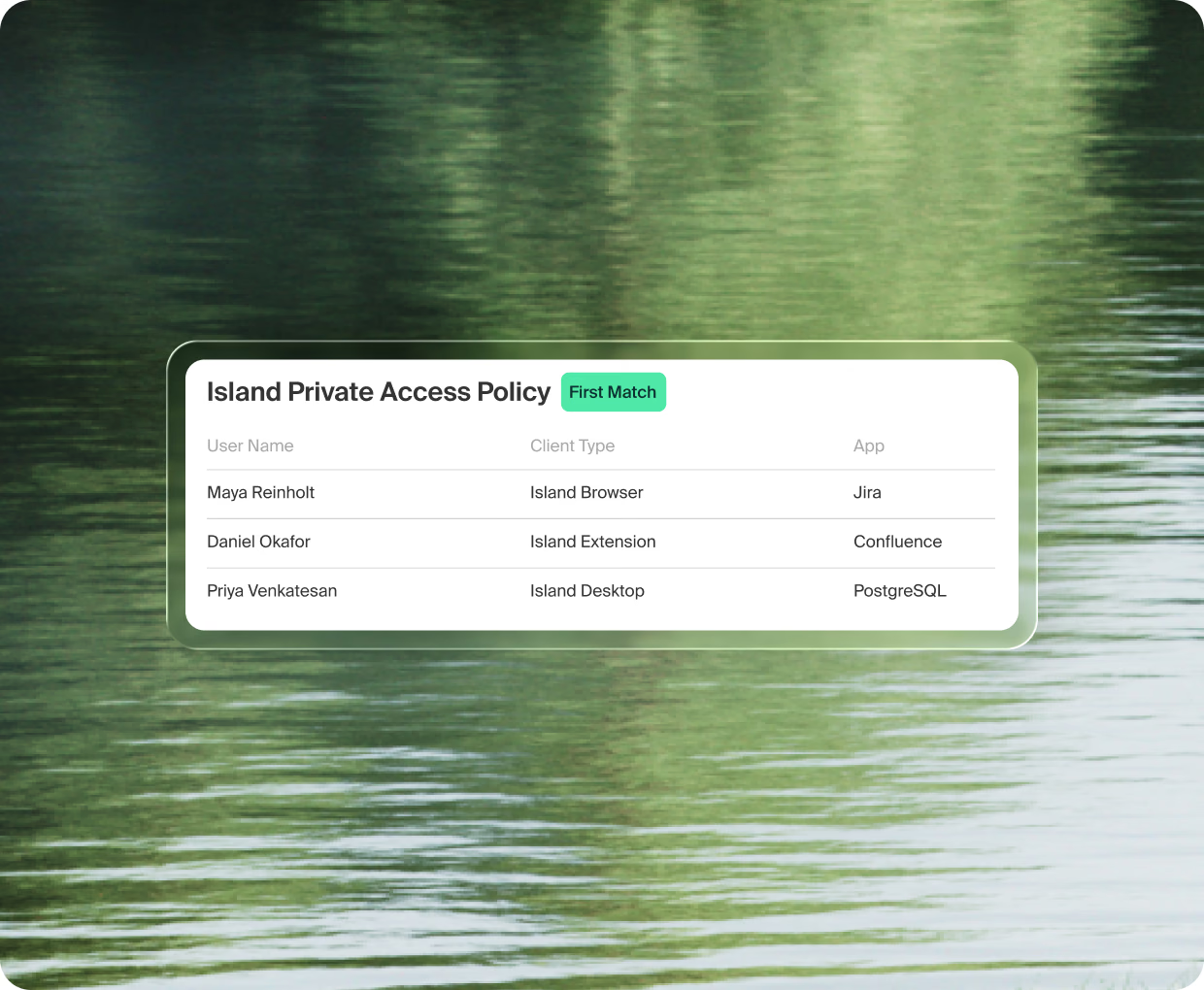
Define who reaches which application from which device. Choose how each destination is reached: through a connector group, through Island Cloud with a static egress IP, directly, or dropped on the device before a connection ever forms.
Users connect
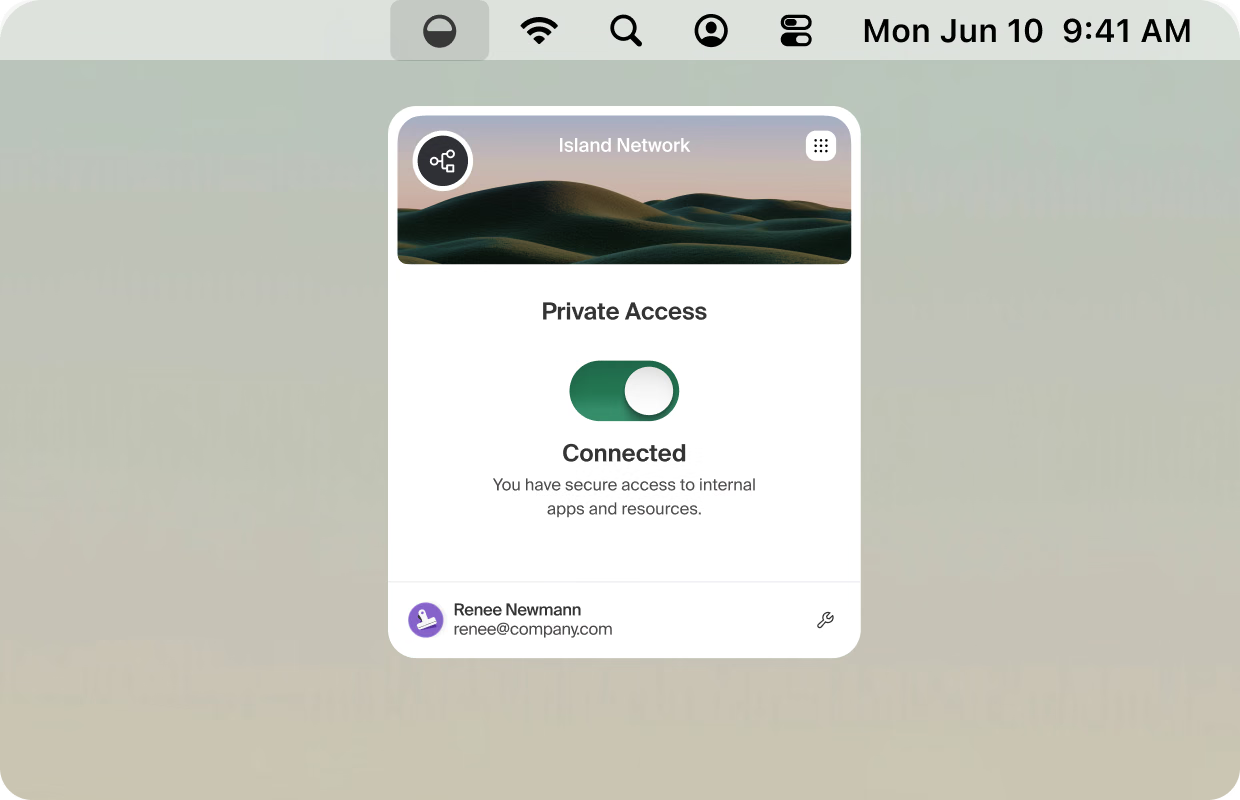
The browser or extension opens web apps. Island Desktop handles everything else. Island Cloud selects the healthiest path across multiple regions and availability zones and fails over automatically when one is unavailable.



Secure Web Gateway
Provide precision-first web security without default backhaul or forced TLS inspection.
Learn more


Remote Browser Isolation
Apply native controls inline by default. Invoke cloud RBI only for high-risk or unknown sites.
Learn more
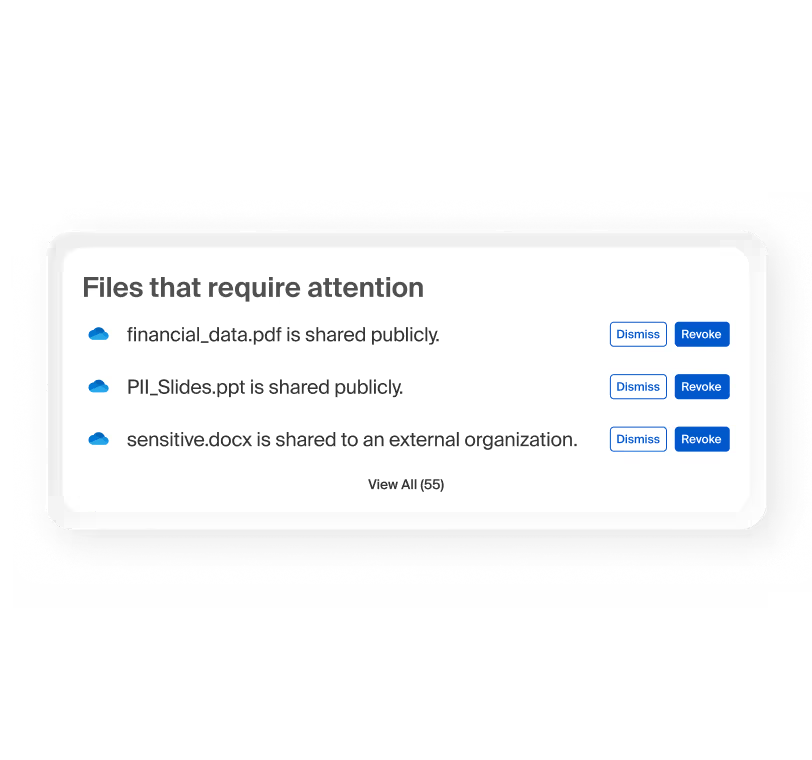
SaaS API
Extend visibility into SaaS apps where data lives via native APIs without rerouting traffic.
Learn more
AI Gateways
The Island LLM Gateway and MCP Gateway help you manage AI models and tools, enforce policy, and protect data.
Learn more

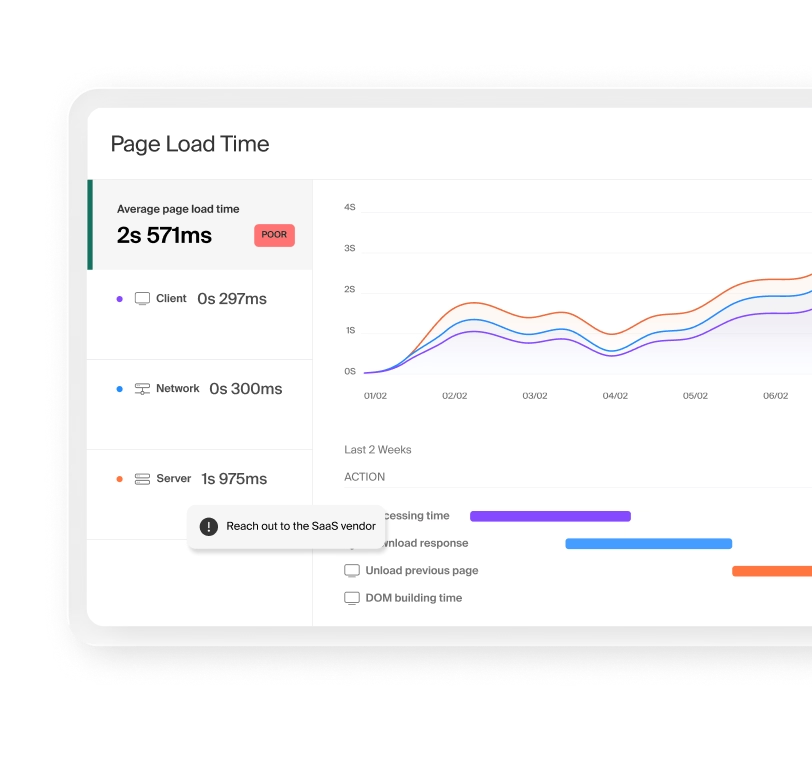
DEX
Gain real-time visibility into employee experience across apps, network, and device health.
Learn more
FAQ
Island Private Access is Island's zero trust network access (ZTNA) capability. It connects users to the specific private applications they are authorized for, based on identity, device posture, network, and location, without placing the device on the corporate network. Web applications open in the Island Enterprise Browser or the Island Extension. Island Private Access 360, delivered through Island Desktop, extends the same access to thick applications on all ports and protocols.
Not for web applications. The Island Enterprise Browser or the Island Extension is the access point, which is why contractors and BYOD users can start in minutes. Thick applications, native RDP and SSH clients, and SMB shares outside the browser use Island Desktop, a modular endpoint agent that runs IPA 360.
In three steps. First, private web apps move to the browser, which covers most users with nothing to install. Second, IPA 360 moves thick applications onto the same connectors and policy. Third, VPN Mode handles the legacy flows that need a routable IP address, such as voice over IP, group policy, and remote management tools, by assigning users an address from an admin-defined pool.
Connectors are lightweight components you deploy next to your private applications. They open outbound-only connections to Island Cloud, so no inbound firewall rule is needed. Connectors run as virtual appliances on VMware, Hyper-V, and KVM, as images on AWS, Azure, Google Cloud, Oracle Cloud, IBM Cloud, Alibaba Cloud, and DigitalOcean, or through a registration script on any Linux machine. Deploy them in groups for high availability and load balancing.
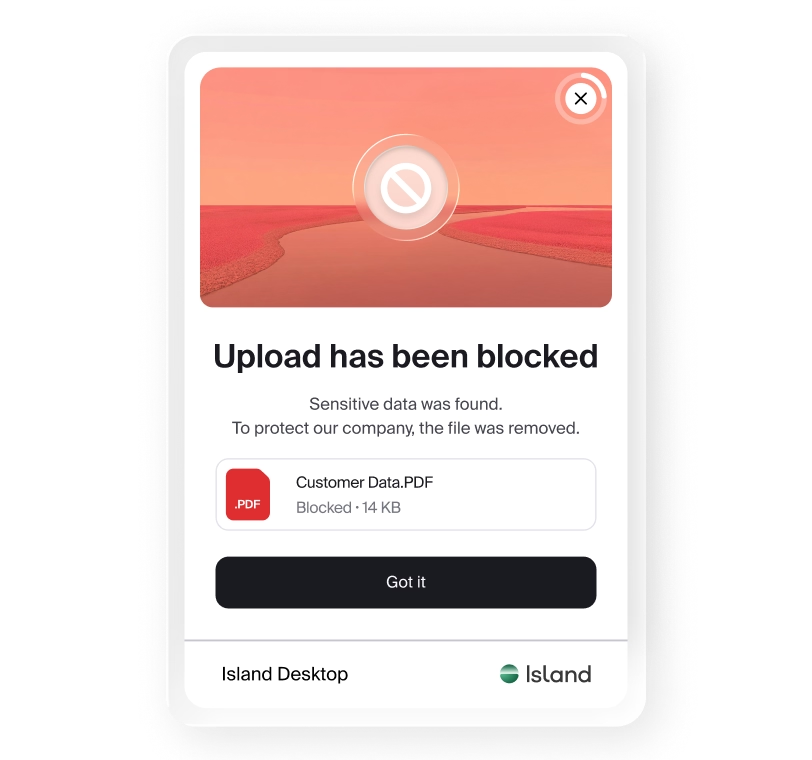
Yes. Access policy and data protection policy live in the same engine, so Island governs the session as well as the connection. Copy, paste, download, upload, print, and screenshot controls, watermarks, and DLP scanning apply to private apps exactly as they apply to SaaS. File transfer over RDP is subject to DLP as well.
Yes. Island Private Access is available through the Island apps for iOS and Android. On mobile device management (MDM) managed iOS devices, Island also supports a device-wide VPN profile with a pre-login policy, so the device keeps private access rules before any user signs in, and mutual TLS client certificates including YubiKey and Derived Credentials.
Island Cloud runs across multiple regions and availability zones with health checks that reroute traffic automatically. Connectors in the same group load balance and fail over to one another, and a connector that falls out of date keeps working because the software is backward compatible. In VPN Mode, admins define priority-ordered routes across connector groups, and clients move to the next group in about a minute.
It is one of the most common starting points. A contractor downloads the Island Enterprise Browser, signs in with the identity you issue, and reaches the applications policy allows, with data controls applied inside the session. The device is never enrolled, never joined to the network, and never given more than the application it needs.
There’s lots more to learn