SaaS API Protection
SaaS security posture management should answer two questions: what are users doing with SaaS data right now, and what is already exposed in the apps?
The world’s leading enterprises run on Island.
















SaaS risk by the numbers
Of organizations name data oversharing as a top SaaS security concern
Cloud Security Alliance
Of organizations had a cloud admin account with MFA disabled
Verizon 2026 DBIR
Median time to fix half of the weak password and misconfigurations found in cloud environments
Verizon 2026 DBIR
Say employees adopt SaaS tools without security’s involvement
Cloud Security Alliance
The Problem
SaaS apps are a large, complicated attack surface
Data piles up overshared
Files shared with anyone who has the link, folders shared to personal email accounts, and orphaned docs create hidden risk.
Misconfigurations expand quietly
An admin account without MFA, an inactive user that still holds access, an over-privileged role. Each one widens the blast radius of a compromise.
Inline CASB only sees data in transit
A proxy only sees data that is actively being interacted with, leaving blind spots, such as documents open to the Internet.
The Solution
SaaS API Protection
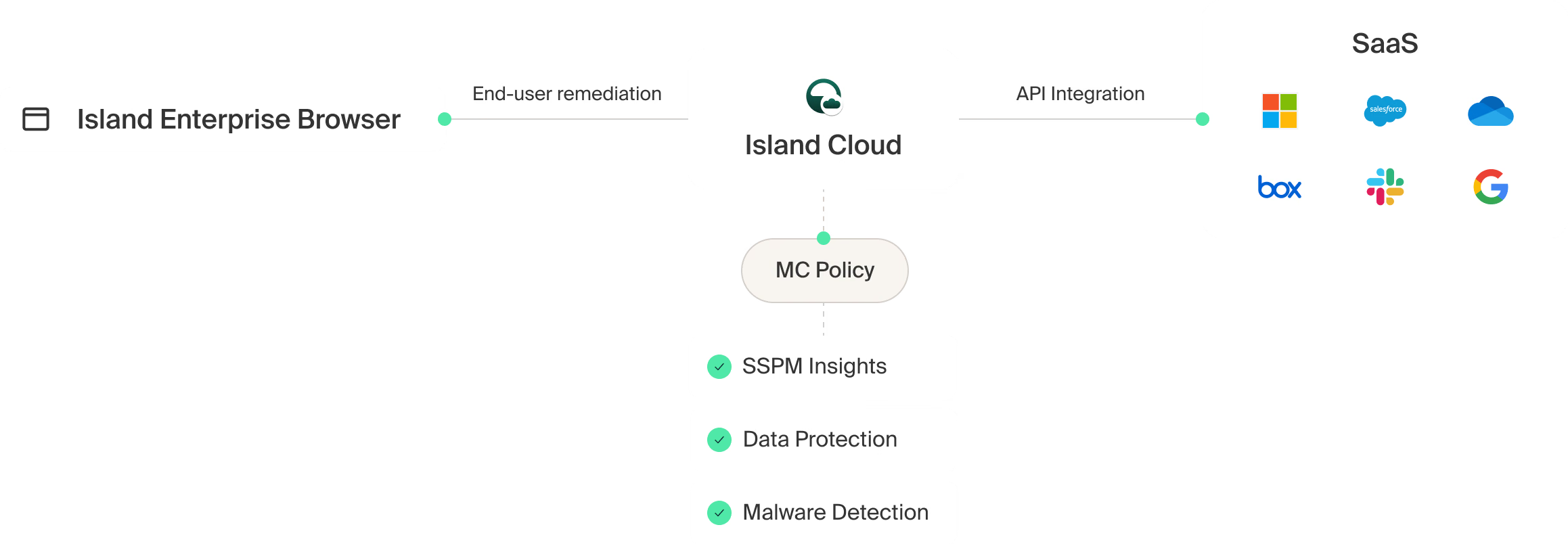
Island SaaS API Protection monitors data in transit and data at rest via in-line and out-of-band cloud access security broker (CASB).
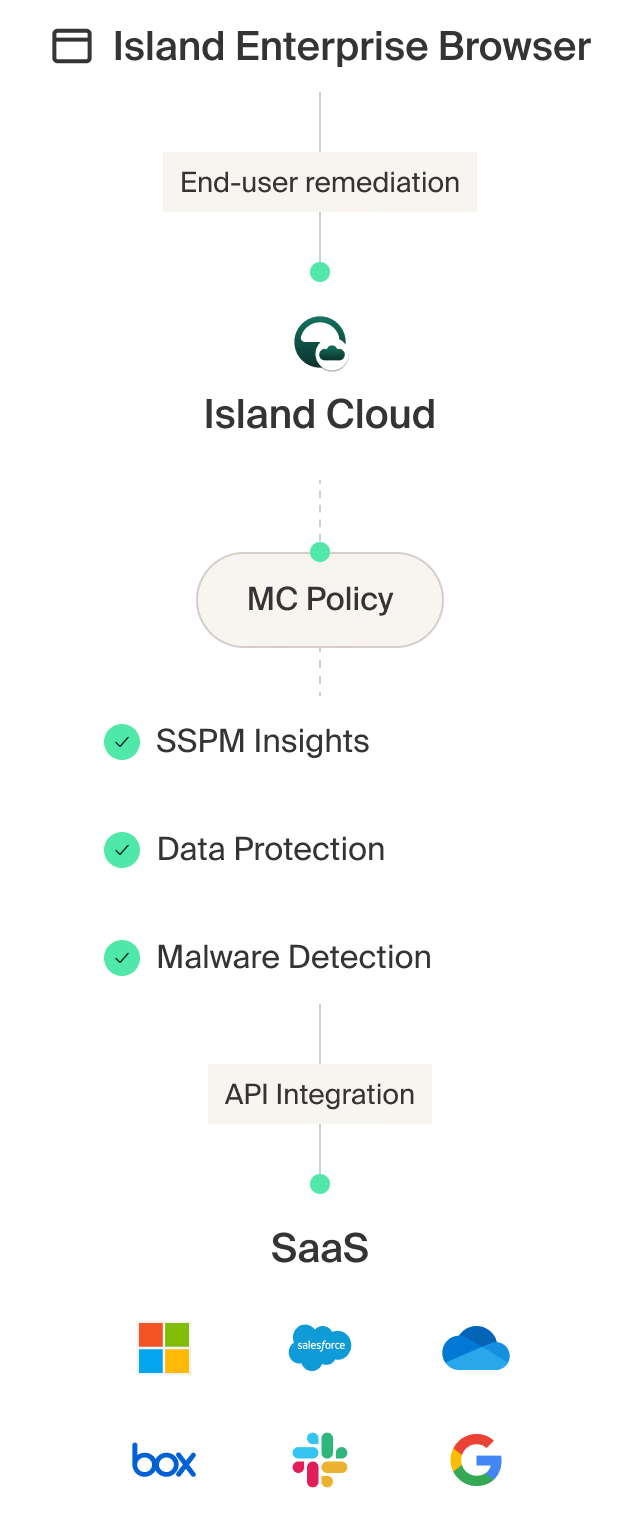
Inline control at the moment of use
Island uses local monitoring via the browser and Island Desktop to see application access, data movement, and user actions when they happen.
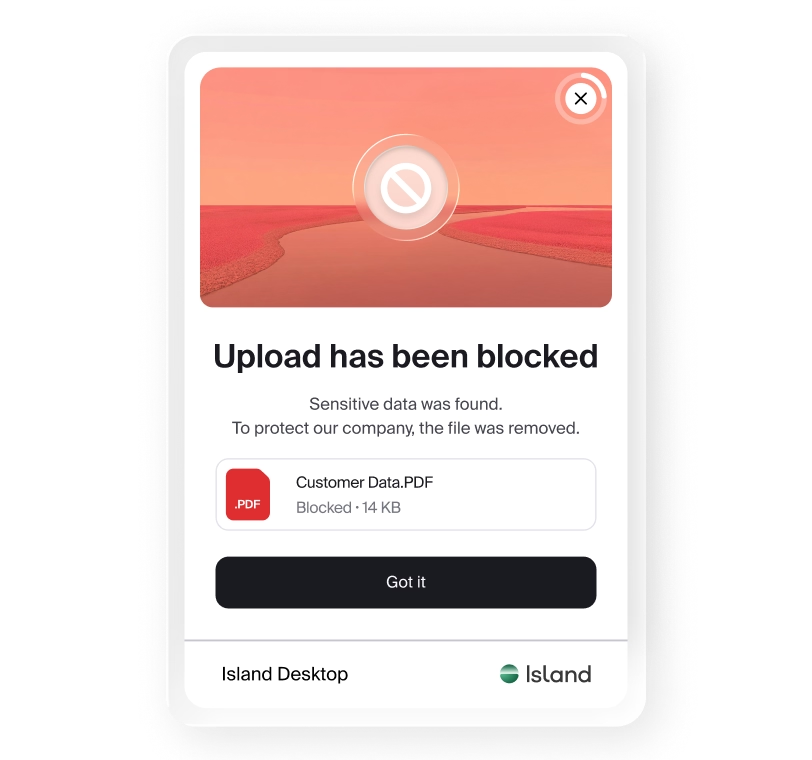
- Action-level controls inside SaaS applications: copy, paste, upload, download, print, screenshot, and screen share
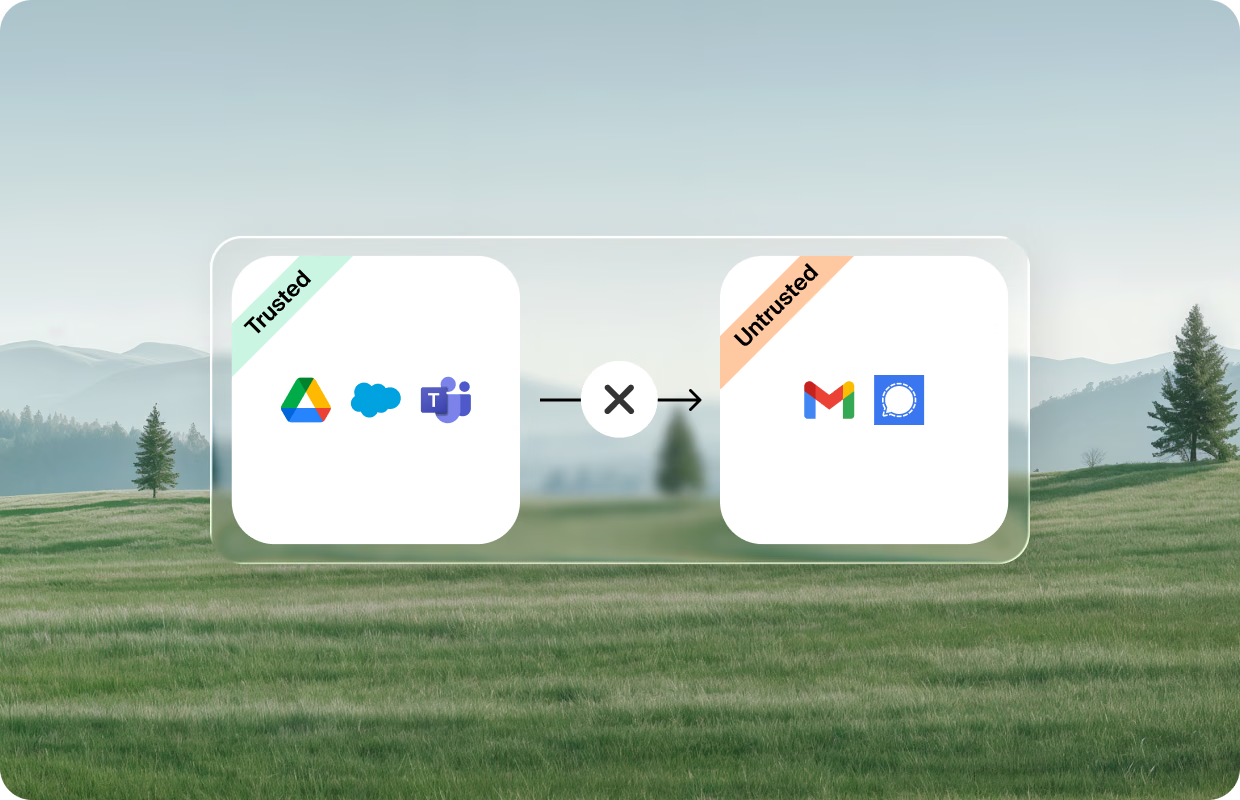
- Tenant restrictions that allow corporate tenants and block personal or unauthorized
- Data protection policies and application boundaries, which prevent data from moving from corporate to non-corporate apps
Out-of-band protection for data at rest
SaaS API Protection connects directly to your SaaS applications through their native APIs to identify data risk.
- Content-aware scanning for PII, payment card data, and confidential content
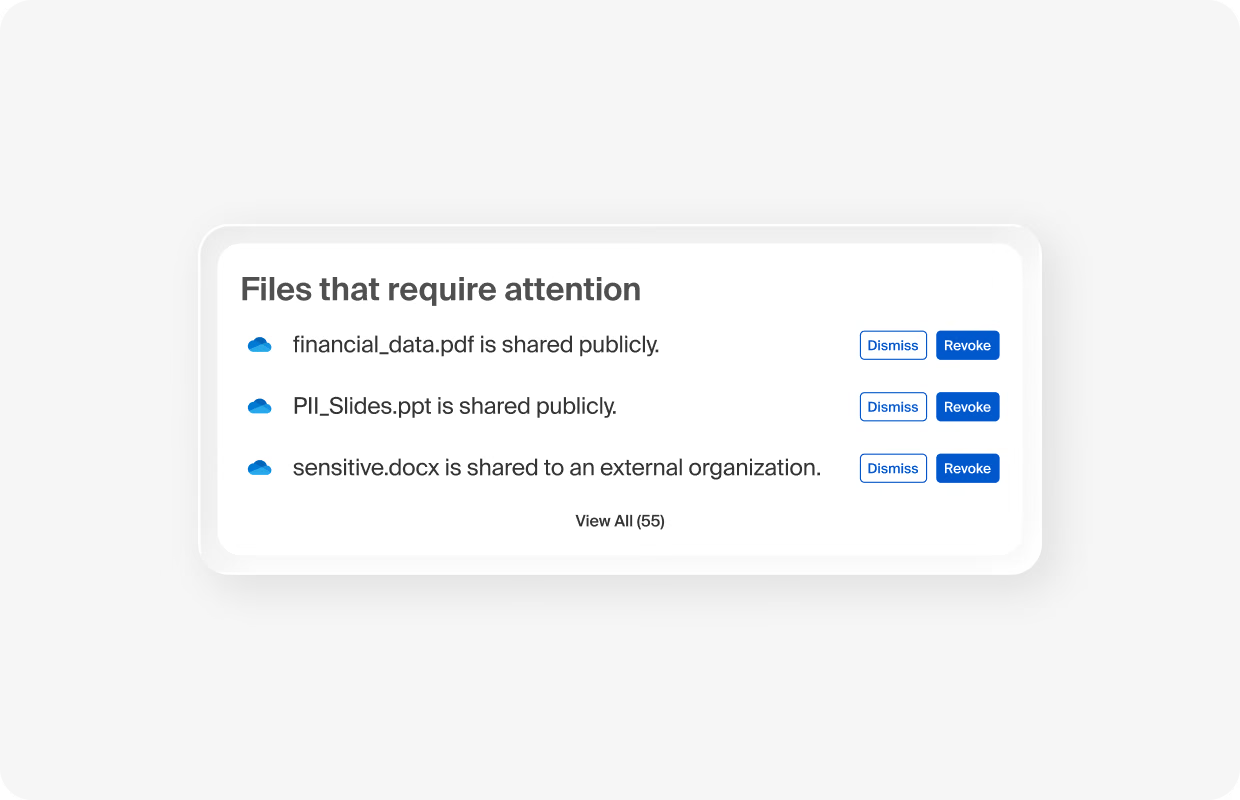
- Identify documents that are shared with personal accounts or anyone with the link
- Prompt document owners to review overly permissive sharing permissions with one-click revocation
Posture findings and remediation that scales
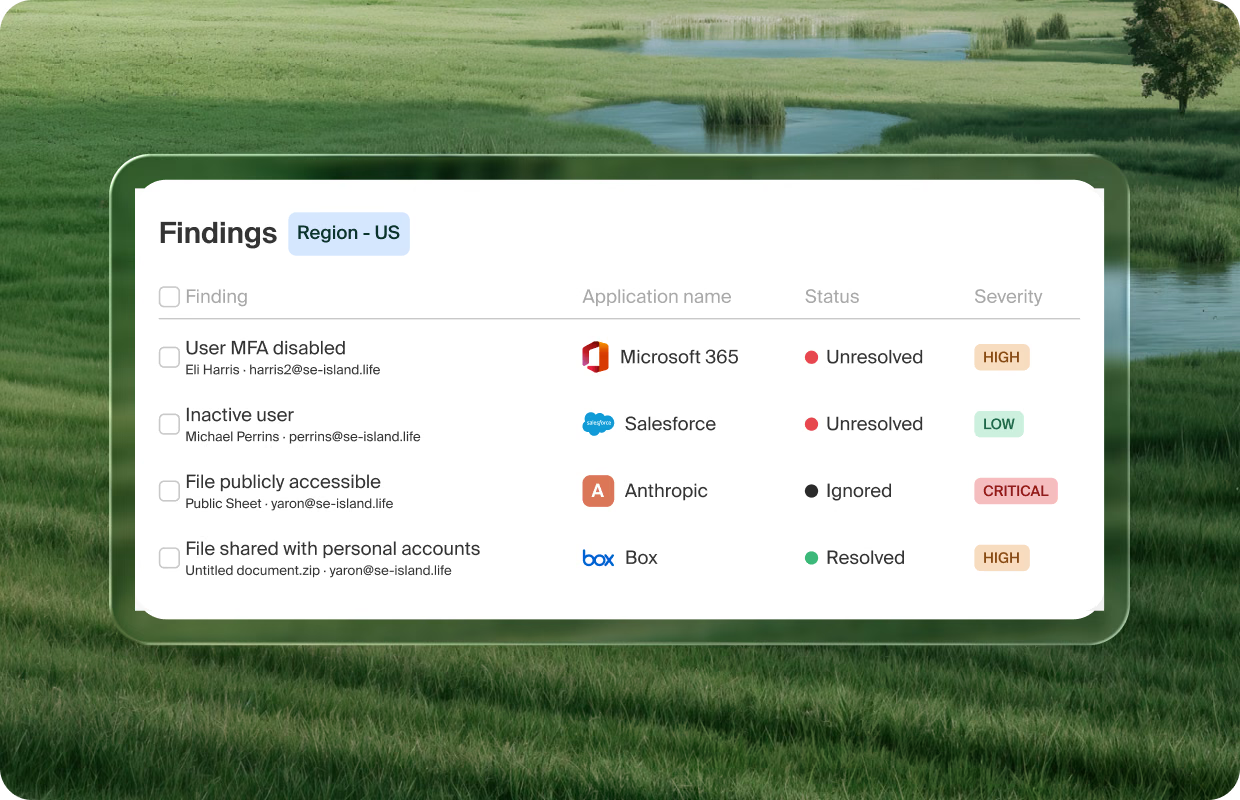
SaaS security posture management (SSPM) findings surface misconfigurations and risks, with automatic and manual remediation options.
- Monitor users, files, and configurations across connected apps. Close visibility gaps that inline controls can't reach, wherever your teams work.
- Detects admin and user accounts without MFA, inactive users, and over-privileged accounts, each with a severity
- Run baseline, periodic, and on-demand scans. After the baseline, only changes are scanned, ensuring minimal overhead and performance at scale


Zero Trust Access
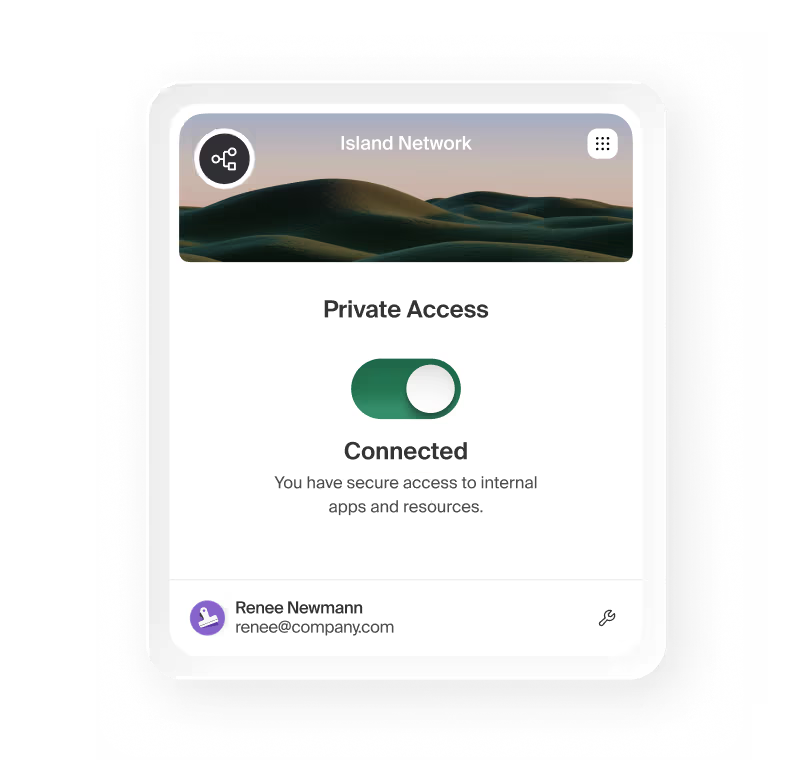
Deliver Zero Trust Access to private applications without VPNs or exposed networks.
Learn more


Secure Web Gateway
Provide precision-first web security without default backhaul or forced TLS inspection.
Learn more
Remote Browser Isolation
Apply native controls inline by default. Invoke cloud RBI only for high-risk or unknown sites.
Learn more
AI Gateways
The Island LLM Gateway and MCP Gateway help you manage AI models and tools, enforce policy, and protect data.
Learn more

DEX
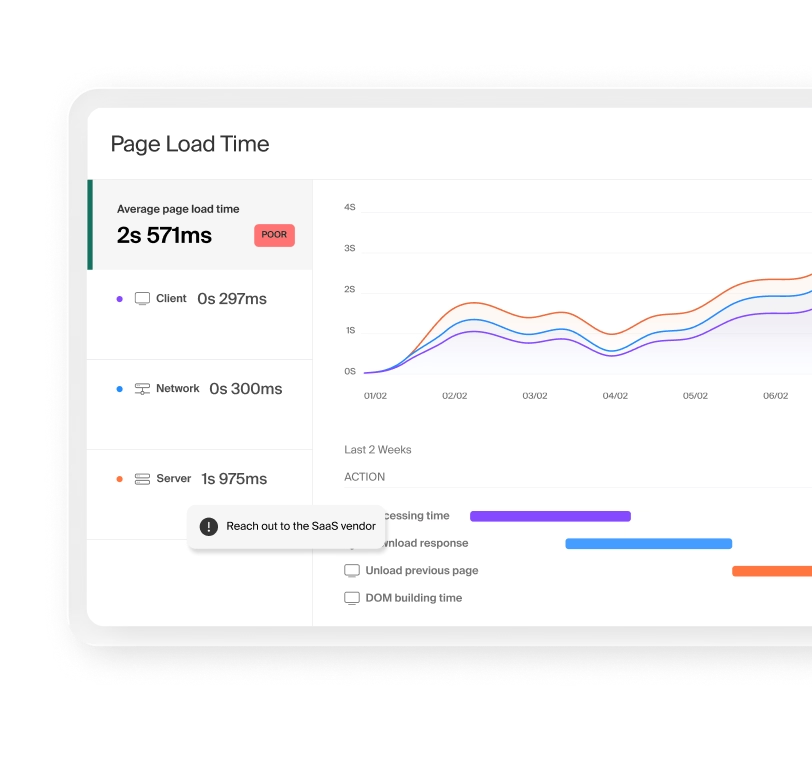
Gain real-time visibility into employee experience across apps, network, and device health.
Learn more
FAQ
A cloud-native module that connects to your SaaS applications through their native APIs to inspect data, file metadata, users, permissions, and configuration. It applies DLP and posture policies to data already in the cloud, generates findings with severities, and remediates automatically or through the people who own the files. It runs entirely in Island Cloud, with no agent and no traffic rerouting.
An inline CASB sits in the traffic path and sees connections. Island's inline controls run in the Island Enterprise Browser and the Island Extension, where they see the application, the tenant, the action, and the content, and enforce at the moment of use. SaaS API Protection adds the view an inline tool can never have: the files, shares, and settings already sitting in the application. Both use the same DLP detectors and policy framework.
Google Workspace, Google Drive, Google Calendar, Microsoft 365, Microsoft OneDrive, and Box. Posture findings for users, domains, and configuration come from Google Workspace and Microsoft 365. File policies apply to the storage applications: Google Drive, OneDrive, and Box.
The first scan covers the previous three months of activity. After that, scans run on a continuous schedule and on demand, and each one covers only resources that changed since the last scan. Policy changes take effect on the next scan.
Policy actions on storage applications are allow, audit, and revoke. Revoke removes the matched sharing permission, such as public, external, or personal-account access, and records a finding. Admins can also remediate from the Findings page, and end users can fix their own files from a widget in the browser.
From the page itself. Because Island enforces in the browser and the extension, it reads the tenant the user signed in to rather than inferring it from a URL or an IP address. Tenant restrictions allow corporate tenants and block personal or unauthorized ones in real time, and per-workspace policy can apply different controls to each.
Yes. Scans are content-aware and use the same DLP detectors Island uses in the browser and on the endpoint, including detection of PII, payment card data, and confidential content. Findings can combine exposure and content, such as a publicly accessible file that also matches a DLP detector.
There’s lots more to learn
Forrester: Close the Door to Data Extraction by Protecting Your Browser